 NEWS
NEWS
Apple’s Next Mac Pro May Integrate With the iPad Pro
 04/07/2017
 2658
2658
Apple just detailed how they’re developing a new Mac Pro, and now a new report offers further details on what we can expect. For one, they believe that the new Mac Pro won’t become available in 2018 but rather 2019 likely due to the company starting the project just a few weeks ago.
Quoting “people and sources who know their stuff,” Thom Holwerda says the Mac Pro was basically in limbo before a few months ago when Apple finally acknowledged professional users needed a new machine to work off of. Ship dates are currently expected to be, at earliest, late 2018 or sometime in 2019.
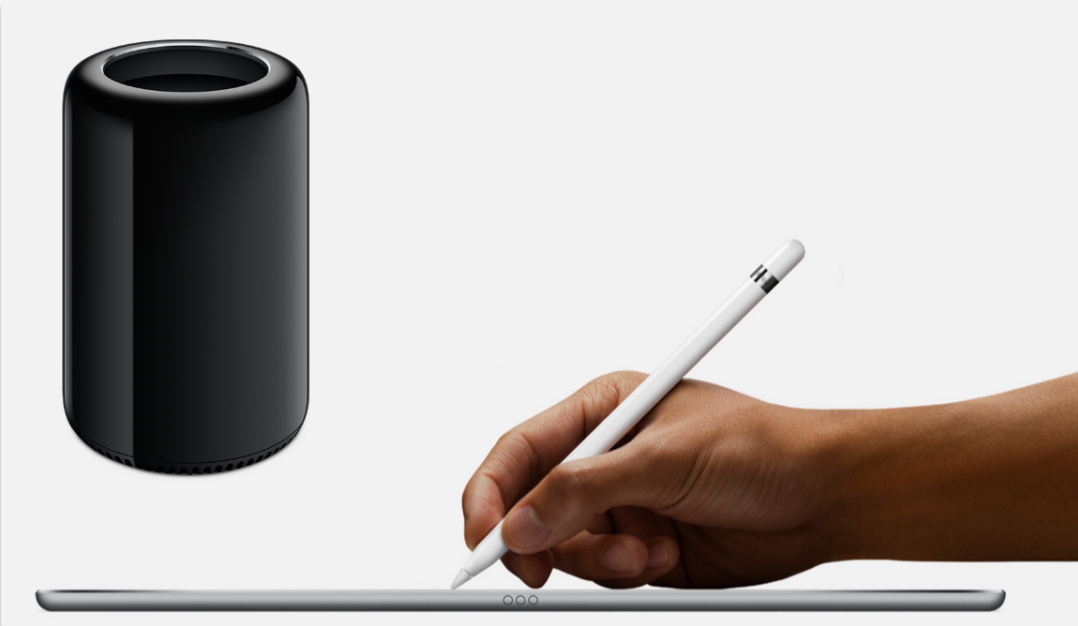
Holwerda also says thanks to the issues users previously faced with the LG-made UltraFine 5K display, Apple will do a 180 and start making their own monitors again. The display is expected to be a modular component and pair especially well with the new Mac Pro. Speaking of modular components, Holwerda notes that Apple may also be including a hookup for the iPad Pro which could act like a Wacom Cintiq drawing pad. This would be especially useful with the Apple Pencil. Of course, some work in macOS will need to be done, but since this seems so far off from what Apple’s current goals are with the OS (“Avoid anything with a touch screen and we’re not talking about the extremely innovative Touch Bar”), I wouldn’t take this news to heart. Nevertheless, it would be nice to see this implementation and possibly allow for other Mac computers to work with the tablet as well.
Finally, other Retina MacBook Pros without a Touch Bar similar to the low-cost 13-inch model introduced last year are also reportedly being explored by Apple, but we don’t have any further indication that this could be true. On the contrary, this seems like the most legitimate piece of news in this entire article, so if you have to place a bet on anything mentioned here, place it on this.
Source: mbedded











