 NEWS
NEWS
iMac Pro May Return in 2026 with M5 Max Chip
 12/17/2025
 15
15
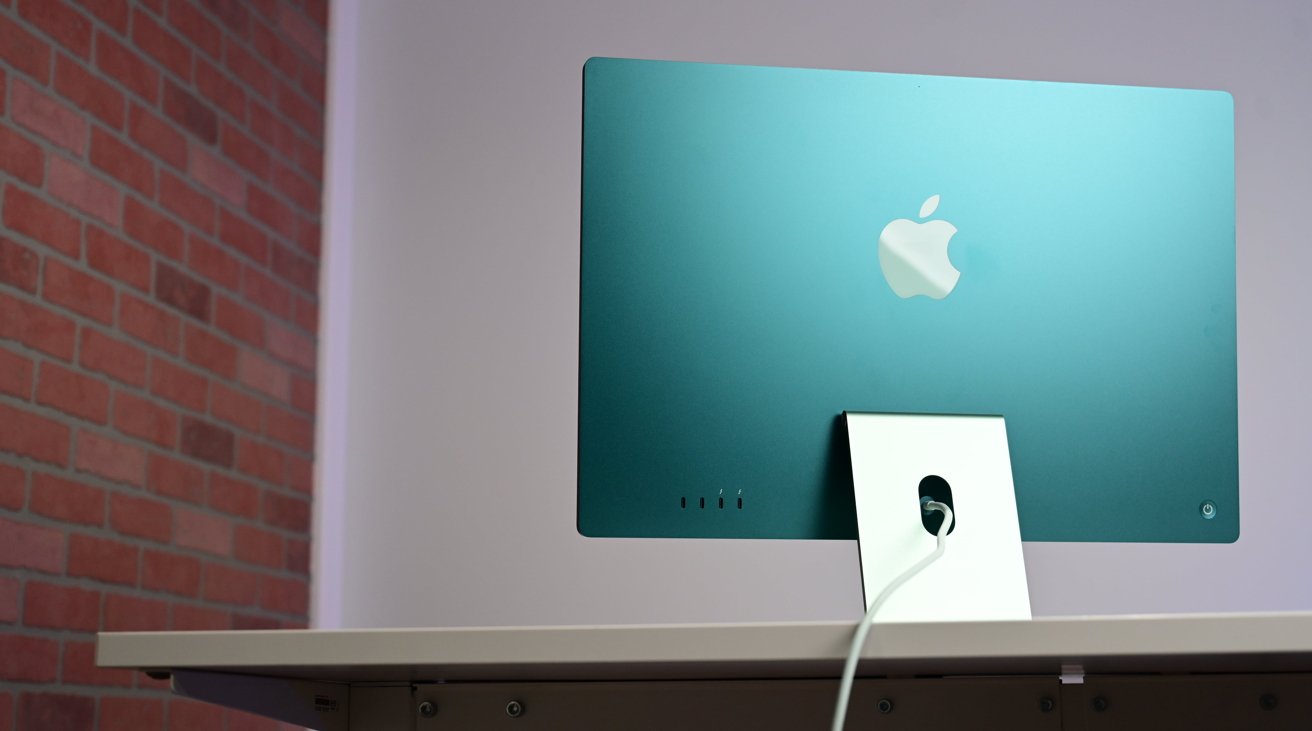
A strong rumor claims that Apple is at least testing a new high-end iMac, giving some hope that an M5 Max iMac Pro may be coming.
Back in 2017, the original iMac Pro was adored by many, but ultimately appeared to be just a stopgap while Apple worked on the Mac Pro. It was barely ever updated, and Apple discontinued it in 2021, by when the regular 27-inch iMac was outpacing it.
Now in the latest of a slew of rumors drawn from various code references, MacRumors has found evidence of a new iMac running codename H17C. That's the processor that it is believed Apple will eventually launch under the name M5 Max.
The reference is in a kernel debug file used by Apple engineers, which lists unreleased hardware by their internal identifiers. Then reportedly the same or similar information has begun to be mentioned on China's Weibo platform.
So it's a sufficiently strong rumor that there can be little doubt that an M5 Max iMac is in the works. However, that's not the same as meaning one will ever be released.
For it remains possible that this is solely being used for testing purposes within Apple. The company is said to be testing out, for instance, an iPad mini running tvOS, and MacBooks with the A15 processor.
There have been strong rumors before, too. Display analyst Ross Young was certain there would be a 27-inch iMac Pro in Spring 2022, for instance.
When that didn't happen, Bloomberg still believed in July 2022 that there would eventually be a large-screen iMac Pro running an M3 processor.
Source: Appleinsider









