 NEWS
NEWS
Apple Wants to Screen Real F1 Races after Its Film's Success
 07/11/2025
 678
678
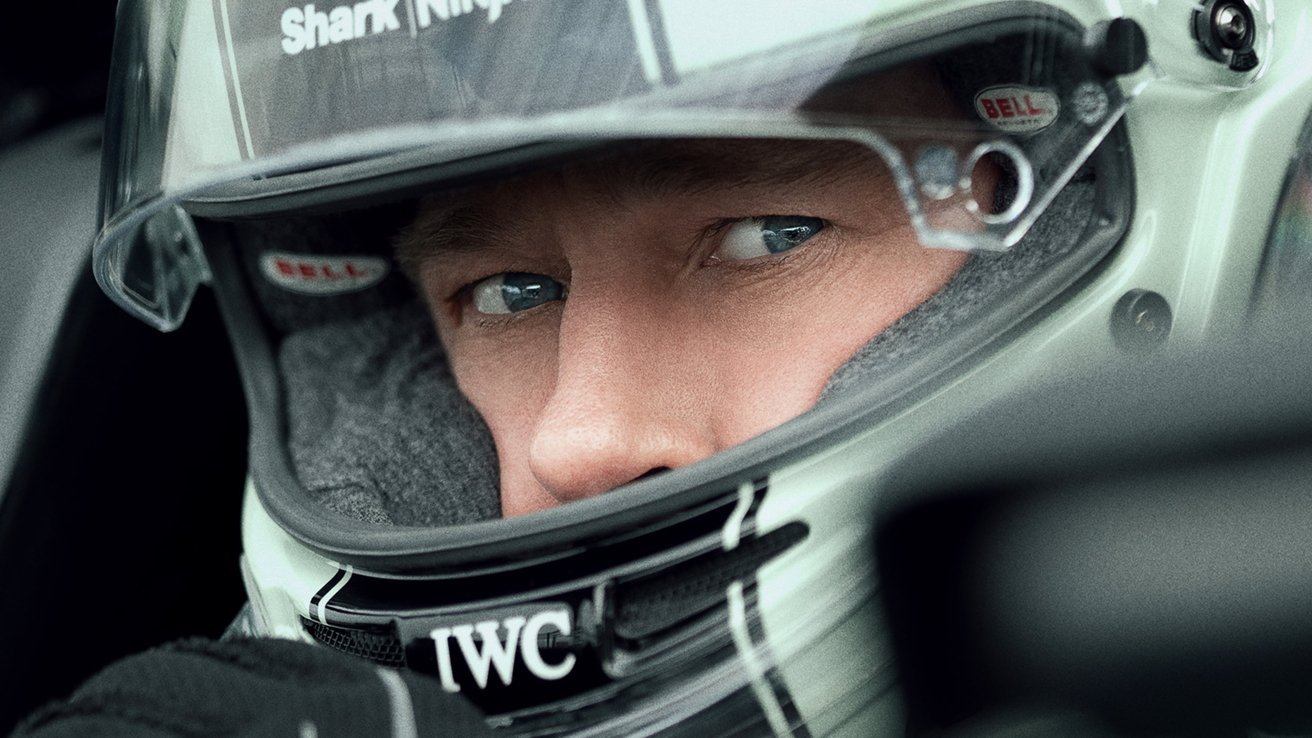
Apple TV+ is reportedly looking to expand its sports coverage with a bid for the rights to F1 motor racing, specifically following the success of its Brad Pitt movie.
If you thought Apple's constant promotion of F1 would end after the film leaves theaters and starts streaming, you might be wrong. According to the Financial Times, Apple is in talks to acquire the US rights to screen F1, once the organizers' current broadcast contract ends in 2026.
Apple tends to try buying worldwide rights to programming, but that doesn't appear to be possible this time. At present, Disney-owned EPSN has the US rights, and it's that contract which is due to expire.
Reportedly, ESPN did have an exclusive option to negotiate continuing the present contract, but that ended in 2024 without a deal. Consequently, ESPN can now face competition from Apple and, according to two unnamed sources, potentially other bidders.
F1 rights have been owned by Liberty Media since 2017. In that time, audiences on ESPN doubled to around 1.1 million by 2024. Consequently, it's claimed that the next US rights deal had been estimated to be worth $121 million.
However, that valuation was before both Apple's "F1" movie becoming a hit, and Netflix's award-winning "Drive to Survive" documentary about the sport.
Apple has not commented on the report, and nor have either Liberty Media or representatives of the F1's regulatory body, the Federation Internationale de l'Automobile.
Separately, the success of "F1: The Movie" has reported prompted Apple to consider taking complete control over global distribution of its films. Up to now, the company has partnered with existing distributors to get its films into theaters, for instance with "F1" being distributed by Warner Bros.
Source: Appleinsider











