 NEWS
NEWS
Apple Could Remove AirDrop from EU iPhones as Legal Battle Heats Up
 06/04/2025
 679
679
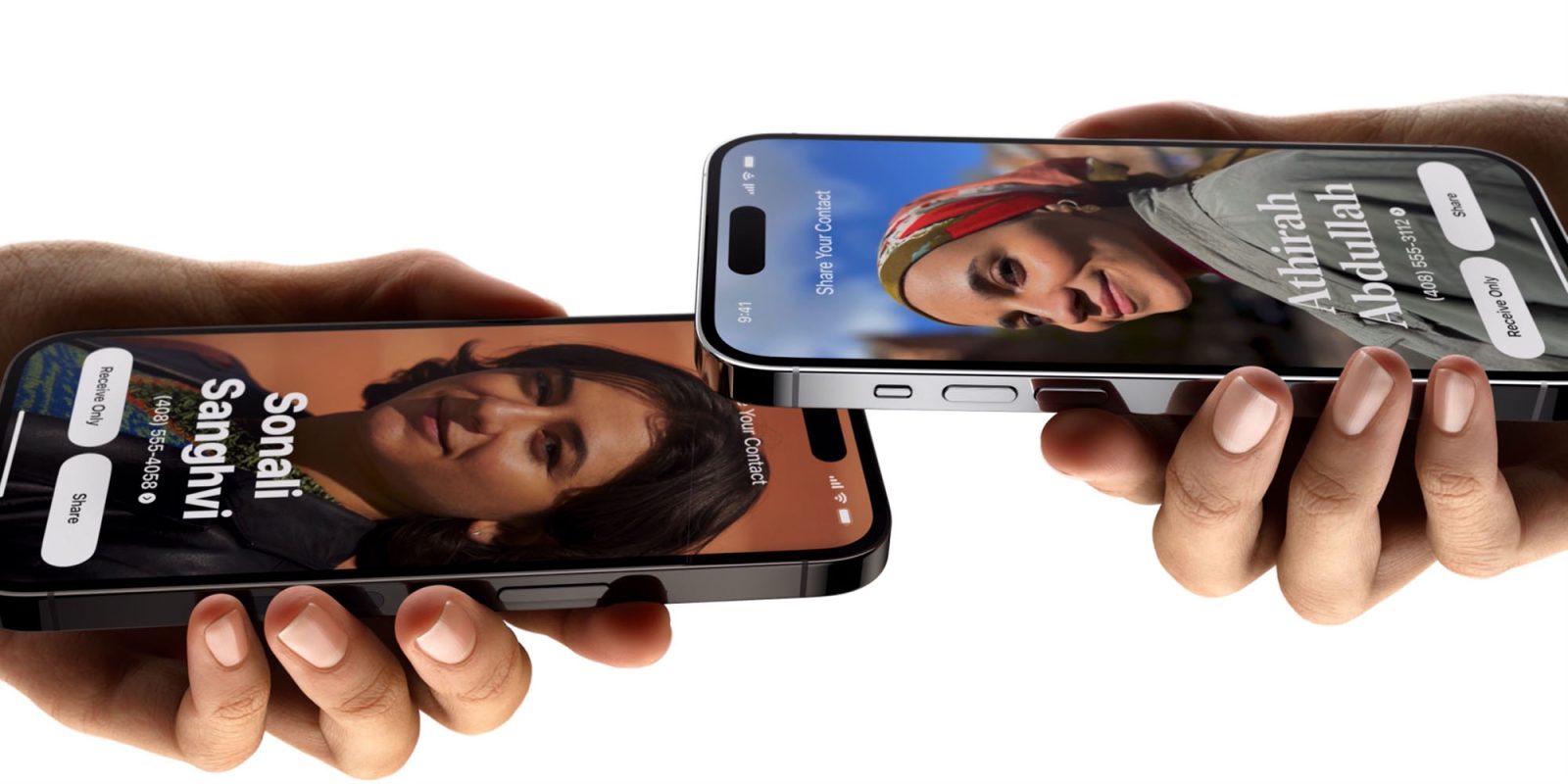
The legal battle between Apple and the European Union is showing no signs of easing up. A possible consequence of the latest round is that Apple could end up removing AirDrop functionality from iPhones sold in the EU.
Apple has appealed a key part of the Digital Markets Act that would require it to make certain features available to third-party companies, and given its hardline attitude so far, there could be significant consequences if it loses the case …
Interoperability requirements
The EU last year declared that it’s anti-competitive for Apple to restrict certain iOS features to its own devices. This includes the proximity-pairing feature exclusive to AirPods, and AirDrop.
The EU says that limiting these features to Apple products gives the company an unfair advantage over competitors, and ordered it to open them up to other companies.
Apple indicated at the time that it was in discussions with the EU to see what agreement might be reached, but it appears these talks went nowhere as the company yesterday appealed the decision.
EU iPhones could lose AirDrop
Apple commenter John Gruber highlighted one part of the company’s statement:
“In the end, these deeply flawed rules that only target Apple — and no other company — will severely limit our ability to deliver innovative products and features to Europe, leading to an inferior user experience for our European customers.
In other words, if Apple introduces new features that EU law might require it to make available to third-party accessory makers, then it would instead simply withhold those features from iPhones sold within the bloc. The company initially took this tack with Apple Intelligence, and still doesn’t make iPhone Mirroring available to EU iPhone owners for fear that it would be forced to offer Android mirroring too.
But he goes on to suggest the iPhone maker might go further, and take away existing features.
If AirDrop were brand new, users in the EU wouldn’t get that either, I suspect. And if this mandate holds up, EU users might lose AirDrop. The same is true of entire devices like AirPods and Apple Watch.
Source: 9to5mac









