 NEWS
NEWS
Apple is Redesigning the Magic Mouse: Here’s What We Know So Far
 12/30/2024
 2134
2134
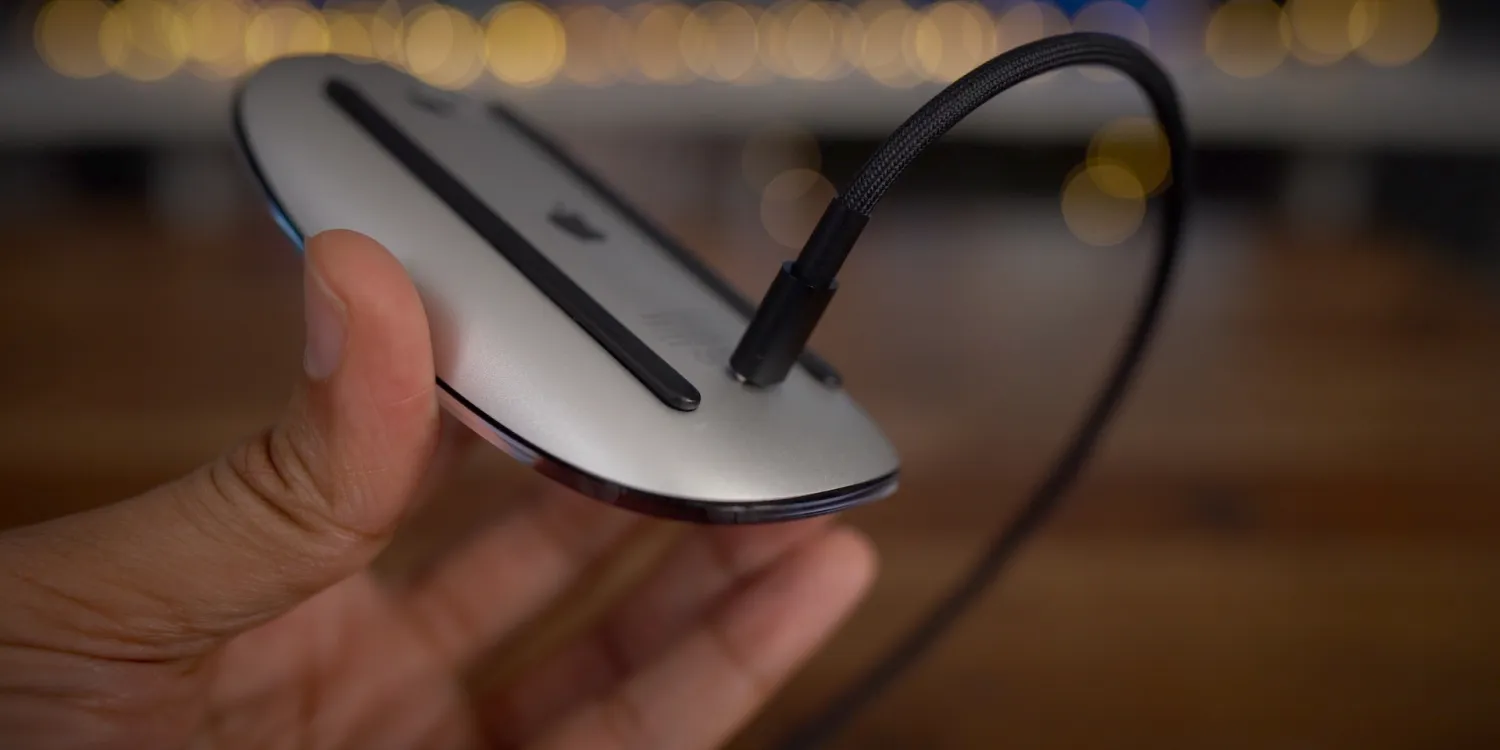
Mark Gurman from Bloomberg recently reported that Apple will be redesigning the Magic Mouse – for the first time since its introduction in 2009. In the mouses fifteen-year history, the design has remained mostly the same, besides the switch from AA batteries to Lightning in 2015, and Lightning to USB-C in 2024.
However, that’ll soon be changing.
Charge port placement
One of the biggest critiques of the Magic Mouse has been the charging port. You have to plug it in from the bottom to charge it, which also means you cant use your computer while your mouse needs to recharge.
Some Magic Mouse defenders will say that this is better for your battery health, while others will say that you’re realistically only recharging it every 6 weeks, so it’s a nonissue. They may have a concept of a point, but that doesn’t change the fact that it’s annoying.
Nonetheless, Gurman reports that this will be changing with the next-gen Magic Mouse:
- Apple is looking to create something that’s more relevant, while also fixing longstanding complaints — yes, including the charging port issue.
So, sometime in the near future – this will no longer be a concern.
Ergonomics
We don’t have specifics on what the new Magic Mouse will actually look like, other than the fact that it’ll be completely rethought, hopefully with better ergonomics. Apple aims to make a mouse that fits in better, perhaps something similar to an MX Master:
- The good news is, there’s a new Magic Mouse in the works. I’m told that Apple’s design team has been prototyping versions of the accessory in recent months, aiming to devise something that better fits the modern era.
- In a computing world now infused with touch screens, voice commands and hand gestures, the mouse isn’t as crucial as it once was.
Many Mac users enjoy Logitech’s MX Master mouse because of its ergonomics and additional features, though you do lose out on some of the multi-touch gestures that the Magic Mouse offers. It’d be cool to see Apple offer the best of both worlds.
Release date
The new Magic Mouse is in early development, and likely won’t see a release until sometime in 2026. Gurman says he “wouldn’t expect anything in the next 12 to 18 months.” Apple is also working on a redesigned MacBook Pro with OLED in 2026 – so we’ll potentially see the two debut together.
Source: 9to5mac










