 NEWS
NEWS
Apple Is Donating to Help People Affected by Hurricane Milton
 10/11/2024
 1165
1165
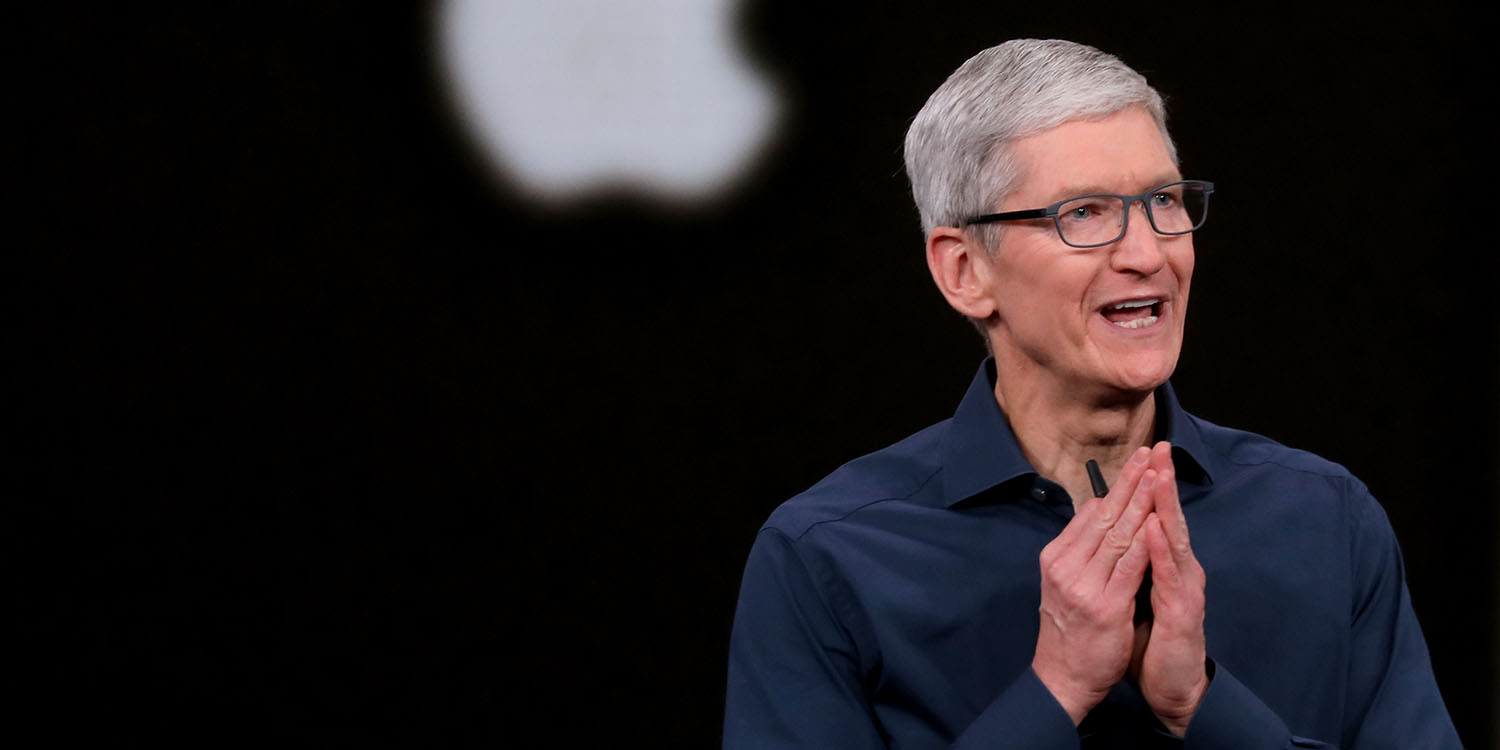
Tim Cook announces donation on behalf of Apple to help with Hurricane Milton relief efforts
In a post on the social network X, Cook confirmed the donation to help with relief efforts on the ground and said that the hearts of everyone at Apple “go out to all of those impacted by the devastation” caused by Hurricane Milton. The executive didn’t discuss exactly how much the company is donating.
Apple often makes donations to humanitarian causes. Earlier this year, the company also donated to help rescue victims of the floods that hit southern Brazil.
Hurricane Milton has left a trail of destruction in Florida. It is estimated that millions of people are in the dark without electricity and at least 16 people have died in the tragedy. Milton was moving into the Atlantic Ocean by Thursday afternoon as a post-tropical cyclone, with winds of 75 mph (120 kph), barely reaching hurricane strength.
While donations are more than welcome, Apple is also indirectly helping people affected by the hurricane in another way. Many iPhone users have reported being able to communicate with their friends and family thanks to the new Messages via satellite feature in iOS 18, which works with the iPhone 14 and later.
The feature lets users send text messages using satellite connectivity when there is no cellular signal available. Since the hurricane affected carriers’ networks, users are relying on the iPhone feature to communicate.
There’s also a related feature in prior versions of iOS called Emergency SOS via satellite. This lets you connect with emergency responders to get assistance. The iOS 18 feature, Messages via satellite, lets you contact any friend or family member to update them on how you’re doing.
Source: 9to5mac










