 NEWS
NEWS
5G MmWave and eSIM-Only iPhone 16 Still Only Available in the US
 09/10/2024
 2408
2408
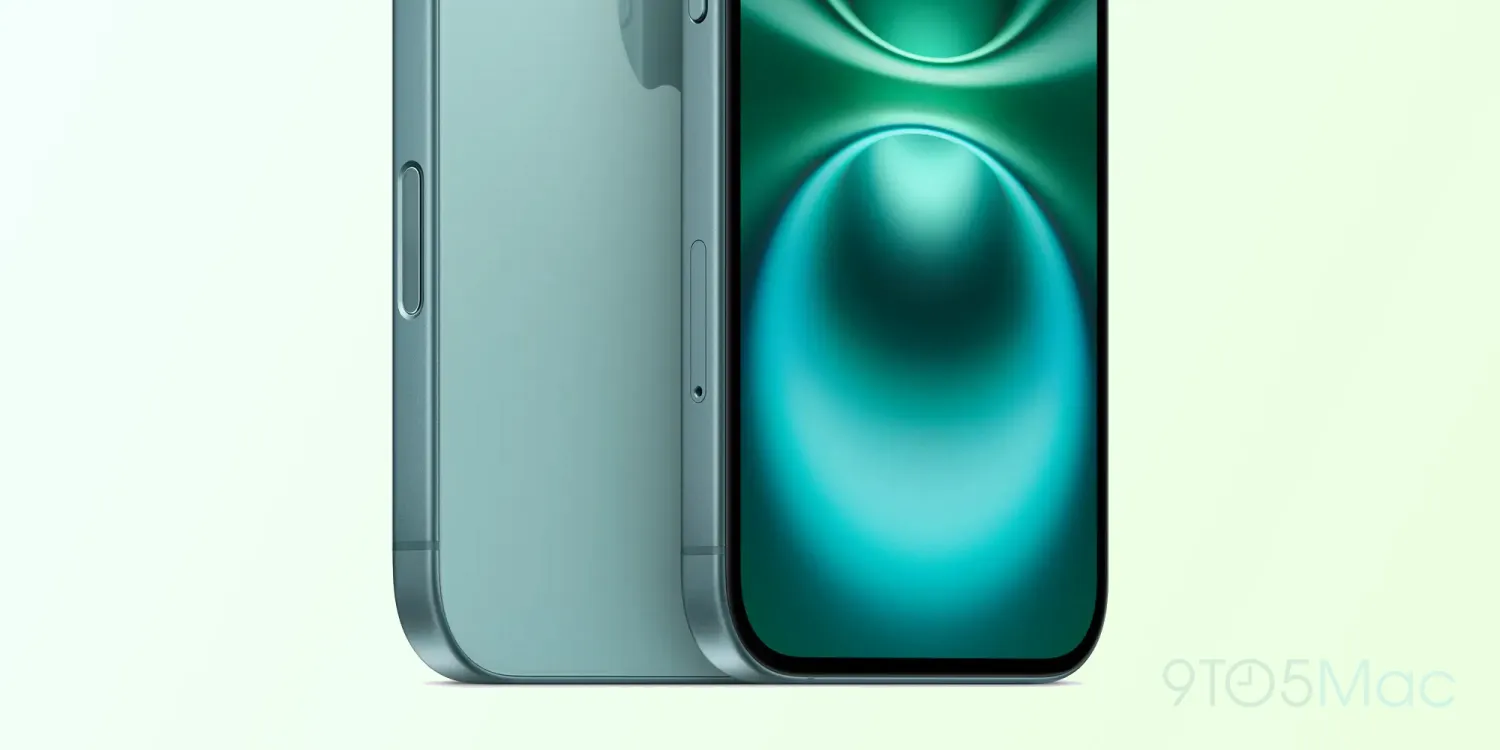
Since iPhone 14, Apple has been pushing eSIM-only versions to customers in the US. And although the company did the same with new Cellular iPads earlier this year, the eSIM-only iPhone 16 models with 5G mmWave are still only available in the US.
Apple hasn’t expanded 5G mmWave and eSIM-only iPhone to the rest of the world
As detailed by Apple on its website, there are still models of the new iPhone 16 made specifically for the US. These models are the only ones to support 5G mmWave and also to lack a SIM tray. There are:
- iPhone 16: A3081
- iPhone 16 Plus: A3082
- iPhone 16 Pro: A3083
- iPhone 16 Pro Max: A3084
First introduced with iPhone 12, 5G mmWave (millimeter wave) enables super high wireless speeds and ultra low latency cellular communication. However, the tradeoff is that the signal can only be carried over shorter distances. It also often cannot penetrate glass or trees, and therefore is usually unavailable indoors.
Because of this, adoption of 5G mmWave has been quite low as the technology is only available in selected areas. The technology is even less popular outside the US. Earlier this year, Apple removed support for 5G mmWave from the Cellular version of the M4 iPad Pro.

Although all new iPhones still support the technology, Apple is not expanding it to more countries. The company also doesn’t seem to feel confident about removing the SIM tray from the iPhone in the rest of the world.
As Apple itself pointed out in 2022, using an eSIM instead of a physical SIM has a lot of benefits, such as greater security since the SIM can’t be removed from the phone if it gets stolen. However, in some countries, the adoption of eSIM has been quite slow, and there are still many wireless carriers that don’t provide support for this technology.
Source: 9to5mac










