 NEWS
NEWS
Apple’s SuperDrive for Reading Disks Seemingly Discontinued with No Inventory Online
 08/06/2024
 1276
1276
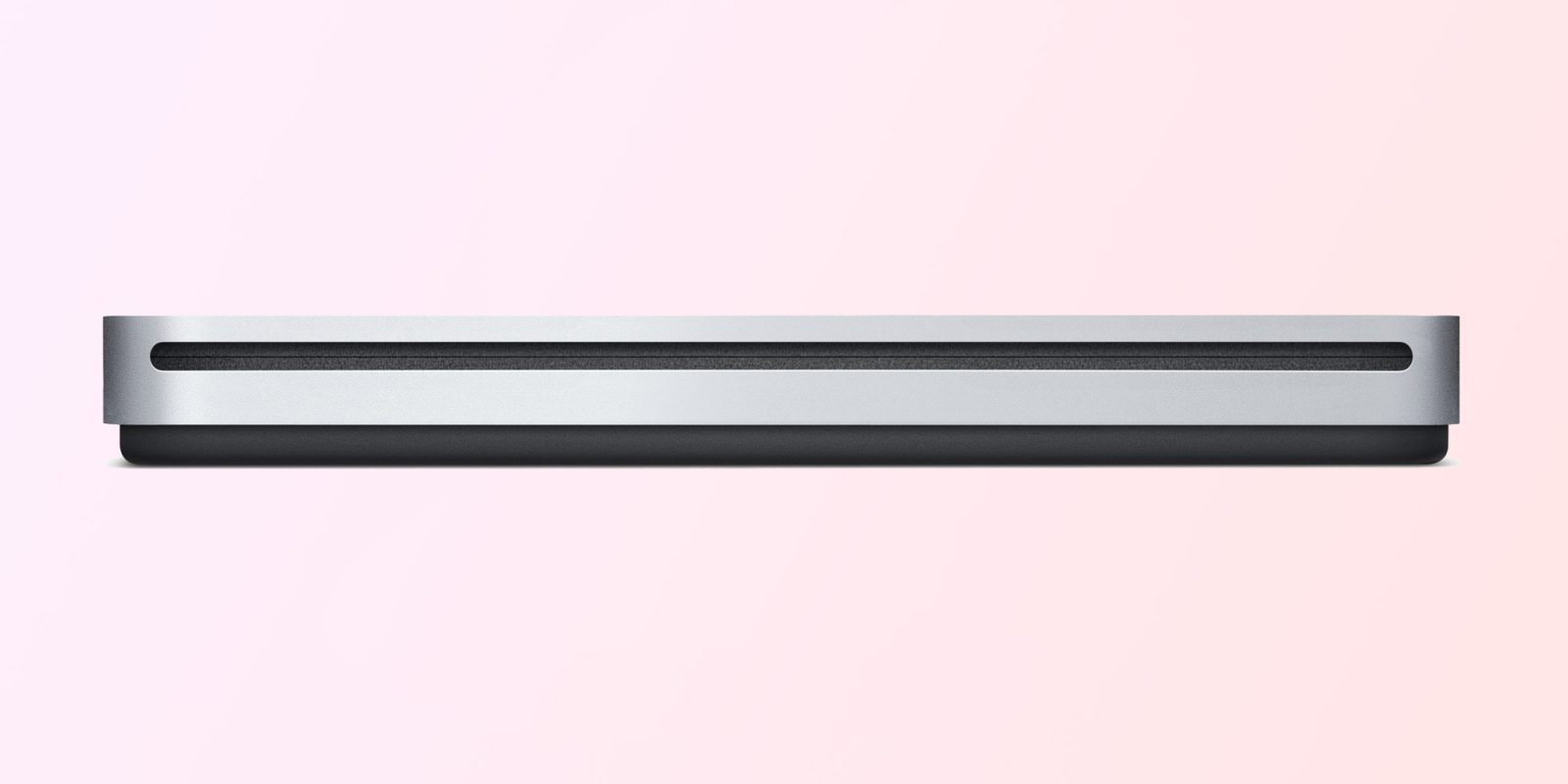
Many years ago, when Apple introduced the first MacBook Air, the company also announced an accessory called the Apple USB SuperDrive – which is essentially a CD and DVD player that can be connected to a Mac via USB. Even though CDs are no longer as popular as they once were, Apple was still selling the accessory. However, Apple’s USB SuperDrive is now being discontinued.
Apple seems to be discontinuing its ‘SuperDrive’ CD reader
As noted by one of our readers, it’s no longer possible to buy an Apple USB SuperDrive online via the official Apple Store in the US. The product’s webpage says that it’s “Sold Out,” and given that it’s a product introduced in 2008, it seems very unlikely that Apple will ever produce new units again.
Customers can still use their location to see if there’s still a unit available for pickup at one of the Apple Retail Stores. The product is still available in other countries such as the UK and Brazil. However, it’s probably only a matter of time before Apple’s USB SuperDrive disappears from all stores.
The MacBook Air was the first MacBook without a built-in CD drive, which led the company to introduce an optical drive sold separately. Apple completely phased out optical drives from its computers in 2013, when all the Macs available in the lineup no longer had a CD reader.
Here’s how Apple describes the product:
Whether you're at the office or on the road, you can play and burn both CDs and DVDs with the Apple USB SuperDrive. It's perfect when you want to watch a DVD movie, install software, create backup discs, and more.
Source: 9to5mac










