NEWS

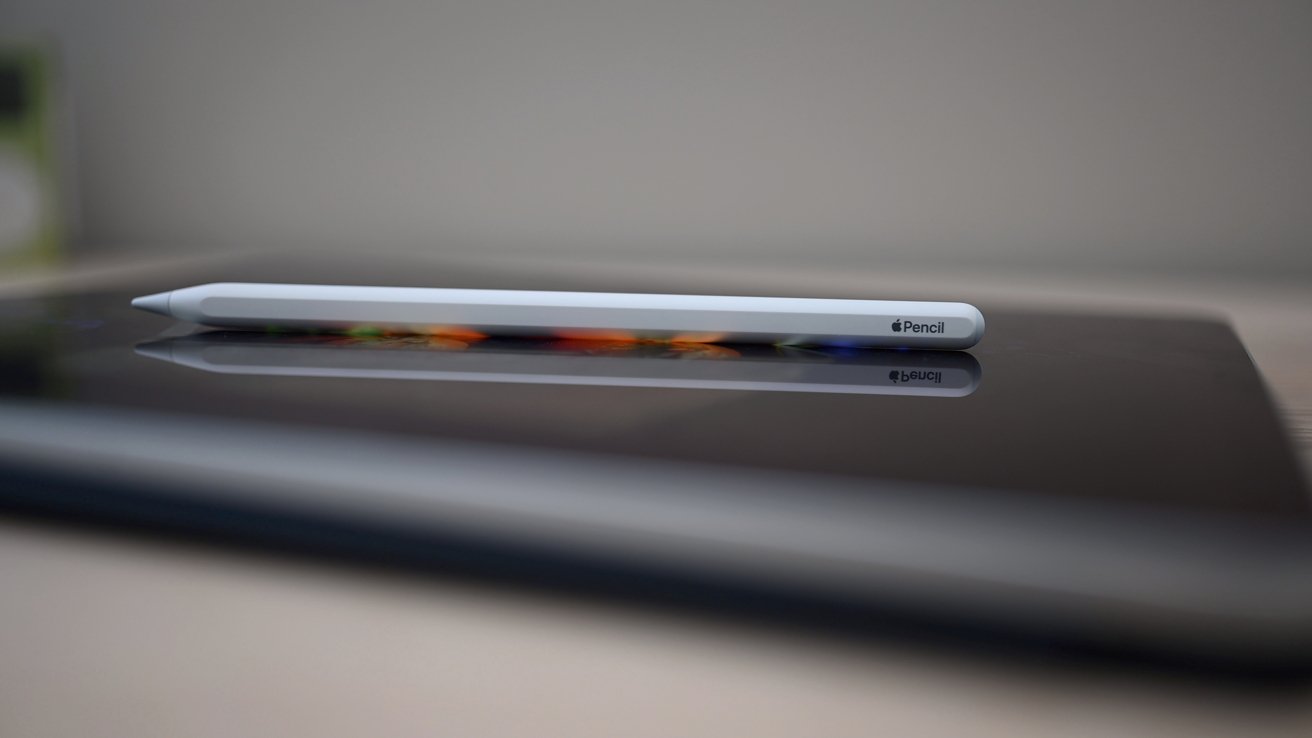
Apple Pencil 3 Could Have New Squeeze Gesture

04/03/2024

1164

Apple Pencil 3 Could Have New Squeeze Gesture


Code found in iPadOS 17.5 revealed a new squeeze gesture that could be introduced with Apple Pencil 3.


Apple Pencil 2 already supports a double-tap gesture for switching between available tools in an app. Since it has no pressure sensitivity, a squeeze gesture would likely be reserved for Apple Pencil 3.


Code discovered in iPadOS 17.5 beta 1 by 9to5Mac shows evidence of a squeeze gesture for Apple Pencil. The gesture would be used for adding shapes, signatures, stickers, or a text field.


Squeezing an Apple Pencil would require some kind of pressure-sensitive surface. The gesture is distinct enough to coexist with the double-tap gesture and open up more control options.


Other rumors for Apple Pencil 3 include the addition of Find My support and changeable tips.


Apple is expected to reveal an Apple Pencil 3 alongside new iPads sometime in April or early May. The updated products will likely be announced via a press release.


Source: Appleinsider

Windows
Mac OS
iOS
Linux
3uTools
Win 64-bit For this device
V9.0 2025-11-11
Download
Win 32-bit For this device
V9.0 2025-11-11
Download
3uTools
Intel Chip How to Identify Chip Type
V9.0 2025-12-02
Download
Apple Silicon
V9.0 2025-12-02
Download
How to Identify Chip Type
1.  Click the Apple icon in the top-left corner of the screen and select About This Mac.
2.  Check the Processor or Chip field to determine if it is "Intel" or "Apple".
Please use the 3uTools PC client to install the iOS client:
1、 Install either the Windows or Mac version of 3uTools on your computer
2、 Open the PC client and connect your device to the computer via USB cable
3、 After the connection is successful, wait for the computer to automatically install the mobile app for the device, or locate “Install Mobile App” on the computer and manually click to install.
3uTools
deb file
V3.01 2025-11-20
Download
rpm file
V3.01 2025-11-20
Download
Windows
Windows
iOS
iOS
Android
Android
TV
TV
3uAirPlayer
Win 64-bit For this device
V6.0.2 2025-11-19
Download
Win 32-bit For this device
V6.0.2 2025-11-19
Download
iOS Device Mirroring (No App Required)
1、 Install 3uAirPlayer on the Windows PC
2、 Open Control Center and select Screen Mirroring
3、 From the list, choose your PC to start mirroring
4、 Or connect your iOS device to the PC via USB to begin mirroring
Scan to get "3uAirPlayer" App
3uAirPlayer TV V1.0.18
2025-11-28
TV System Requirements: Android 7.0 or later
Download the TV installation package, copy it to a USB drive, insert it into your TV or set-top box, then select the file from the home screen to install.