NEWS

iOS 17.5 Beta 1 Expected Imminently after Three-Week Beta Lull

04/01/2024

1216

iOS 17.5 Beta 1 Expected Imminently after Three-Week Beta Lull


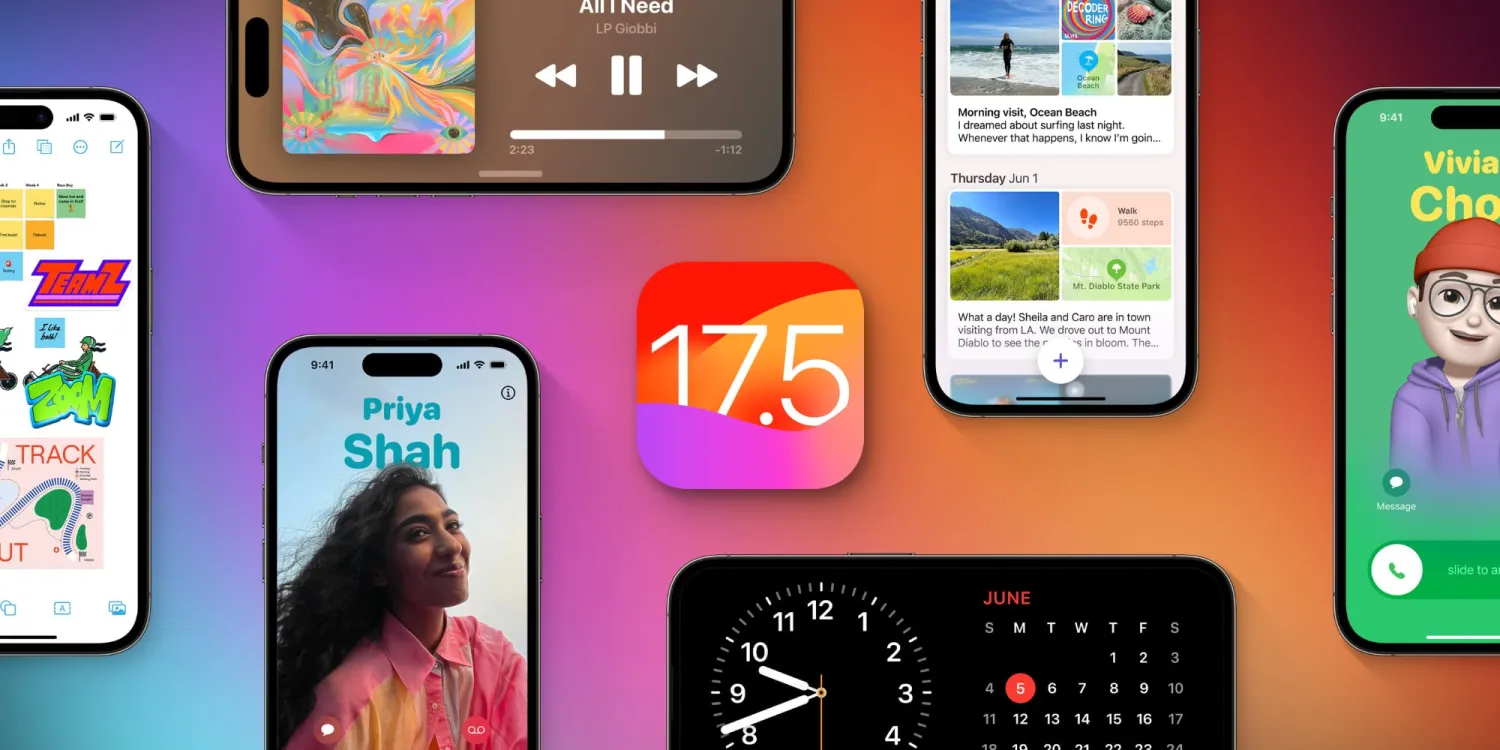
Apple will soon release iOS 17.5 with build number 21F5048f, according to information shared on social media by a private account with a strong track record.


This account generally posts this information just before an update is released, so it’s possible iOS 17.5 beta 1 is released sometime this week. 9to5Mac has also seen growing evidence of iOS 17.5 in our Google Analytics data.


iOS 17.4 was released on March 5 with a number of new features, including alternative app store support in the European Union. The update also included transcripts in Apple Podcasts, improvements to Stolen Device Protection and Siri, new emoji, and more. 


There’s no word on what’s coming as part of iOS 17.5. Apple announced that it has more changes planned for iPhone users in the EU as part of its efforts to comply with the Digital Markets Act. The big change here is that developers will be able to offer their apps for download directly from their website.


Apple says that this feature will launch sometime this spring, suggesting it will be included in iOS 17.5.


Source: 9to5mac

Windows
Mac OS
iOS
Linux
3uTools
Win 64-bit For this device
V9.0 2025-11-11
Download
Win 32-bit For this device
V9.0 2025-11-11
Download
3uTools
Intel Chip How to Identify Chip Type
V9.0 2025-12-02
Download
Apple Silicon
V9.0 2025-12-02
Download
How to Identify Chip Type
1.  Click the Apple icon in the top-left corner of the screen and select About This Mac.
2.  Check the Processor or Chip field to determine if it is "Intel" or "Apple".
Please use the 3uTools PC client to install the iOS client:
1、 Install either the Windows or Mac version of 3uTools on your computer
2、 Open the PC client and connect your device to the computer via USB cable
3、 After the connection is successful, wait for the computer to automatically install the mobile app for the device, or locate “Install Mobile App” on the computer and manually click to install.
3uTools
deb file
V3.01 2025-11-20
Download
rpm file
V3.01 2025-11-20
Download
Windows
Windows
iOS
iOS
Android
Android
TV
TV
3uAirPlayer
Win 64-bit For this device
V6.0.2 2025-11-19
Download
Win 32-bit For this device
V6.0.2 2025-11-19
Download
iOS Device Mirroring (No App Required)
1、 Install 3uAirPlayer on the Windows PC
2、 Open Control Center and select Screen Mirroring
3、 From the list, choose your PC to start mirroring
4、 Or connect your iOS device to the PC via USB to begin mirroring
Scan to get "3uAirPlayer" App
3uAirPlayer TV V1.0.18
2025-11-28
TV System Requirements: Android 7.0 or later
Download the TV installation package, copy it to a USB drive, insert it into your TV or set-top box, then select the file from the home screen to install.