NEWS

iPhone 13 Will Get Satellite Communications In Just a Few Markets

09/06/2021

1790

iPhone 13 Will Get Satellite Communications In Just a Few Markets


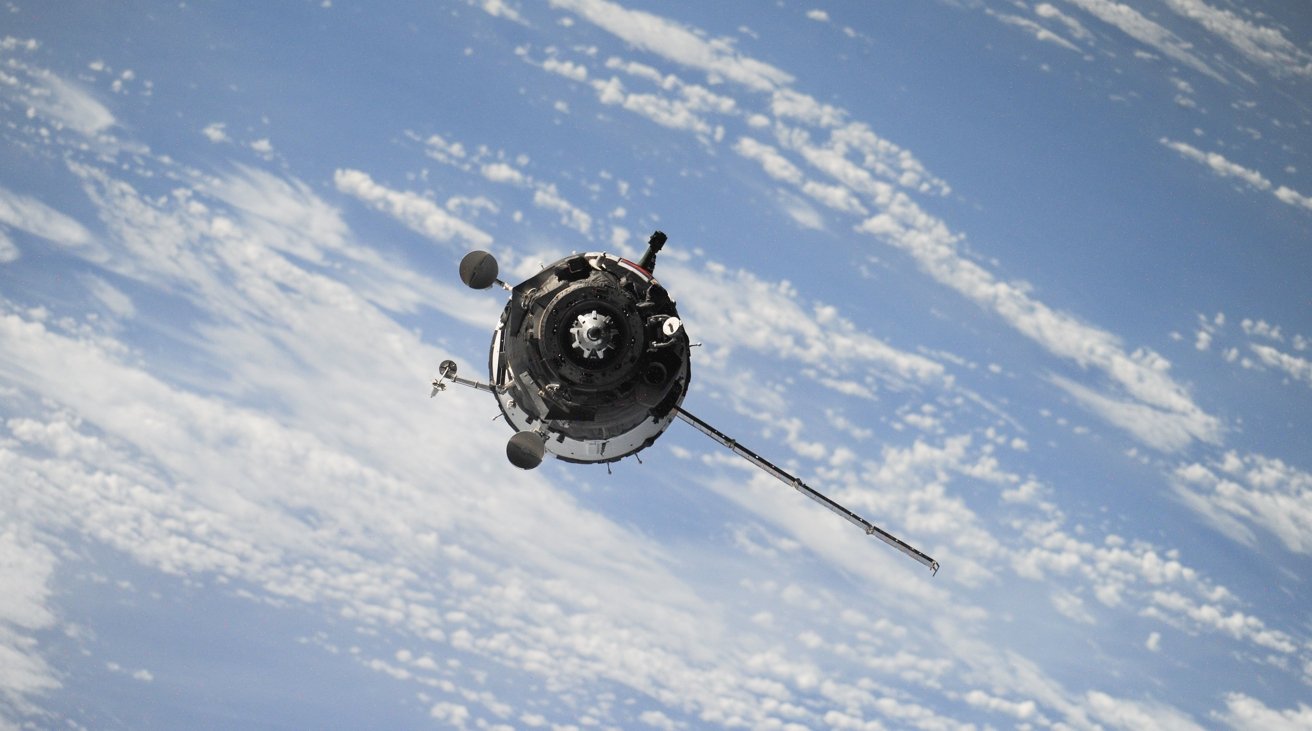
Apple could include satellite communications support in the "iPhone 13" after all, with a report claiming units sold in some select markets will gain the functionality.


A note to investors by famed analyst Ming-Chi Kuo on August 29 claimed that Apple was introducing support for satellite communications in the "iPhone 13," using a customized baseband chip. While other analysts were quick to doubt the claims, one Sunday report seems to support the rumor.


According to Bloomberg's "Power On" newsletter, Mark Gurman claims satellite communications will be included, but only for handsets "in select markets." The feature is one that will only work as an emergency measure, both in specific markets and only if there isn't any cellular coverage.


Gurman insists that the feature won't enable satellite calls to be made anywhere without using cellular access, as that would "cause a revolt from the phone carriers that Apple relies on."


While not an immediately available service, Apple is apparently keen on enabling more satellite communications in the future, envisioning "deploying its own array of satellites to beam data to devices." However, that plan "is likely years away from taking off."


Source: Appleinsider

Windows
Mac OS
iOS
Linux
3uTools
Win 64-bit For this device
V9.0 2025-11-11
Download
Win 32-bit For this device
V9.0 2025-11-11
Download
3uTools
Intel Chip How to Identify Chip Type
V9.0 2025-12-02
Download
Apple Chip
V9.0 2025-12-02
Download
How to Identify Chip Type
1.  Click the Apple icon in the top-left corner of the screen and select About This Mac.
2.  Check the Processor or Chip field to determine if it is "Intel" or "Apple".
Please use the 3uTools PC client to install the iOS client:
1、 Install either the Windows or Mac version of 3uTools on your computer
2、 Open the PC client and connect your device to the computer via USB cable
3、 After the connection is successful, wait for the computer to automatically install the mobile app for the device, or locate “Install Mobile App” on the computer and manually click to install.
3uTools
deb file
V3.01 2025-11-20
Download
rpm file
V3.01 2025-11-20
Download
Windows
Windows
iOS
iOS
Android
Android
TV
TV
3uAirPlayer
Win 64-bit For this device
V6.0.2 2025-11-19
Download
Win 32-bit For this device
V6.0.2 2025-11-19
Download
iOS Device Mirroring (No App Required)
1、 Install 3uAirPlayer on the Windows PC
2、 Open Control Center and select Screen Mirroring
3、 From the list, choose your PC to start mirroring
4、 Or connect your iOS device to the PC via USB to begin mirroring
Scan to get "3uAirPlayer" App
3uAirPlayer TV V1.0.18
2025-11-28
TV System Requirements: Android 7.0 or later
Download the TV installation package, copy it to a USB drive, insert it into your TV or set-top box, then select the file from the home screen to install.