 NEWS
NEWS
Apple Issues Fifth Developer Betas for iOS 15, iPadOS 15, TVOS 15
 08/11/2021
 2127
2127
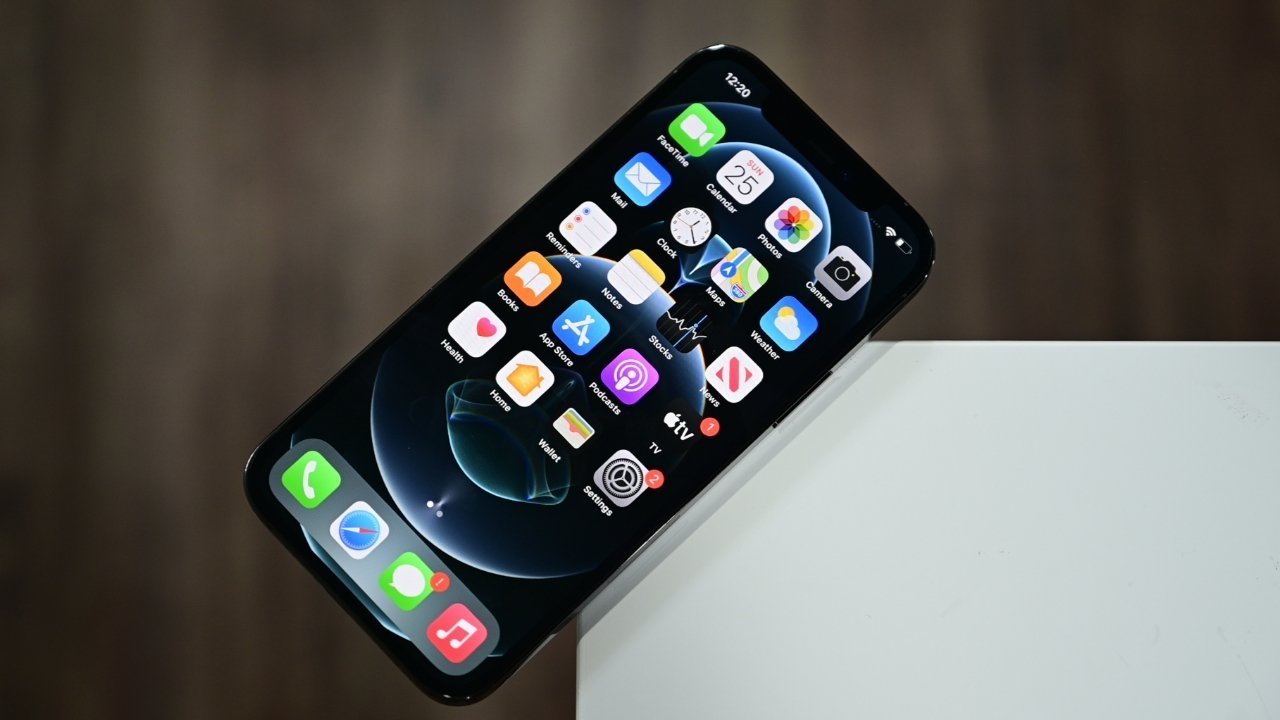
Apple has moved on to its fifth round of milestone developer betas, with new builds of iOS 15, iPadOS 15, and tvOS 15 available for testing.
The newest builds can be downloaded via the Apple Developer Center for those enrolled into the test program, or via an over-the-air update on devices running the beta software. Public betas typically arrive within a few days of the developer versions, via the Apple Beta Software Program website.
The fifth round arrives after four previous iterations, with the fourth from July 27, the third from July 14, the second on June 24, and the first on June 7. Final versions are expected to be released in the fall.
For iOS 15, Apple introduces Focus modes, Live Text OCR, a digital ID for Wallet, enhancements to Messages and FaceTime, and updates to Weather and Maps, among other changes.
iPadOS 15 gains improvements to multitasking, as well as home screen widget support, a system-wide Quick Note feature, and the addition of the Translate app. For developers, Swift Playgrounds will allow app development on the iPad, including App Store submissions.
On watchOS 8, users can expect the addition of Tai Chi and Pilates workouts, respiratory rates in the Sleep app, new Photos layouts and memories, and Digital Crown cursor control and GIF search for Messages.
AppleInsider, and Apple itself, strongly advise users don't install the betas on primary devices, as there is the small possibility of issues like data loss. Testers should install betas onto secondary or non-essential devices, and to ensure there are sufficient backups of important data before updating.
Source: Appleinsider









