NEWS

Work Continues on Wuhan Apple Store for September Opening

08/09/2021

2609

Work Continues on Wuhan Apple Store for September Opening


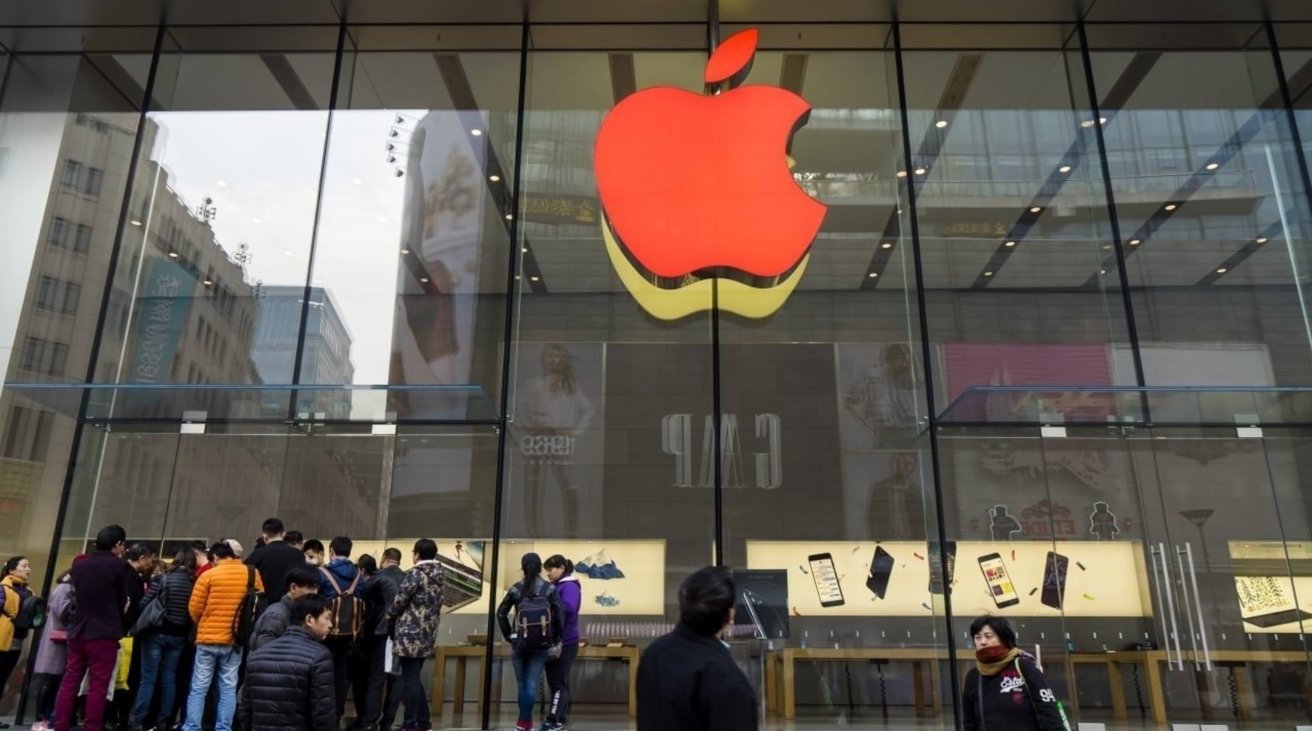
Apple will soon start work on a new Apple Store location in China, with the first outlet in Wuhan to be set in the Wuhan International Plaza.


Greater China is a major market for Apple, one that saw revenue growth of nearly 60% in the Q3 2021 results. To aid in future growth in the region, Apple is readying a store for construction.


An Apple Store in Wuhan International Plaza's interior decoration project has been reviewed and approved by the Hubei Provincial Government Service Network, according to Patently Apple. The store, which will occupy 9,500 square feet of space, will be set on the second floor of the Wuhan International Plaza Shopping Center.


It is anticipated that the store will be open in September 2021, potentially in time to coincide with the launch of the "iPhone 13" and other products.


So far, Apple has opened 42 outlets in Mainland China across 21 cities. Shanghai has the most with seven outlets, followed by Beijing with 5.


Apple CEO Tim Cook said Q3 was an "incredibly strong quarter" for Greater China revenue, setting a June revenue record in the process with $14.76 billion. "We had a particularly strong response to the 12 Pro and the 12 Pro Max," he added, though also pointed out June quarter records were also set in the region for Mac, Services, and Wearables, Home, and Accessories.


Source: Appleinsider

Windows
Mac OS
iOS
Linux
3uTools
Win 64-bit For this device
V9.0 2025-11-11
Download
Win 32-bit For this device
V9.0 2025-11-11
Download
3uTools
Intel Chip How to Identify Chip Type
V9.0 2025-12-02
Download
Apple Chip
V9.0 2025-12-02
Download
How to Identify Chip Type
1.  Click the Apple icon in the top-left corner of the screen and select About This Mac.
2.  Check the Processor or Chip field to determine if it is "Intel" or "Apple".
Please use the 3uTools PC client to install the iOS client:
1、 Install either the Windows or Mac version of 3uTools on your computer
2、 Open the PC client and connect your device to the computer via USB cable
3、 After the connection is successful, wait for the computer to automatically install the mobile app for the device, or locate “Install Mobile App” on the computer and manually click to install.
3uTools
deb file
V3.01 2025-11-20
Download
rpm file
V3.01 2025-11-20
Download
Windows
Windows
iOS
iOS
Android
Android
TV
TV
3uAirPlayer
Win 64-bit For this device
V6.0.2 2025-11-19
Download
Win 32-bit For this device
V6.0.2 2025-11-19
Download
iOS Device Mirroring (No App Required)
1、 Install 3uAirPlayer on the Windows PC
2、 Open Control Center and select Screen Mirroring
3、 From the list, choose your PC to start mirroring
4、 Or connect your iOS device to the PC via USB to begin mirroring
Scan to get "3uAirPlayer" App
3uAirPlayer TV V1.0.18
2025-11-28
TV System Requirements: Android 7.0 or later
Download the TV installation package, copy it to a USB drive, insert it into your TV or set-top box, then select the file from the home screen to install.