 NEWS
NEWS
Apple to Restore Mask Requirement at Apple Stores
 07/29/2021
 2196
2196
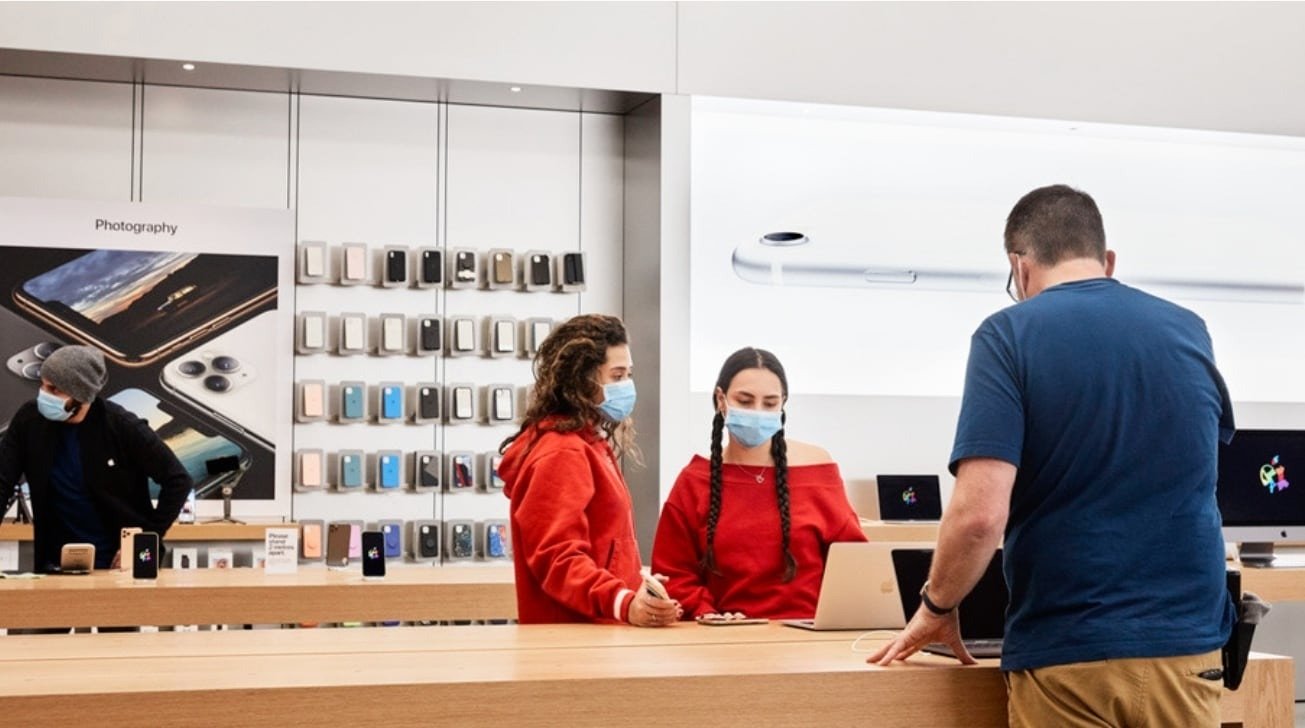
Apple plans to reinstate a safety precaution at its brick-and-mortar retail stores that will require both customers and staff to wear masks, even those who are fully vaccinated.
The reimplementation of mask mandates, which will take effect Thursday across the U.S., comes amid a surge in COVID-19 cases driven by the more infectious Delta variant, Bloomberg reported Wednesday.
According to an internal memo to employees obtained by Bloomberg, Apple will begin requiring masks at more than half of about 270 U.S. Apple Store locations.
"After carefully reviewing the latest CDC recommendations, and analyzing the health and safety data for your local area, we are updating our guidance on face masks for your store," Apple wrote in the memo, stating that it is making the change "out of an abundance of caution."
Additionally, Apple urged retail staff members to get vaccinated, though it is not currently requiring vaccinations among its employees.
The move comes a little over a month after Apple dropped customer mask requirements across its U.S. brick-and-mortar locations in June. That decision was short-lived, as the company in July began to encouraged retail staffers to wear masks and required face coverings in areas where local regulations mandated them.
Earlier in July, a report indicated that Apple was planning on testing a hybrid work model for retail employees that would see staffers work some weeks in-store and others at home handling customer service requests and online sales.
Apple CEO Tim Cook on Wednesday also confirmed that the company would delay requiring corporate staffers to return to the office. Previously, Apple said it would require employees to work some days in-person starting in September. Now, that timeline has been pushed back until at least October.
Source: Appleinsider









