NEWS

Apple Releases HomePod Software Beta 3

07/13/2021

2278

Apple Releases HomePod Software Beta 3


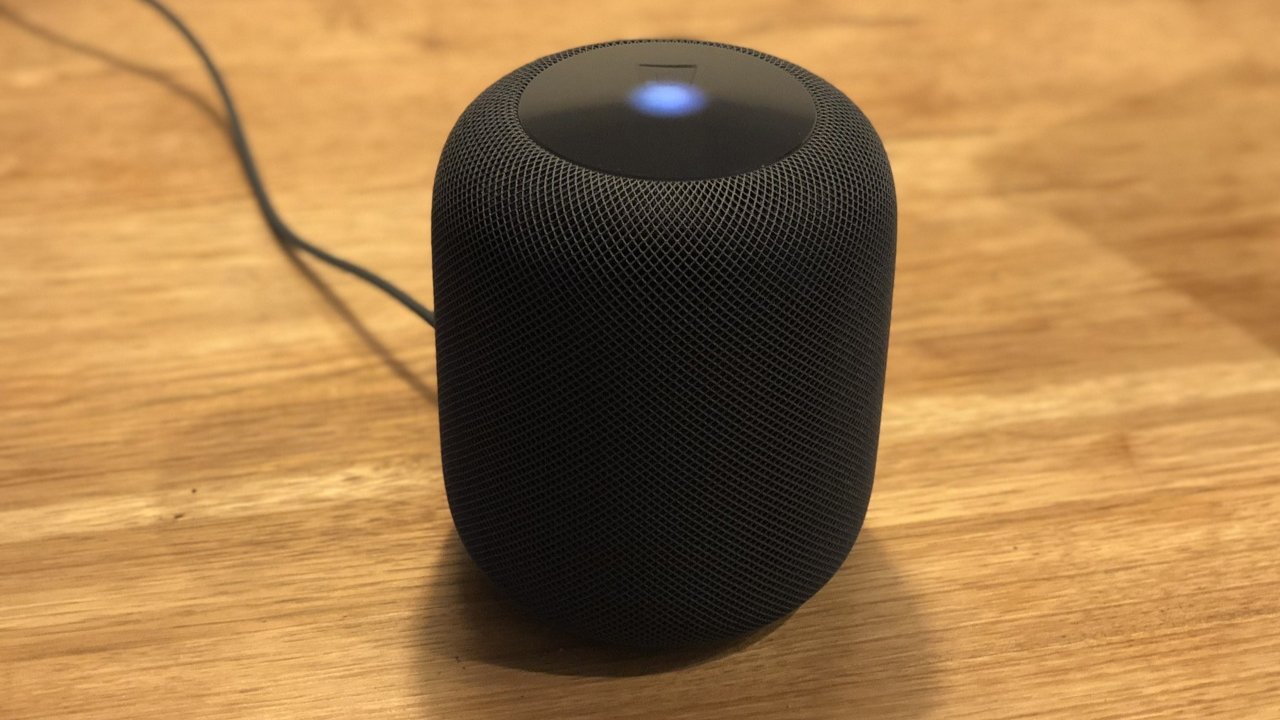
The third developer beta for HomePod software version 15.0 has been released to AppleSeed testers.


Apple's HomePod runs a version of tvOS and the new version is available in a closed beta test for AppleSeed members. The third beta for version 15.0 has been made available with no known changes.


The update could address issues that caused beta 2 tester's HomePods to overheat or stop functioning entirely. Reports from users indicated that older devices were susceptible to "bricking," when using the beta software, especially those in a stereo pair.


Users have not reported any issues with the HomePod mini while testing the beta software. Apple promised to continue supporting the older HomePod, despite being discontinued earlier in 2021.


AppleInsider, and Apple itself, strongly recommend users don't install the betas on to "mission-critical" or primary devices, as there is the remote possibility of data loss or other issues. Instead, testers should install betas onto secondary or non-essential devices, and to make sure there are sufficient backups of important data before updating.


Source: Appleinsider

Windows
Mac OS
iOS
Linux
3uTools
Win 64-bit For this device
V9.0 2025-11-11
Download
Win 32-bit For this device
V9.0 2025-11-11
Download
3uTools
Intel Chip How to Identify Chip Type
V9.0 2025-12-02
Download
Apple Chip
V9.0 2025-12-02
Download
How to Identify Chip Type
1.  Click the Apple icon in the top-left corner of the screen and select About This Mac.
2.  Check the Processor or Chip field to determine if it is "Intel" or "Apple".
Please use the 3uTools PC client to install the iOS client:
1、 Install either the Windows or Mac version of 3uTools on your computer
2、 Open the PC client and connect your device to the computer via USB cable
3、 After the connection is successful, wait for the computer to automatically install the mobile app for the device, or locate “Install Mobile App” on the computer and manually click to install.
3uTools
deb file
V3.01 2025-11-20
Download
rpm file
V3.01 2025-11-20
Download
Windows
Windows
iOS
iOS
Android
Android
TV
TV
3uAirPlayer
Win 64-bit For this device
V6.0.2 2025-11-19
Download
Win 32-bit For this device
V6.0.2 2025-11-19
Download
iOS Device Mirroring (No App Required)
1、 Install 3uAirPlayer on the Windows PC
2、 Open Control Center and select Screen Mirroring
3、 From the list, choose your PC to start mirroring
4、 Or connect your iOS device to the PC via USB to begin mirroring
Scan to get "3uAirPlayer" App
3uAirPlayer TV V1.0.18
2025-11-28
TV System Requirements: Android 7.0 or later
Download the TV installation package, copy it to a USB drive, insert it into your TV or set-top box, then select the file from the home screen to install.