NEWS

New iPad Pro Models With Larger Screens Are Under Development

06/28/2021

2038

New iPad Pro Models With Larger Screens Are Under Development


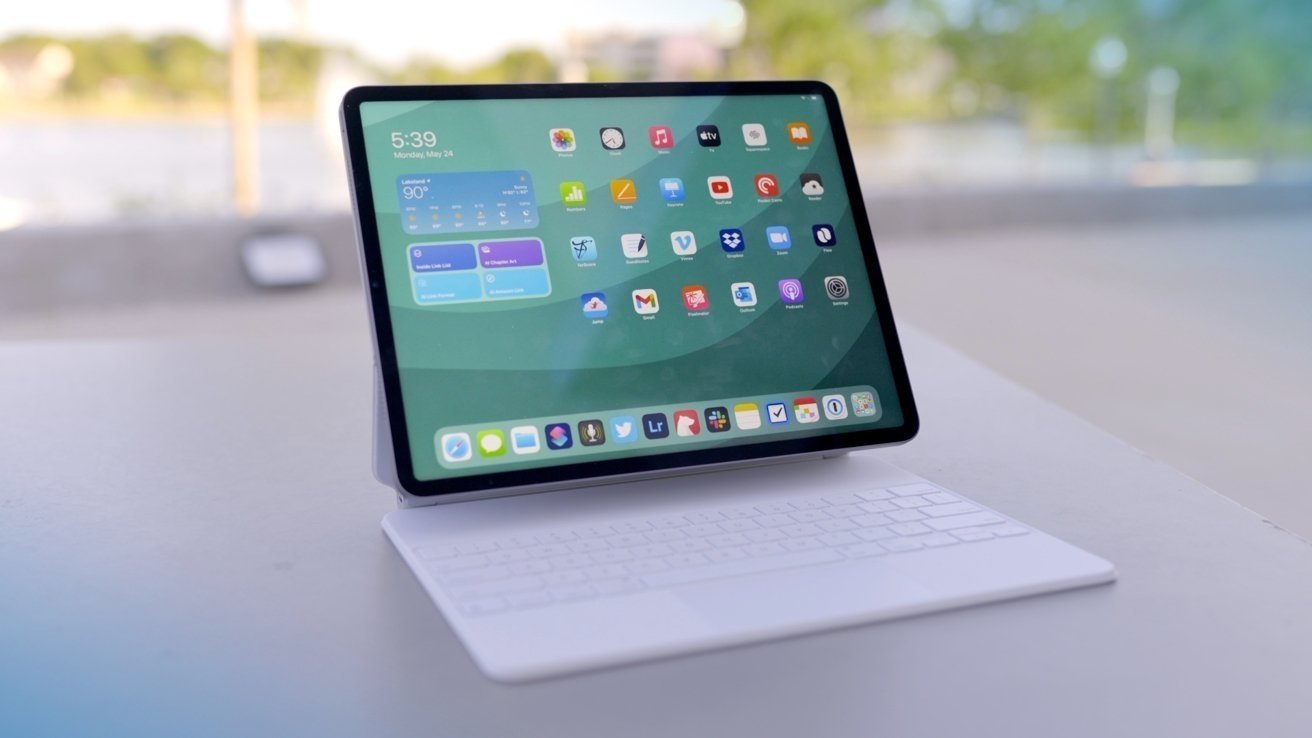
Apple is considering offering consumers larger sizes of iPad Pro models, with super-sized variants potentially arriving within a few years.


Apple's largest tablet has been the 12.9-inch iPad Pro ever since the product's first release. While Apple has changed the sizes of other iPad models, including multiple alterations for the smaller variant of the iPad Pro, it seems that the largest iPad Apple sells may go under the same treatment down the line.


In Bloomberg's "Power On" newsletter, Mark Gurman was reportedly told that Apple is exploring the idea of a bigger tablet size, with engineers and designers working on versions that could arrive "a couple of years down the road at the earliest."


Gurman further claims the 2022 refresh of the iPad Pro lineup will consist of models reusing the existing 11-inch and 12.9-inch sizes, which will rule out larger iterations. There is also the advice that such tablets may never actually get released at all.


On June 4, a report claimed Apple is working on adding a glass back to the iPad Pro range for 2022, bringing the product family in line with the styling of the iPhone 12. A wireless charging system similar to MagSafe is also allegedly planned, which would be facilitated with the change to a "glass sandwich" design.


There have also been claims Apple is working on so-called reverse charging, or "bilateral" charging, for the iPad Pro.


Source: Appleinsider

Windows
Mac OS
iOS
Linux
3uTools
Win 64-bit For this device
V9.0 2025-11-11
Download
Win 32-bit For this device
V9.0 2025-11-11
Download
3uTools
Intel Chip How to Identify Chip Type
V9.0 2025-12-02
Download
Apple Chip
V9.0 2025-12-02
Download
How to Identify Chip Type
1.  Click the Apple icon in the top-left corner of the screen and select About This Mac.
2.  Check the Processor or Chip field to determine if it is "Intel" or "Apple".
Please use the 3uTools PC client to install the iOS client:
1、 Install either the Windows or Mac version of 3uTools on your computer
2、 Open the PC client and connect your device to the computer via USB cable
3、 After the connection is successful, wait for the computer to automatically install the mobile app for the device, or locate “Install Mobile App” on the computer and manually click to install.
3uTools
deb file
V3.01 2025-11-20
Download
rpm file
V3.01 2025-11-20
Download
Windows
Windows
iOS
iOS
Android
Android
TV
TV
3uAirPlayer
Win 64-bit For this device
V6.0.2 2025-11-19
Download
Win 32-bit For this device
V6.0.2 2025-11-19
Download
iOS Device Mirroring (No App Required)
1、 Install 3uAirPlayer on the Windows PC
2、 Open Control Center and select Screen Mirroring
3、 From the list, choose your PC to start mirroring
4、 Or connect your iOS device to the PC via USB to begin mirroring
Scan to get "3uAirPlayer" App
3uAirPlayer TV V1.0.18
2025-11-28
TV System Requirements: Android 7.0 or later
Download the TV installation package, copy it to a USB drive, insert it into your TV or set-top box, then select the file from the home screen to install.