 NEWS
NEWS
Patreon Doesn’t Have ‘Special Contract’ With Apple to Avoid App Store Tax
 06/23/2021
 2132
2132
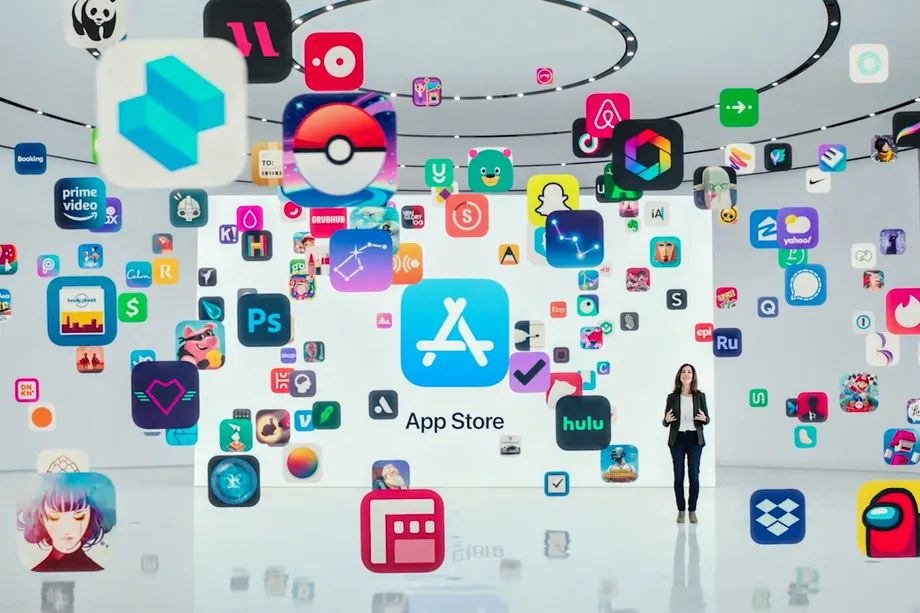
When you open Patreon’s iPhone app and subscribe to a creator, Apple doesn’t step in the way and take a cut. It turns out, that’s not because of some behind-the-scenes arrangement between the two companies — Apple’s App Store team just decided to give Patreon a pass.
“I wish we had some special contract with Apple. We don’t,” Patreon CEO Jack Conte said on Decoder, a podcast from The Verge. “We have to deal with the App Store policies and review process like anybody else.”
On iOS, Apple takes up to a 30 percent cut of in-app payments for digital goods. That means creators on platforms like Twitch, Twitter, and Facebook can expect to lose 30 percent of whatever a fan is paying them to Apple. As more platforms add tools for creators to get paid, the so-called Apple tax has started to look more domineering, taking money away from individual creators and not just huge businesses.
Patreon has been one of the odd exceptions to the rule. The platform’s iOS app has been able to accept payments outside of Apple’s in-app purchase system, which lets the company walk around that 30 percent cut. Conte suggests this may be allowed because users don’t come to Patreon to discover creators and content. “A lot of the actual engagement is happening on other platforms ... So it’s just not the primary behavior that’s happening on Patreon,” Conte said. The Verge has reached out to Apple for comment.
Apple’s rules around creators have increasingly become a point of contention. Facebook has started to highlight how much money Apple takes, and the creator platform Fanhouse — basically a SFW OnlyFans — has launched a campaign to get the rules changed. Apple told Fanhouse recently that the app needed to implement its in-app payment system or be removed from the store. After lodging complaints publicly, Fanhouse tells The Verge that Apple reached out and offered an extension to the end of 2021 to come into compliance with its rules.
Fanhouse says it is now going through Apple’s formal process to request a change to the App Store rules, looking for an exception for payments to creators. (Fanhouse says it previously filed a submission through Apple’s review process but was “ignored.”) The company has pointed to Patreon as an example of a creator-focused app that doesn’t have to pay the Apple tax, but Fanhouse founders say they have not received an explanation for why they can’t replicate the same model.
Source: The Verge









