 NEWS
NEWS
Nearly 75% of Apple Users Don't Want an 'iPhone 13,' More Than Half not Excited About iOS 15
 06/22/2021
 2530
2530
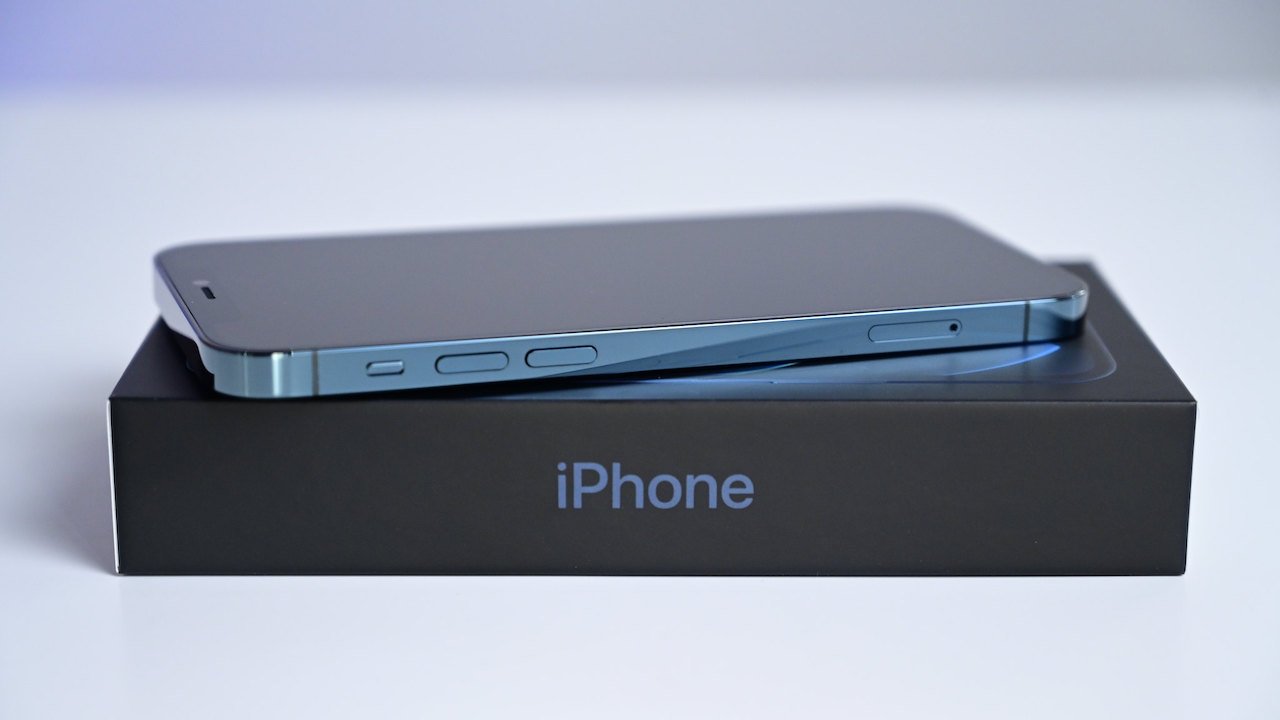
Many iPhone users want the "iPhone 13" to be named something else, although only a small percentage view the name superstitiously, according to a new survey.
A total of 74% of respondents in the survey, which was carried out by SellCell, said they hoped "iPhone 13" will be named something else. The respondents also voted for the best potential name, with "iPhone (2021)" taking the top spot with 38% of the vote. Only about 18% of respondents actually have superstitions about the number 13, however. That represents one in five Apple users.
Name aside, most Apple users appear ready to wait for the next iPhone to debut. According to the survey, 64% said they'd skip purchasing an iPhone now to wait for new models to debut in the fall.
SellCell also surveyed Apple users about the next slate of software updates, including iOS 15. More than half, about 52%, said they were "slightly" or "not at all" excited about the new features in iOS 15.
As far as the most popular new additions, 23% named the upgraded Wallet app as their favorite, about 17% said advanced Spotlight search was their top pick and 14.2% said the new Find My feature that tracks off or wiped devices was their most liked feature.
About 32% of respondents said they wished iOS 15 introduced interactive widgets, while 21% said an always-on display feature was their top missing addition. Professional apps for iPadOS is at the top of the wishlist for 14.9% of those surveyed.
On the new Digital Legacy Program, many respondents felt skeptical about giving loved ones access to their intimate data. About 53% of respondents said they were comfortable with giving a friend or family member access to iCloud data after their death.
A majority, 71%, said they would want to control the data given as part of the legacy program. Around 27% said they wouldn't want to share their browsing history, 16.4% said they wouldn't share their messages, and 13.7% said they would want to keep Keychain passwords off the list of the shared data.
SellCell surveyed more than 3,000 iPhone and iPad users aged 18 years and older in the U.S. The survey was conducted between June 10 and June 15, 2021.
Source: Appleinsider









