NEWS

Apple Airs Video Recap of the Third Day of WWDC 21

06/10/2021

1945

Apple Airs Video Recap of the Third Day of WWDC 21


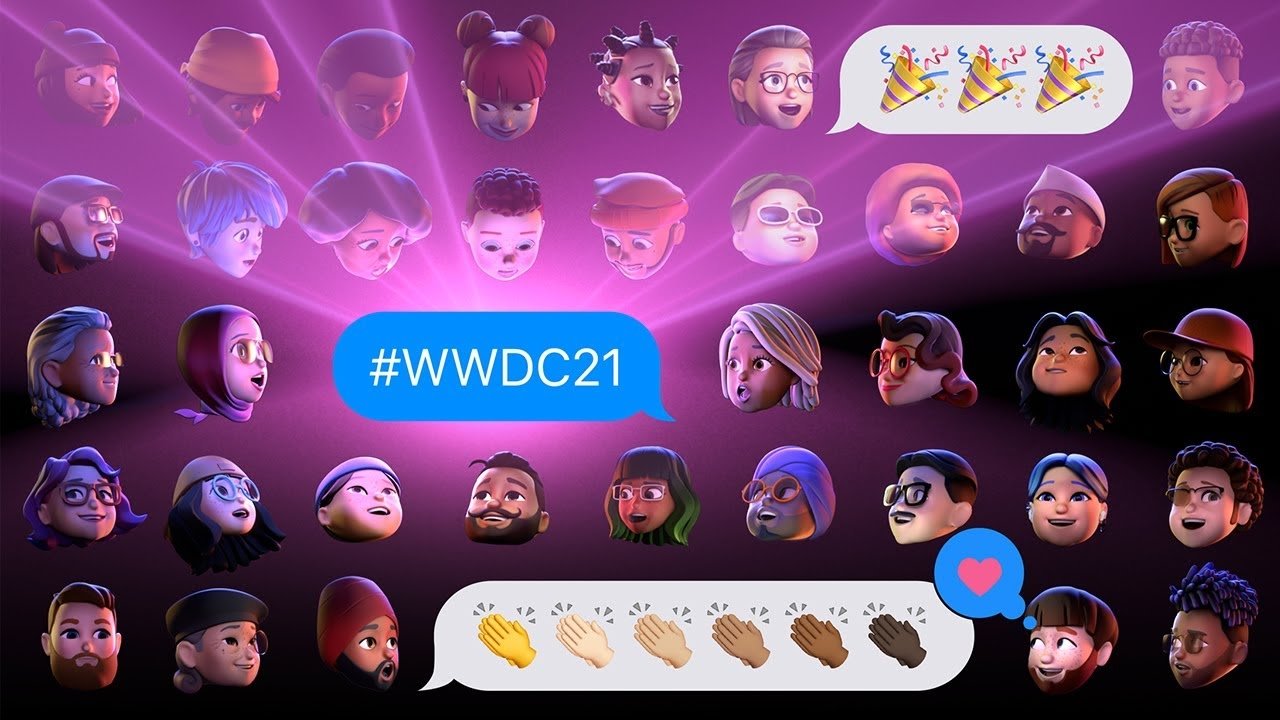
Apple has shared a video recap highlighting some of the sessions on the third day of its WWDC 2021 conference while teasing upcoming sessions.


The video, titled "WWDC21 Day 3: Coded Reality," was published to YouTube on Wednesday. It follows two videos that highlighted the events of the first and second days of the developer conference.


Some of the highlights of day three include bringing real-world objects into augmented reality, implementing shortcuts into apps, optimizing user interfaces, and a future without passwords thanks to a new Passkeys in iCloud Keychain feature.


Apple also teased other events and sessions are to come at WWDC 21, including improvements to Web Inspector, the principles of good widgets on iOS and macOS, and playback experience on Apple TV.


In addition to the video recaps, Apple is also publishing daily morning digests that available through the Apple Developer app.


Follow all of WWDC 2021 with comprehensive AppleInsider coverage of the week-long event from June 7 through June 11, including details on iOS 15, iPadOS 15, watchOS 8, macOS Monterey and more.


Source: Appleinsider

Windows
Mac OS
iOS
Linux
3uTools
Win 64-bit For this device
V9.0 2025-11-11
Download
Win 32-bit For this device
V9.0 2025-11-11
Download
3uTools
Intel Chip How to Identify Chip Type
V9.0 2025-12-02
Download
Apple Chip
V9.0 2025-12-02
Download
How to Identify Chip Type
1.  Click the Apple icon in the top-left corner of the screen and select About This Mac.
2.  Check the Processor or Chip field to determine if it is "Intel" or "Apple".
Please use the 3uTools PC client to install the iOS client:
1、 Install either the Windows or Mac version of 3uTools on your computer
2、 Open the PC client and connect your device to the computer via USB cable
3、 After the connection is successful, wait for the computer to automatically install the mobile app for the device, or locate “Install Mobile App” on the computer and manually click to install.
3uTools
deb file
V3.01 2025-11-20
Download
rpm file
V3.01 2025-11-20
Download
Windows
Windows
iOS
iOS
Android
Android
TV
TV
3uAirPlayer
Win 64-bit For this device
V6.0.2 2025-11-19
Download
Win 32-bit For this device
V6.0.2 2025-11-19
Download
iOS Device Mirroring (No App Required)
1、 Install 3uAirPlayer on the Windows PC
2、 Open Control Center and select Screen Mirroring
3、 From the list, choose your PC to start mirroring
4、 Or connect your iOS device to the PC via USB to begin mirroring
Scan to get "3uAirPlayer" App
3uAirPlayer TV V1.0.18
2025-11-28
TV System Requirements: Android 7.0 or later
Download the TV installation package, copy it to a USB drive, insert it into your TV or set-top box, then select the file from the home screen to install.