NEWS

MacBook Air Redesign Will Include iMac-like Color Options, Leaker Claims

05/10/2021

2358

MacBook Air Redesign Will Include iMac-like Color Options, Leaker Claims


The redesigned MacBook Air will have multiple color choices like the 24-inch iMac does, says Jon Prosser.


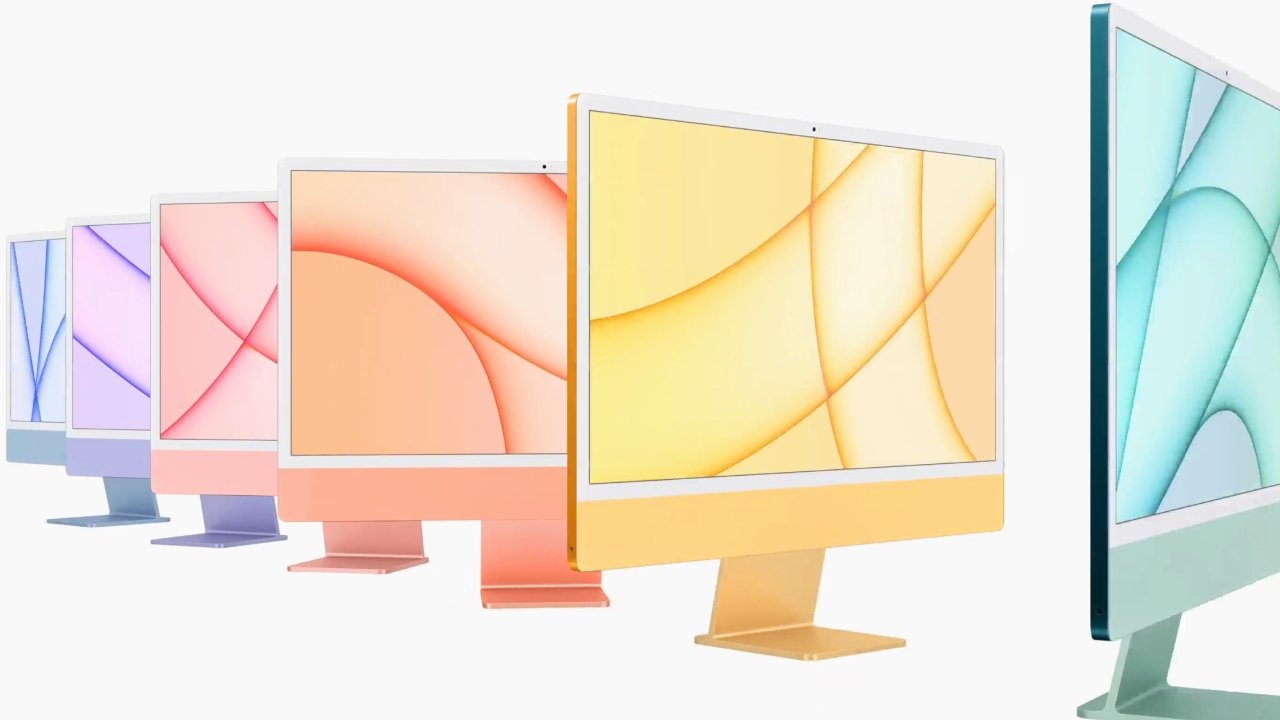
Apple released the iMac with an all-new design and bright colors in April. This design philosophy is expected to continue down the Mac product line, and a prolific leaker has confirmed it.

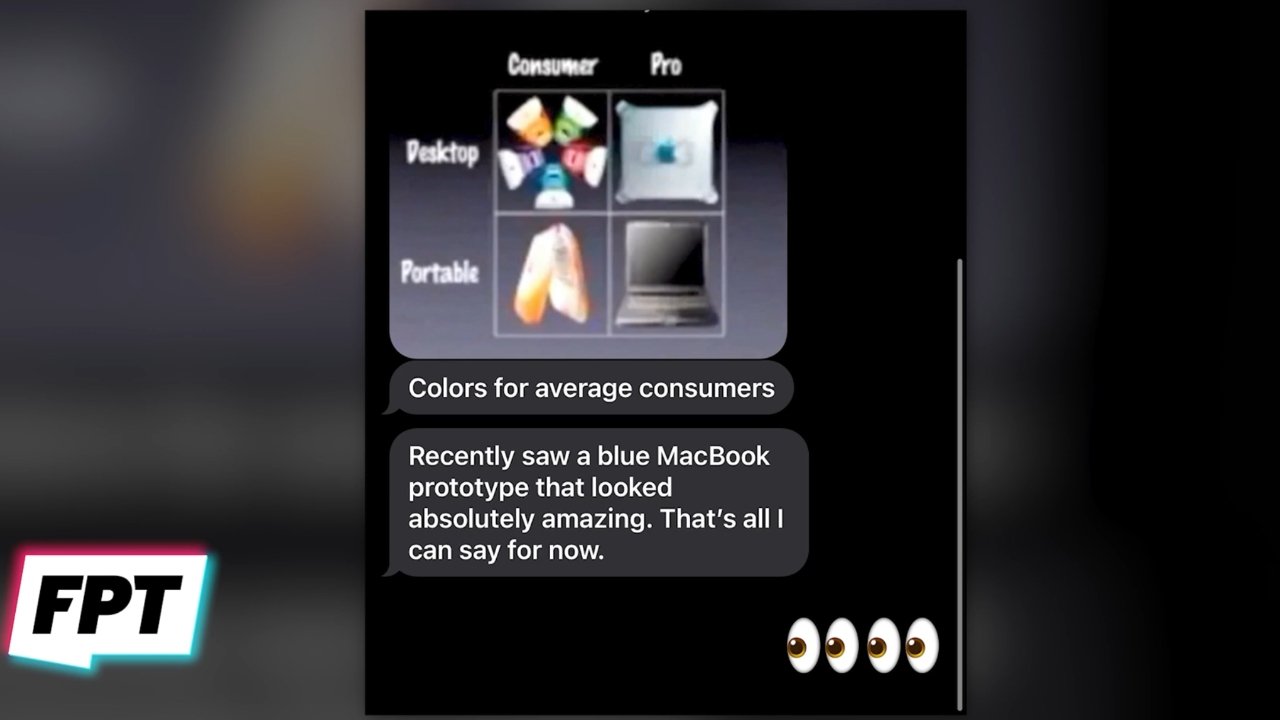
Jon Prosser has been fairly accurate on product details such as color and design specifics, so his latest details about the next MacBook Air shouldn't be overlooked. In his latest Front Page Tech video, Prosser says he got a tip from his source about a blue MacBook Prototype.

MacBook Air Redesign Will Include iMac-like Color Options, Leaker Claims


Prosser's conversation with his source


The source stated "colors for average consumers" alongside an old image from an Apple event. This suggests that color options would be made available for consumer devices, where "pro" Macs will have more subdued shades of gray and silver.


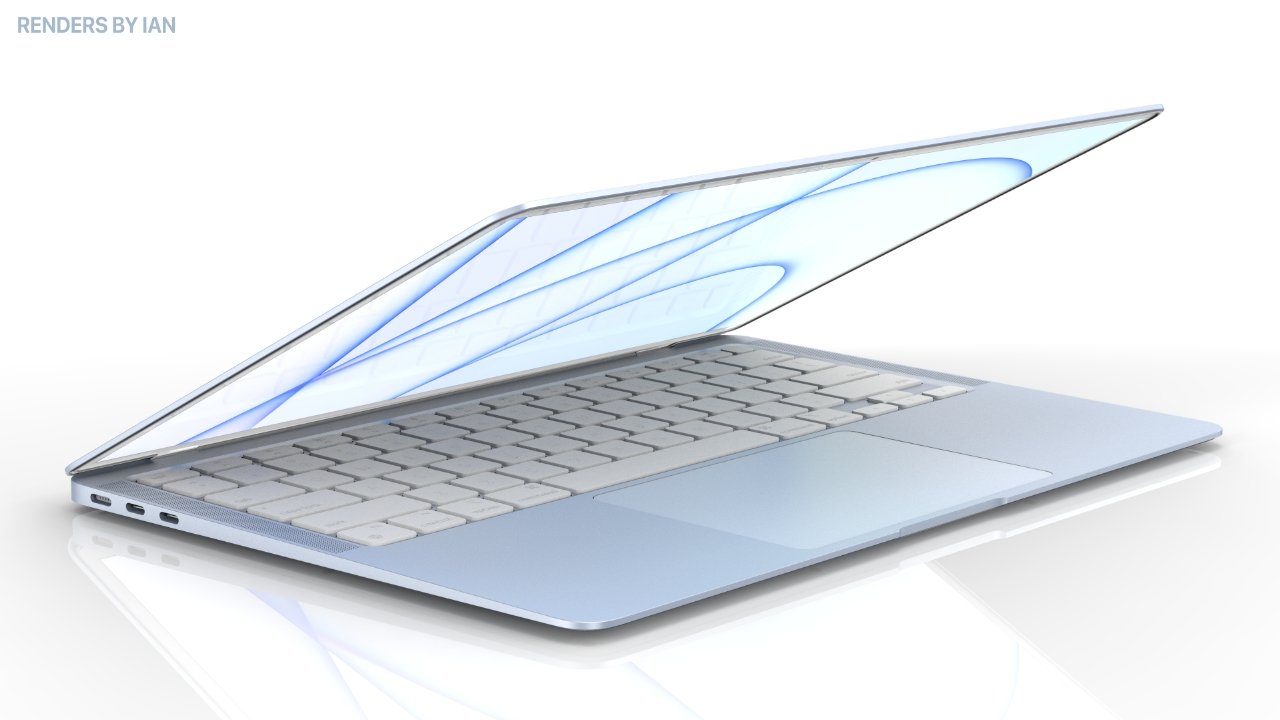
Prosser assumes this means the MacBook Air will receive color options similar to those found on the 24-inch iMac. The iMac has a saturated back panel with muted colors on the face plate. Concept images shared by Prosser show a MacBook Air with a more pastel color design.

MacBook Air Redesign Will Include iMac-like Color Options, Leaker Claims


A blue MacBook Air concept Image Source: Renders by Ian


Apple announced the transition to Apple Silicon would take two years during its 2020 WWDC. The products released so far have been aimed at consumers, so Apple is likely to focus on pro Macs for its next releases. Expect a refreshed design and a new M-series processor in the next MacBook Air once Apple's pro Macs have been released.


Source: Appleinsider

Windows
Mac OS
iOS
Linux
3uTools
Win 64-bit For this device
V9.0 2025-11-11
Download
Win 32-bit For this device
V9.0 2025-11-11
Download
3uTools
Intel Chip How to Identify Chip Type
V9.0 2025-12-02
Download
Apple Chip
V9.0 2025-12-02
Download
How to Identify Chip Type
1.  Click the Apple icon in the top-left corner of the screen and select About This Mac.
2.  Check the Processor or Chip field to determine if it is "Intel" or "Apple".
Please use the 3uTools PC client to install the iOS client:
1、 Install either the Windows or Mac version of 3uTools on your computer
2、 Open the PC client and connect your device to the computer via USB cable
3、 After the connection is successful, wait for the computer to automatically install the mobile app for the device, or locate “Install Mobile App” on the computer and manually click to install.
3uTools
deb file
V3.01 2025-11-20
Download
rpm file
V3.01 2025-11-20
Download
Windows
Windows
iOS
iOS
Android
Android
TV
TV
3uAirPlayer
Win 64-bit For this device
V6.0.2 2025-11-19
Download
Win 32-bit For this device
V6.0.2 2025-11-19
Download
iOS Device Mirroring (No App Required)
1、 Install 3uAirPlayer on the Windows PC
2、 Open Control Center and select Screen Mirroring
3、 From the list, choose your PC to start mirroring
4、 Or connect your iOS device to the PC via USB to begin mirroring
Scan to get "3uAirPlayer" App
3uAirPlayer TV V1.0.18
2025-11-28
TV System Requirements: Android 7.0 or later
Download the TV installation package, copy it to a USB drive, insert it into your TV or set-top box, then select the file from the home screen to install.