NEWS

Apple Cuts AirPods Production by Over a Quarter

04/29/2021

2319

Apple Cuts AirPods Production by Over a Quarter


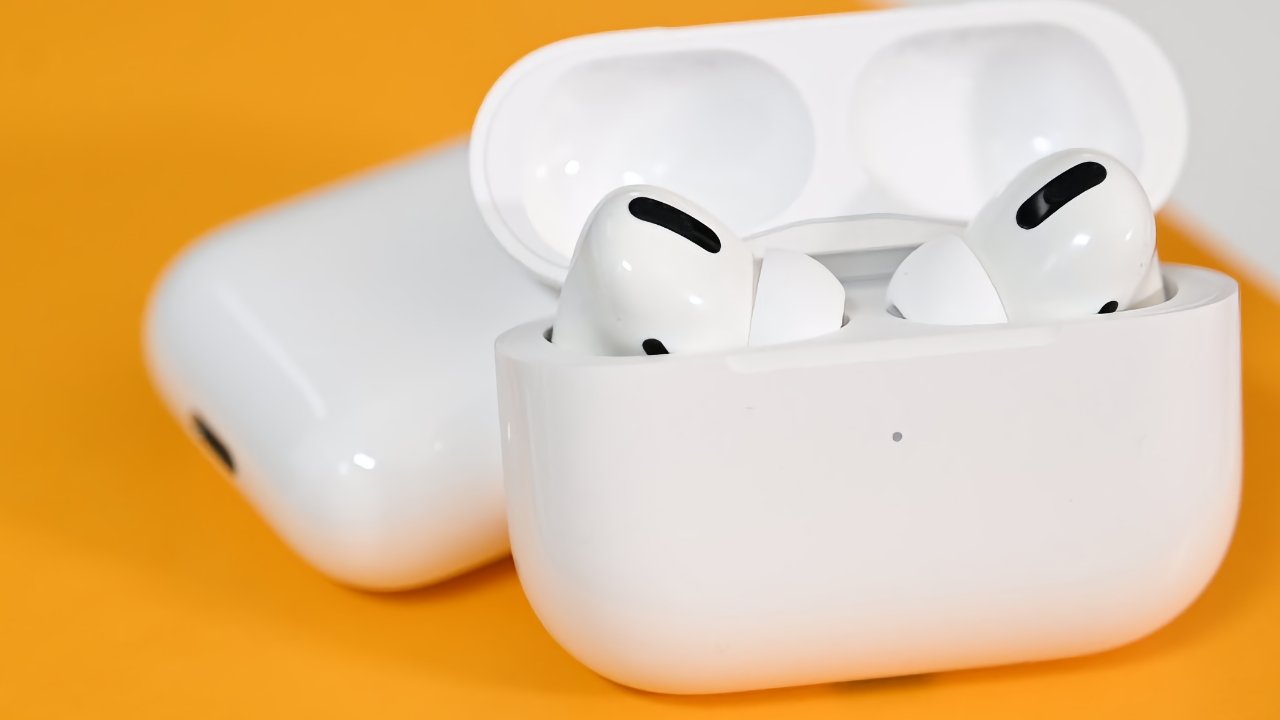
Weakening demand for AirPods has reportedly meant Apple cutting 25% to 30% of its AirPods production for 2021.


As the forthcoming "AirPods 3" release is now not expected until Q3 2021, sales of the current models appear to be waning. Industry sources say that Apple had forecast producing 110 million AirPods over 2021, but is now revising that down to between 75 million and 85 million.


According to Nikkei Asia, the decrease is due to intensifying competition in the wireless earbuds market. The publication has no breakdown of any differences across AirPods, AirPods Pro, or AirPods Max.


"The levels of inventory [in warehouses] and in-store stocks of AirPods are currently high... and demand is not as strong as expected," an unnamed source told Nikkei Asia. "The most significant order reduction is for the second quarter toward the start of the third quarter."


Reportedly, one reason for high levels of AirPods in stock is that sales also fell short of expectations in 2020. Apple is believed to have ordered between 80 million and 90 million AirPods over the year, but sold only 72.8 million.


That still represented 31% of the total market for all wireless earbuds. The remainder, however, has been captured by cheaper alternatives. Apple has at times been rumored to launch an "AirPods Pro Lite" in the first half of 2021, which would presumably be a lower cost option.


Source: Appleinsider

Windows
Mac OS
iOS
Linux
3uTools
Win 64-bit For this device
V9.0 2025-11-11
Download
Win 32-bit For this device
V9.0 2025-11-11
Download
3uTools
Intel Chip How to Identify Chip Type
V9.0 2025-12-02
Download
Apple Chip
V9.0 2025-12-02
Download
How to Identify Chip Type
1.  Click the Apple icon in the top-left corner of the screen and select About This Mac.
2.  Check the Processor or Chip field to determine if it is "Intel" or "Apple".
Please use the 3uTools PC client to install the iOS client:
1、 Install either the Windows or Mac version of 3uTools on your computer
2、 Open the PC client and connect your device to the computer via USB cable
3、 After the connection is successful, wait for the computer to automatically install the mobile app for the device, or locate “Install Mobile App” on the computer and manually click to install.
3uTools
deb file
V3.01 2025-11-20
Download
rpm file
V3.01 2025-11-20
Download
Windows
Windows
iOS
iOS
Android
Android
TV
TV
3uAirPlayer
Win 64-bit For this device
V6.0.2 2025-11-19
Download
Win 32-bit For this device
V6.0.2 2025-11-19
Download
iOS Device Mirroring (No App Required)
1、 Install 3uAirPlayer on the Windows PC
2、 Open Control Center and select Screen Mirroring
3、 From the list, choose your PC to start mirroring
4、 Or connect your iOS device to the PC via USB to begin mirroring
Scan to get "3uAirPlayer" App
3uAirPlayer TV V1.0.18
2025-11-28
TV System Requirements: Android 7.0 or later
Download the TV installation package, copy it to a USB drive, insert it into your TV or set-top box, then select the file from the home screen to install.