 NEWS
NEWS
Apple 'Pushes The Envelope' With iPad Pro Say Executives
 04/26/2021
 2018
2018
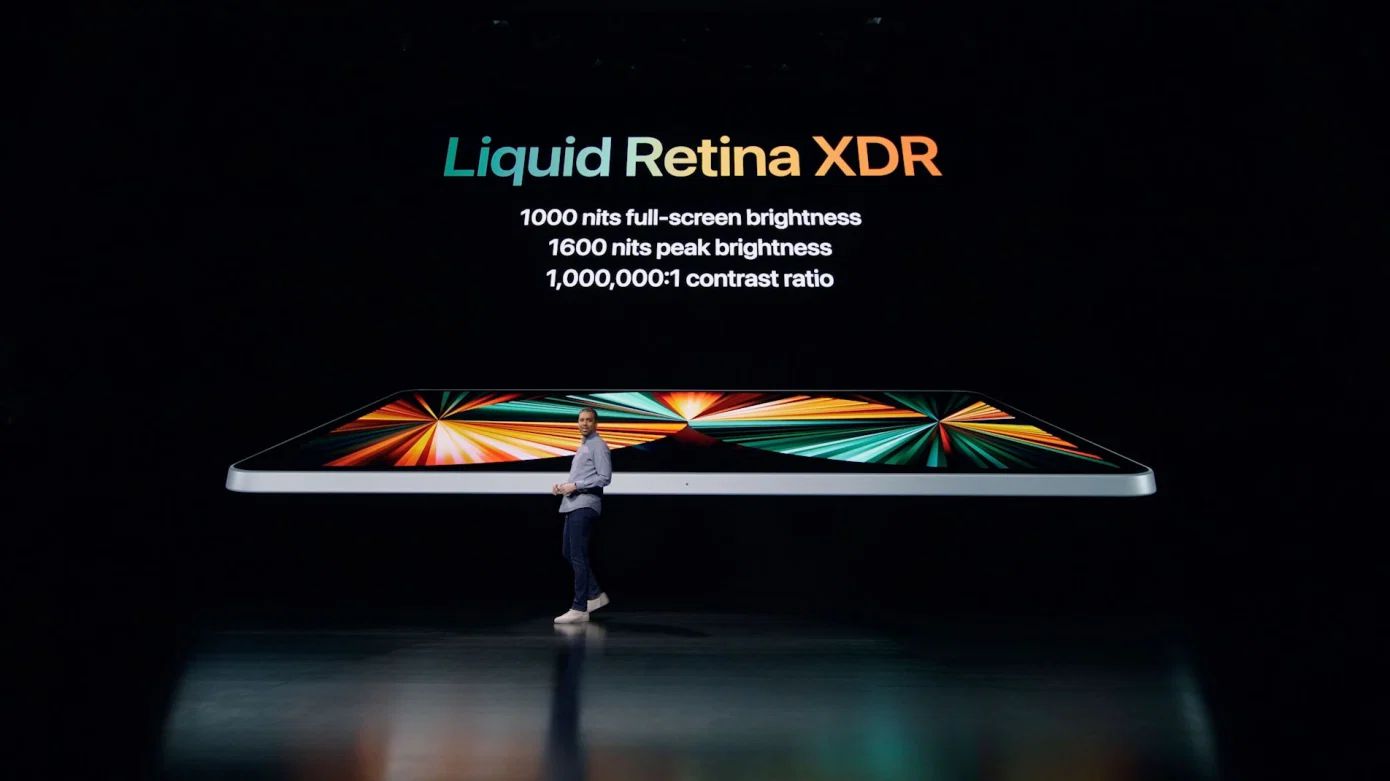
In another interview about the iPad Pro, Apple marketing chief Greg Joswiak and Apple hardware chief John Ternus explained some of the design decisions that went into the new tablet.
Apple's updated iPad Pro has enjoyed a number of changes for 2021, including the use of mini LED backlighting to create the Liquid Retina XDR display in the 12.9-inch model, and a change in processor to the M1. In a follow-up interview about the changes, Greg Joswiak and John Ternus discussed why Apple made those changes.
"We've always tried to have the best display," said Ternus to TechCrunch. "We're going from the best display on any device like this, and making it even better, because that's what we do and that's why we, we love coming to work every day is to take that next big step."
Later, on the topic of the M1, Joswiak answered the question about the aggressive specifications bump by offering that Apple pushes the envelope. "And by pushing the envelope that has created this space for developers to come in and fill it."
Citing the lack of creative apps for the first iPad Pro and the plethora available today, Joswiak adds "Because we created that capability, we created that performance - and by the way, sold a fairly massive number of them - which is a pretty good combination for developers to then come in and say, I can take advantage of that. There's enough customers here and there's enough performance."
"We create more headroom to performance that developers will figure out how to use."
Ternus added the M1 used in the iPad Pro is the same as the Mac counterparts. "iPad Pro has always had the best Apple Silicon we make."
In mentioning the Center Stage feature for video conferencing, Ternus calls it "one of the examples of some of our favorite stuff to do because of he way it marries the hardware and software right. So, sure it's the camera, but it's also the SoC and the algorithms associated with detecting the person and panning and zooming."
"That's a lot of talented, creative people coming together and trying to find the thing that makes it Apple-like," Ternus added.
This is not the only interview Joswiak and Ternus have conducted following the "Spring Loaded" special event. On Wednesday, an interview with the two men reiterated Apple's position that the iPad and Mac are two separate product lines, and that they would stay that way.
Stay on top of all Apple news right from your HomePod. Say, "Hey, Siri, play AppleInsider," and you'll get latest AppleInsider Podcast. Or ask your HomePod mini for "AppleInsider Daily" instead and you'll hear a fast update direct from our news team. And, if you're interested in Apple-centric home automation, say "Hey, Siri, play HomeKit Insider," and you'll be listening to our newest specialized podcast in moments.
Source: Appleinsider









