 NEWS
NEWS
Apple Says iMessage on Android ‘Will Hurt us More Than Help us’
 04/12/2021
 2466
2466
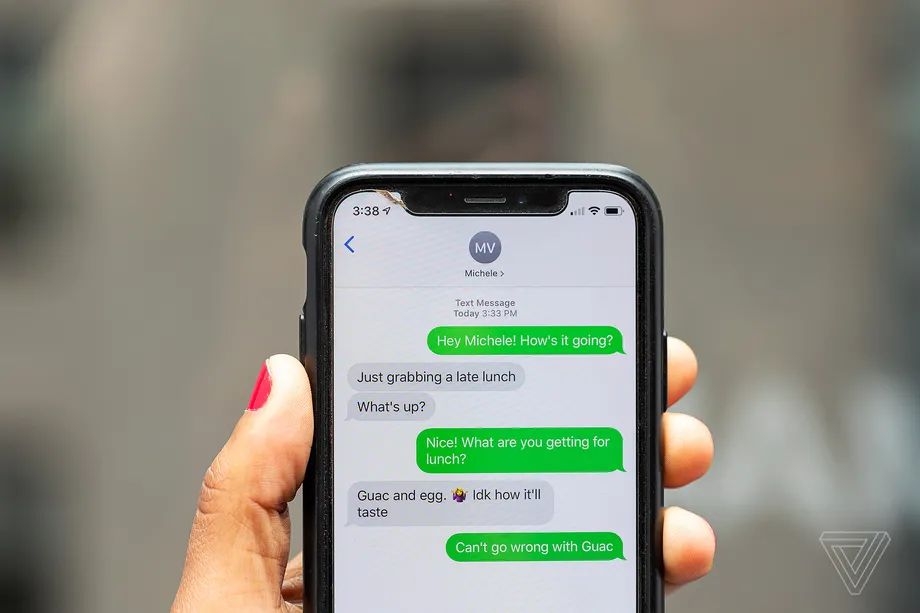
Apple knows that iMessage’s blue bubbles are a big barrier to people switching to Android, which is why the service has never appeared on Google’s mobile operating system. That’s according to depositions and emails from Apple employees, including some high-ranking executives, revealed in a court filing from Epic Games as part of its legal dispute with the iPhone manufacturer.
Epic argues that Apple consciously tries to lock customers into its ecosystem of devices, and that iMessage is one of the key services helping it to do so. It cites comments made by Apple’s senior vice president of Internet Software and Services Eddy Cue, senior vice president of software engineering Craig Federighi, and Apple Fellow Phil Schiller to support its argument.
“The #1 most difficult [reason] to leave the Apple universe app is iMessage ... iMessage amounts to serious lock-in,” was how one unnamed former Apple employee put it in an email in 2016, prompting Schiller to respond that, “moving iMessage to Android will hurt us more than help us, this email illustrates why.”
According to Epic’s filing, citing Eddy Cue, Apple decided not to develop iMessage for Android as early as 2013, following the launch of the messaging service with iOS 5 in 2011. Cue admits that Apple “could have made a version on Android that worked with iOS” so that “users of both platforms would have been able to exchange messages with one another seamlessly.” Evidently, such a version was never developed.
Along with iMessage, Epic cites a series of other Apple services that it argues contribute to lock-in. Notably, these include its video chat service FaceTime, which Steve Jobs announced would be an open industry standard back at WWDC 2010. FaceTime subsequently released across iPhones, iPads, and Macs, but it’s not officially available for any non-Apple devices.
Source: The Verge









