 NEWS
NEWS
Apple Again Said to be Using 120Hz ProMotion Displays in 'iPhone 13' Lineup
 04/12/2021
 2235
2235
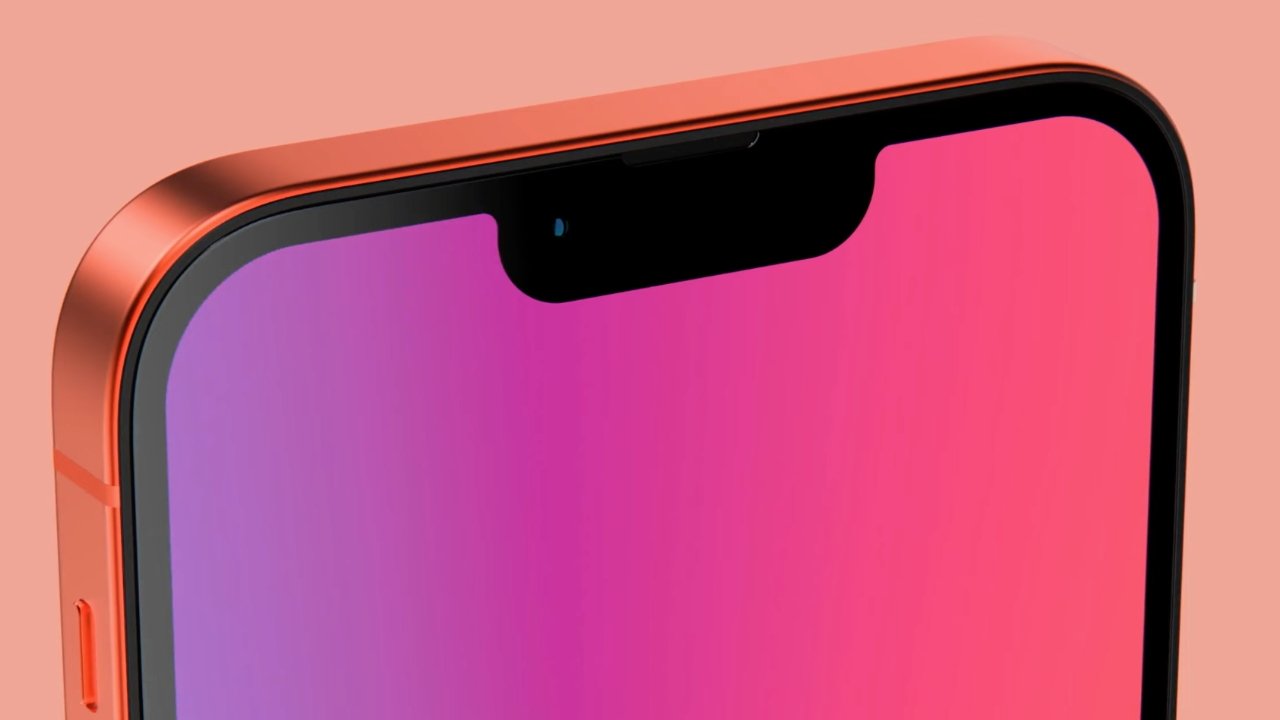
Another supply chain report is giving more credence to previous claims that the "iPhone 13 Pro" lineup will have a 120Hz refresh display.
Low-temperature polycrystalline oxide (LTPO) displays have been rumored for the iPhone for about two years. However, Friday's report claims that the displays will finally arrive on the iPhone, granting the device a 120Hz refresh display for the first time.
Citing "industry sources," supply chain monitor DigiTimes claims that Samsung and LG are converting iPhone-only production lines to LTPO tech production. The Friday report claims that this migration will end shortly, allowing both to provide the screens to Apple in time for use in 2021.
Apple is said to be using the displays in its higher-end "iPhone 13," likely in the so-called "iPhone 13 Pro" and "iPhone 13 Pro Max." Display panel orders for lower-end "iPhone 13" models are expected to be filled by OLED suppliers LG Display and BOE.
Apple was reportedly working on a battery-saving technology for LTPO thin-film transistors prior to release of the iPhone 12, and it was previously rumored to be essential to managing battery life for high-refresh displays on devices with small batteries. This technology has apparently been completed, as DigiTimes reports that devices with the screens are seeing up to 20% reduced power consumption.
Apple currently uses LTPO tech to reduce the refresh rate of the always-on models of the Apple Watch to near zero when not displaying active information on the screen. ProMotion screens debuted in the iPad Pro, but without LTPO technology.
The supply chain report lines up with rumors from December claiming that 120Hz ProMotion displays, which were first introduced on Apple's iPad Pro lineup, would be arriving on at least two iPhone models in 2021.
There were also reports suggesting that Apple would add 120Hz refresh rates would to the iPhone 12 or iPhone 12 Pro, but they didn't pan out.
DigiTimes is a decent source of information from within Apple's supply chain, but has a notably worse record in predicting Apple's future product plans. Friday's report is more the former than the latter.
Source: Appleinsider









