NEWS

US iPhone Users Spent an Average of $138 on The App Store in 2020

04/02/2021

1858

US iPhone Users Spent an Average of $138 on The App Store in 2020


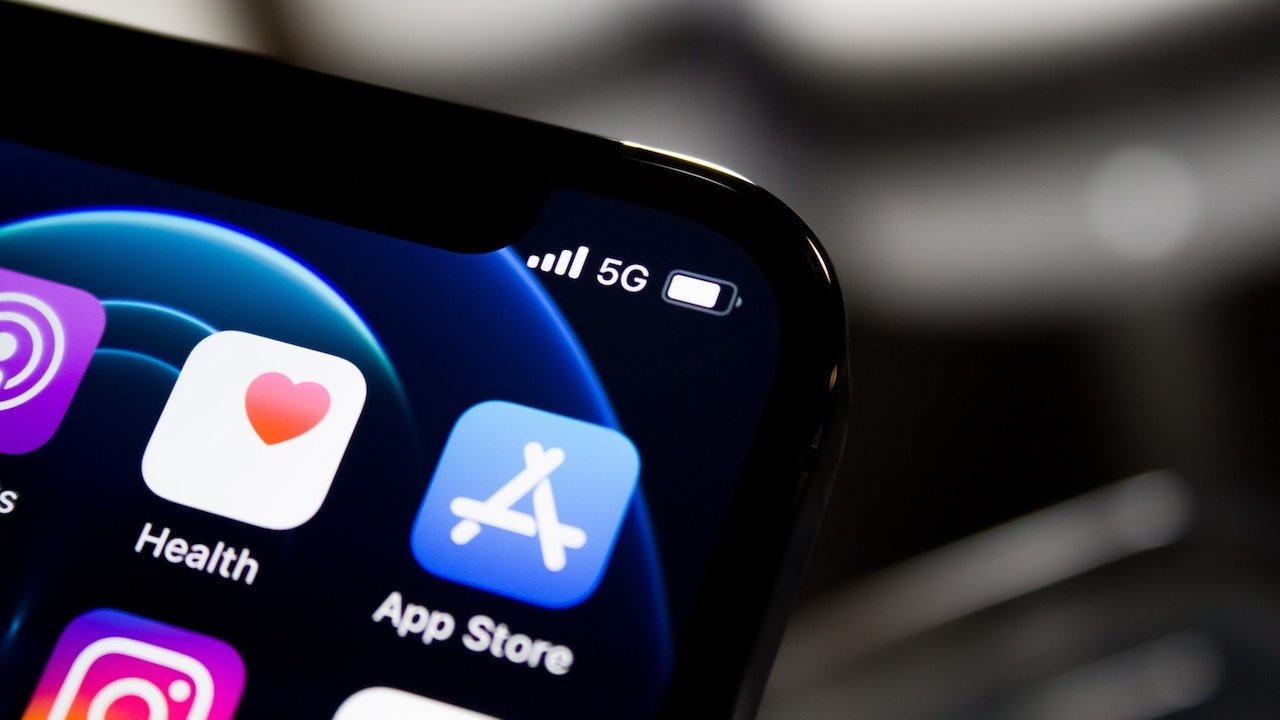
U.S. iPhone users spent an average of $138 on apps in 2020, an increase of 38% year-over-year, and that figure is poised to increase in 2021.


Per-user spending on Apple's App Store saw the greatest annual growth in 2020 since 2016, when it hit 42% year-over-year, according to a Sensor Tower report. Overall, smartphone users spent a combined $111 billion on iOS and Android apps during the year, the firm said.


The surge in 2020 was attributed to stay-at-home orders during the coronavirus pandemic, which drove remote work, play, and education. Sensor Tower also projects that consumer app spending will hit an average of $180 in 2021. Again, it attributes the lift to the global health crisis.


As far as specific categories that saw the highest boost, gaming took the top spot. Per-device spend on mobile games grew 43% in 2020 compared to 2019. Consumers spent an average of $76.80, up from $53.80.


Other categories that saw exceptional growth during 2020 included entertainment, photo & video, social networking, and lifestyle. Some of those increases were because of apps like TikTok, YouTube, and Twitch.


The Sensor Tower report on Thursday comes on the heels of similar data from App Annie. That report showed app spending growth of 40% and a higher overall spending amount, though it included data from some third-party Android app stores in China.


Source: Appleinsider

Windows
Mac OS
iOS
Linux
3uTools
Win 64-bit For this device
V9.0 2025-11-11
Download
Win 32-bit For this device
V9.0 2025-11-11
Download
3uTools
Intel Chip How to Identify Chip Type
V9.0 2025-12-02
Download
Apple Chip
V9.0 2025-12-02
Download
How to Identify Chip Type
1.  Click the Apple icon in the top-left corner of the screen and select About This Mac.
2.  Check the Processor or Chip field to determine if it is "Intel" or "Apple".
Please use the 3uTools PC client to install the iOS client:
1、 Install either the Windows or Mac version of 3uTools on your computer
2、 Open the PC client and connect your device to the computer via USB cable
3、 After the connection is successful, wait for the computer to automatically install the mobile app for the device, or locate “Install Mobile App” on the computer and manually click to install.
3uTools
deb file
V3.01 2025-11-20
Download
rpm file
V3.01 2025-11-20
Download
Windows
Windows
iOS
iOS
Android
Android
TV
TV
3uAirPlayer
Win 64-bit For this device
V6.0.2 2025-11-19
Download
Win 32-bit For this device
V6.0.2 2025-11-19
Download
iOS Device Mirroring (No App Required)
1、 Install 3uAirPlayer on the Windows PC
2、 Open Control Center and select Screen Mirroring
3、 From the list, choose your PC to start mirroring
4、 Or connect your iOS device to the PC via USB to begin mirroring
Scan to get "3uAirPlayer" App
3uAirPlayer TV V1.0.18
2025-11-28
TV System Requirements: Android 7.0 or later
Download the TV installation package, copy it to a USB drive, insert it into your TV or set-top box, then select the file from the home screen to install.