 NEWS
NEWS
Apple Releases Fifth Betas of iOS 14.5, iPadOS 14.5, tvOS 14.5, watchOS 7.4
 03/24/2021
 2203
2203
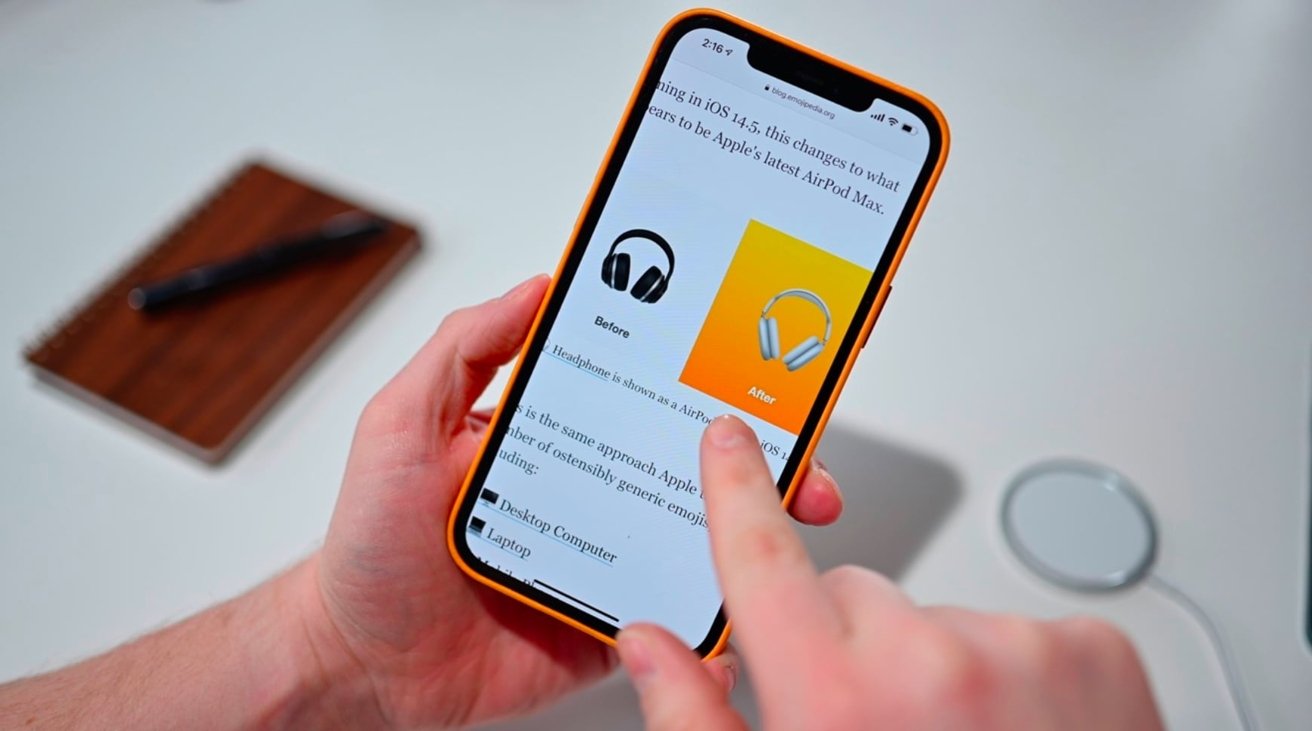
Apple is now on its fifth round of developer betas for the current cycle, with new builds of iOS 14.5, iPadOS 14.5, tvOS 14.5, and watchOS 7.4 available for testing by developers.
The latest betas and configuration profiles can be downloaded from the Apple Developer Center, with subsequent changes available as over-the-air updates on enrolled devices. Public beta counterparts usually arrive shortly after the developer versions, via the Apple Beta Software Program website.
The fifth round surfaces after the fourth, released on March 15 for all four operating systems. The third round for iOS and iPadOS 14.5 arrived on March 2, while the third build of tvOS 14.5 made it on March 3, and watchOS 7.4 on March 4. Second round and first round builds landed on February 16 and February 1 respectively.
In the cases of iOS and iPadOS, Apple pulled then reissued both the first and third developer betas, though no reason for doing so was provided.
The fifth round could be the last one before Apple publicly releases the update to devices outside of its beta testing programs. It is unusual, though not impossible, for Apple to go beyond five beta rounds for updates.
The updates for iOS 14.5 and iPadOS 14.5 have covered features ranging from the upcoming rollout of App Tracking Transparency to support for PlayStation 5 and Xbox Series X game controllers. The Apple Watch can also assist with Face ID unlocking in cases where the user is wearing a mask, speeding up unlocking.
Apple Fitness AirPlay 2 support is also included, as well as over 200 new emoji, and refinements to Apple Music.
The HomePod also got a new beta update for the closed beta testers. It runs tvOS and version 14.5 beta 5 can now be downloaded.
Both AppleInsider and Apple strongly advise users avoid installing betas on to "mission-critical" or primary devices, due to the potential for data loss or other issues. Instead, the recommendation is to install betas onto secondary or non-essential devices, and to ensure there are sufficient backups of important data before making any major changes.
Source: Appleinsider









