 NEWS
NEWS
Apple Event Predicted for April, not March 23
 03/18/2021
 2260
2260
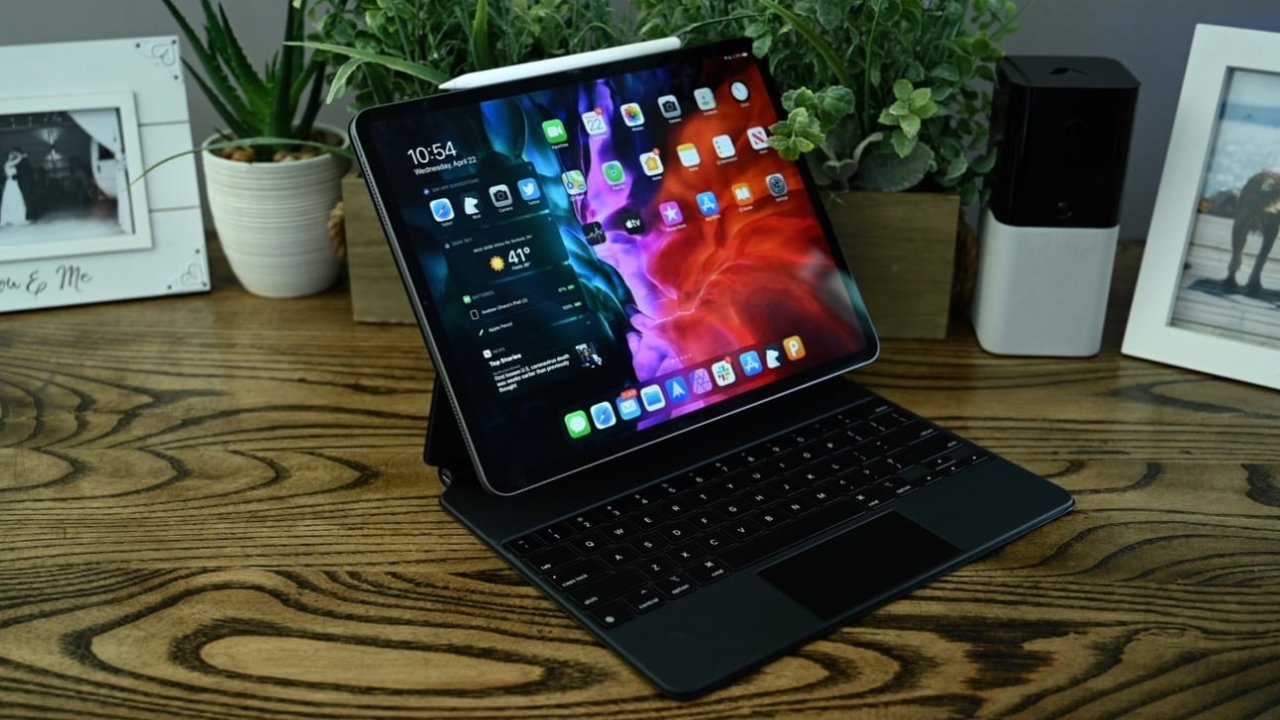
After crossing the expected invitation window, Jon Prosser has announced that the Apple event will be in April, not March.
Multiple accurate sources have claimed that there will be an event or announcement on March 23. As we drew closer to the supposed date it seemed clear that Apple was set to announce "AirPods 3" and "AirTags," until it wasn't.
On Wednesday, Jon Prosser said that the event would be in April with no further explanation. He is the first to announce a different date.
His certainty of a March 23 date previously led him to promise his usual — to shave his eyebrows if he were wrong. With less than six days to the supposed event, he is presenting a different event window.
Apple could have delayed the event, or the event was never going to take place. Some speculation still says there will be product announcements through a battery of press releases.
The company previously announced several products, including an updated 10.2-inch iPad, via a week of press releases. Apple could do the same here and avoid an event altogether.
There is seemingly little reason to delay a pre-recorded virtual event — once the event is recorded all Apple has to do is release the video. It would be highly unusual for Apple to change release windows of a product so soon to an announcement.
Reports of "AirPods 3" not coming until the fall started rolling in on Monday. Apple could still announce the long-awaited "AirTags" or the next iPad Pro, however.
Stay on top of all Apple news right from your HomePod. Say, "Hey, Siri, play AppleInsider," and you'll get latest AppleInsider Podcast. Or ask your HomePod mini for "AppleInsider Daily" instead and you'll hear a fast update direct from our news team. And, if you're interested in Apple-centric home automation, say "Hey, Siri, play HomeKit Insider," and you'll be listening to our newest specialized podcast in moments.
Source: Appleinsider









