NEWS

Apple VR Headset Coming in Q1 2022 & Will Have LiDAR, Analyst Claims

02/04/2021

3361

Apple VR Headset Coming in Q1 2022 & Will Have LiDAR, Analyst Claims


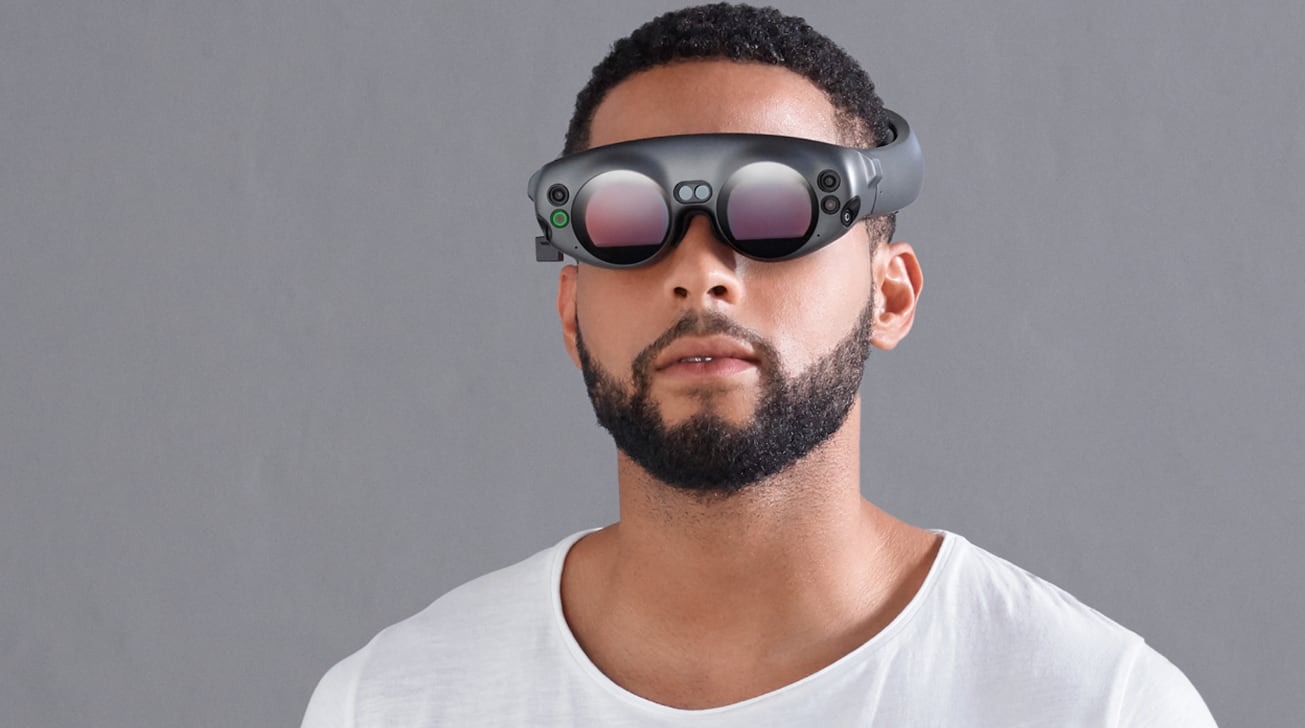
Investment analyst at JP Morgan says an Apple VR headset will be released in Q1 2022, and feature LiDAR plus six lenses.


Backing up recent claims that "Apple Glass" will be preceded by a more traditional AR/VR headset design, JP Morgan says Apple plans to ship its first headset in the beginning months of 2022. According to the investment bank's technology industry analyst Yang Weilun, the main improvement over rival headsets will be the use of LiDAR.


According to China Times (in translation), the forthcoming VR headset will feature six lenses, plus a LiDAR optical scanner. LiDAR will sense the distances between real-world objects, and reportedly enhance the experience.


Yang Weilun reportedly estimates that the cost to Apple of building the headset will be in excess of $500, and that the retail price will be more than current rival VR sets.


The JP Morgan analysis also concludes that currently "extremely difficult" specifications mean that a lightweight "Apple Glass" headset is unlikely to be released in the next 12 to 18 months.


Previously, a separate Bloomberg account claimed that the Apple VR headset would retail for more than $900. Coming in 2022, it is expected to precede "Apple Glass" by a year.


Source: Appleinsider

Windows
Mac OS
iOS
Linux
3uTools
Win 64-bit For this device
V9.0 2025-11-11
Download
Win 32-bit For this device
V9.0 2025-11-11
Download
3uTools
Intel Chip How to Identify Chip Type
V9.0 2025-12-02
Download
Apple Chip
V9.0 2025-12-02
Download
How to Identify Chip Type
1.  Click the Apple icon in the top-left corner of the screen and select About This Mac.
2.  Check the Processor or Chip field to determine if it is "Intel" or "Apple".
Please use the 3uTools PC client to install the iOS client:
1、 Install either the Windows or Mac version of 3uTools on your computer
2、 Open the PC client and connect your device to the computer via USB cable
3、 After the connection is successful, wait for the computer to automatically install the mobile app for the device, or locate “Install Mobile App” on the computer and manually click to install.
3uTools
deb file
V3.01 2025-11-20
Download
rpm file
V3.01 2025-11-20
Download
Windows
Windows
iOS
iOS
Android
Android
TV
TV
3uAirPlayer
Win 64-bit For this device
V6.0.2 2025-11-19
Download
Win 32-bit For this device
V6.0.2 2025-11-19
Download
iOS Device Mirroring (No App Required)
1、 Install 3uAirPlayer on the Windows PC
2、 Open Control Center and select Screen Mirroring
3、 From the list, choose your PC to start mirroring
4、 Or connect your iOS device to the PC via USB to begin mirroring
Scan to get "3uAirPlayer" App
3uAirPlayer TV V1.0.18
2025-11-28
TV System Requirements: Android 7.0 or later
Download the TV installation package, copy it to a USB drive, insert it into your TV or set-top box, then select the file from the home screen to install.