 NEWS
NEWS
Apple's iOS 14 Integrates New Messages Security Sandbox Called BlastDoor
 01/29/2021
 2291
2291
Apple's iOS 14 operating system includes a new security sandbox system designed to protect Messages users from potentially malicious code, according to new research shared on Thursday.
Discovered by Samuel Groß, a member of Google's Project Zero team, the new sandbox is named BlastDoor and is restricted to the Messages level of iOS, reports ZDNet.
BlastDoor quietly shipped with iOS 14 last year, though Apple has not publicly referenced the security feature. Groß detailed the "tightly sandboxed" service in a blog post today.
Written in the relatively safe Swift programming language, BlastDoor is responsible for parsing nearly all untrusted data in Messages, Groß says. Prior to iOS 14, steps like decompressing binary data, decoding the plist from a binary serialization format, field extraction, and decoding of the "x" key were all performed by imagent. Now, imagent is at the head of the processing flow, but critical operations are forwarded to BlastDoor.
According to Groß, the sandbox prohibits communication with most IPC services, blocks nearly all file system interaction, forbids any interaction with IOKit drivers and denies outbound network traffic. Essentially, the system unpacks content — both text and attachments — in a safe environment and prevents malicious code from interacting with iOS or accessing local data.
"Overall, these changes are probably very close to the best that could've been done given the need for backwards compatibility, and they should have a significant impact on the security of iMessage and the platform as a whole," Groß writes, noting that Messages in iOS 14 also allows for resliding of the shared cache and exponential throttling. "It's great to see Apple putting aside the resources for these kinds of large refactorings to improve end users' security."
The security researcher was tipped off to the new security protocol after reading a report from University of Toronto's Citizen Lab that detailed a Messages vulnerability leveraged to infiltrate and spy on journalists' iPhones. Called "Kismet," the exploit was in circulation for at least a year before being neutralized with the release of iOS 14.
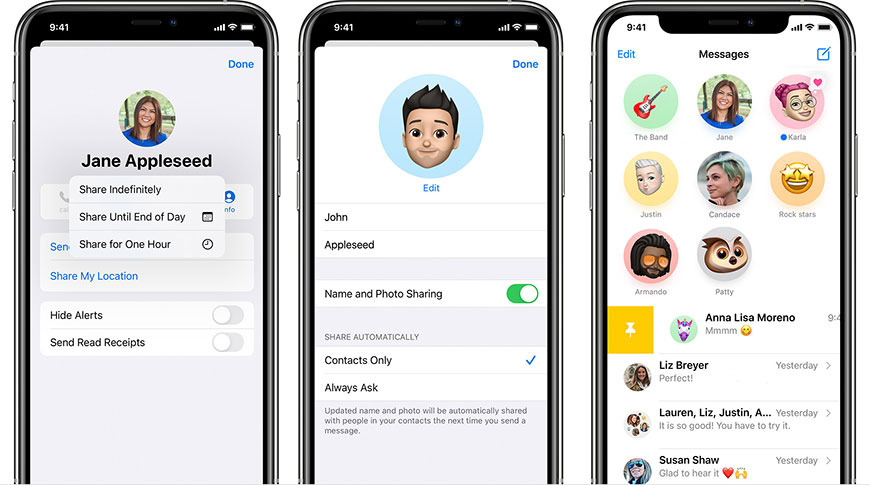
Along with security improvements, Apple introduced a number of user-facing features to Messages in its latest mobile OS including pinned conversations, chat threads, and inline mentions.
Source: Appleinsider









