
NEWS

Intel Unveils new 12th-generation Alder Lake Chips as it Plays Catch up to Apple’s M1

01/13/2021

2248

Intel made an appearance at CES this year and brought a preview of its next substantial chip release, the 12th-generation Alder Lake. The company didn’t go into many details on the upcoming chips, but it did give us a taste of what to expect.
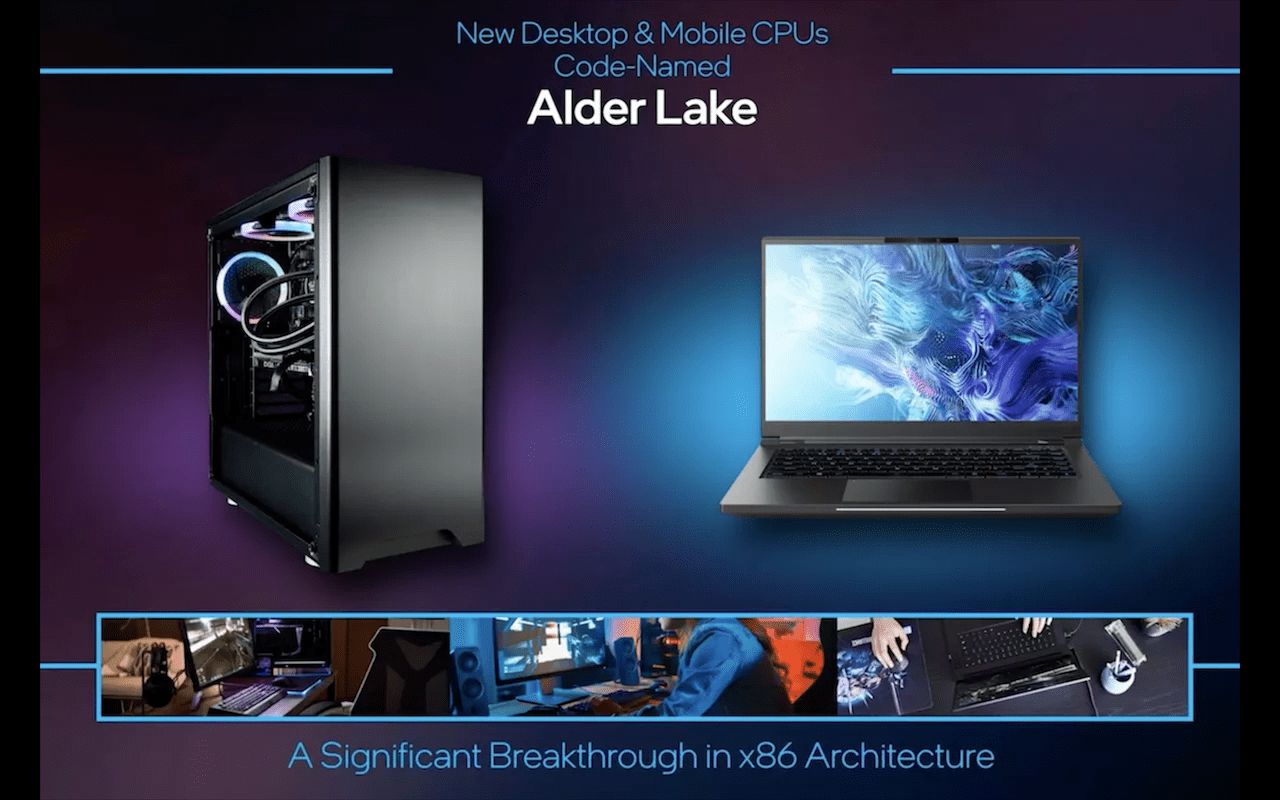

Intel Unveils new 12th-generation Alder Lake Chips as it Plays Catch up to Apple’s M1


Like its predecessor, the 12th-generation Alderr Lake chips will utilize something similar to ARM’s BIG.little technology, a hybrid of both high-performance and high-efficiency cores. Intel has stated that these are laptop and desktop CPUs and that consumers should expect to get their hands on them in the second half of this year (via Ars Technica).


Arguably the most notable aspect of this announcement is its timing in relation to Apple’s new M1 CPUs announced just last year. This likely isn’t a coincidence but is instead Intel attempting to compete directly with the M1, especially given how similar the two are in design.


Alderr Lake will use an improved version of the 10nm SuperFin process, which will go head-to-head with Apple’s ARM instruction set used in the M1. That, paired with the BIG.little architecture, reaffirms Intel’s desire to compete with Apple’s chip.


Intel’s announcement also signifies the companies intention to begin scaling its hybrid chips within its current lineup. Whether or not this supposed strategy shift will work for Intel will be revealed in time. It’s also worth noting that we do not expect Apple to use these new Alderr Lake chips in any of their products.


Source: 9to5mac

Windows
Mac OS
iOS
Linux
3uTools
Win 64-bit For this device
V9.0 2025-11-11
Download
Win 32-bit For this device
V9.0 2025-11-11
Download
3uTools
Intel Chip How to Identify Chip Type
V9.0 2025-12-02
Download
Apple Chip
V9.0 2025-12-02
Download
How to Identify Chip Type
1.  Click the Apple icon in the top-left corner of the screen and select About This Mac.
2.  Check the Processor or Chip field to determine if it is "Intel" or "Apple".
Please use the 3uTools PC client to install the iOS client:
1、 Install either the Windows or Mac version of 3uTools on your computer
2、 Open the PC client and connect your device to the computer via USB cable
3、 After the connection is successful, wait for the computer to automatically install the mobile app for the device, or locate “Install Mobile App” on the computer and manually click to install.
3uTools
deb file
V3.01 2025-11-20
Download
rpm file
V3.01 2025-11-20
Download
Windows
Windows
iOS
iOS
Android
Android
TV
TV
3uAirPlayer
Win 64-bit For this device
V6.0.2 2025-11-19
Download
Win 32-bit For this device
V6.0.2 2025-11-19
Download
iOS Device Mirroring (No App Required)
1、 Install 3uAirPlayer on the Windows PC
2、 Open Control Center and select Screen Mirroring
3、 From the list, choose your PC to start mirroring
4、 Or connect your iOS device to the PC via USB to begin mirroring
Scan to get "3uAirPlayer" App
3uAirPlayer TV V1.0.18
2025-11-28
TV System Requirements: Android 7.0 or later
Download the TV installation package, copy it to a USB drive, insert it into your TV or set-top box, then select the file from the home screen to install.




