 NEWS
NEWS
Apple on Track to Release Mini LED iPad Pro in Early 2021
 01/06/2021
 2155
2155
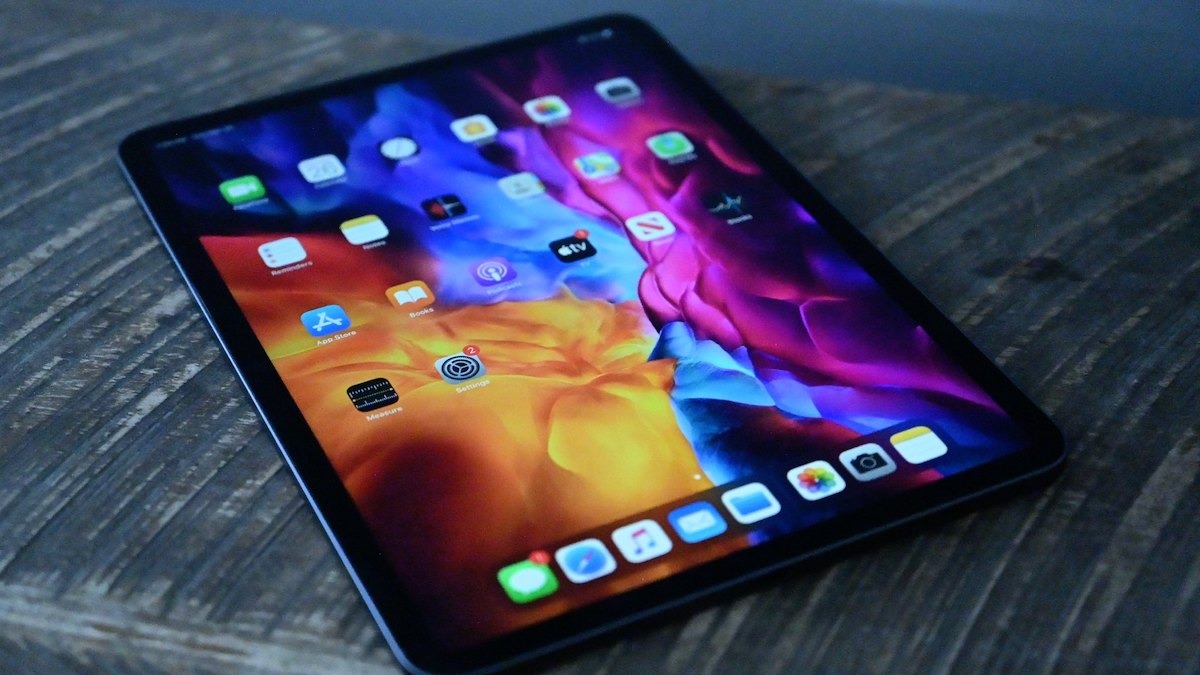
New supply chain reports back up previous claims that the iPad Pro will be Apple's first device to use a mini LED display, and that it will launch in the first quarter of 2021.
Following previous rumors, and then subsequent reported delays, Apple again appears to be on course to release its first iPad Pro with a mini LED display.
At one point, Apple was expected to release an iPad Pro with mini LED before the end of 2020. Now, according to Digitimes, the launch was delayed by the impact of the coronavirus, rather than any technical issues.
Fan Chin-yung, president of display manufacturer Epistar, has reportedly said that the coronavirus has meant delays in getting devices approved.
"Large-volume shipments for mini LED chips will be deferred from the end of 2020 as originally scheduled," he said, "to the second or third quarter of 2021 due to delay in product certification."
Nonetheless, he also said that "shipments for mini LED chips will begin to contribute to consolidated revenues in first-quarter 2021."
Based on that and unspecified other industry sources, Digitimes concludes that Apple is expected to launch a 12.9-inch mini LED-backlit iPad Pro, possibly in first-quarter 2021.
Digitimes has an excellent track record with sources within the supply chain, though a much poorer one at extrapolating Apple's plans. This latest report does, however, fit with multiple previous ones that expect an iPad Pro with mini LED to launch in the first quarter of 2021.
Mini LED brings improved color reproduction and contrast ratios. It's also a more power-efficient form of backlighting.
Source: Appleinsider









