 NEWS
NEWS
Xiaomi’s Mi 11 Won’t Come With Charger After it Mocked Apple for not Including a Charger
 12/28/2020
 2276
2276
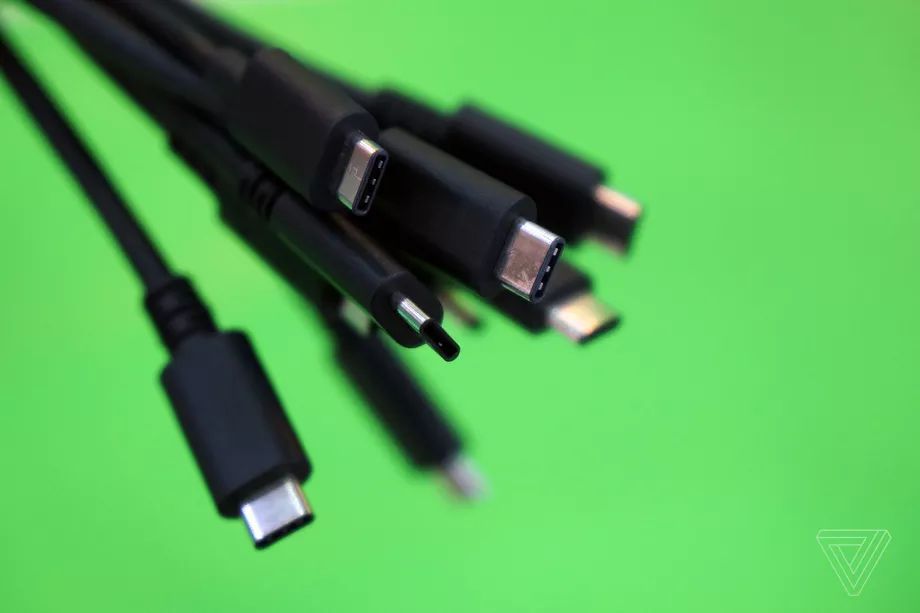
Lei Jun, the CEO of Chinese phone maker Xiaomi, has confirmed that its upcoming Mi 11 phone will not come with a charger, citing environmental concerns. While that’s a legitimate argument against providing yet another hunk of plastic that resembles all the other chargers people already have, Xiaomi joined other phone makers who poked fun at Apple a few short months ago for not including chargers with the iPhone 12.
Jun made the remarks on Chinese social media site Weibo, saying people have many chargers which creates an environmental burden, and therefore the company was canceling the charger for the Mi 11.
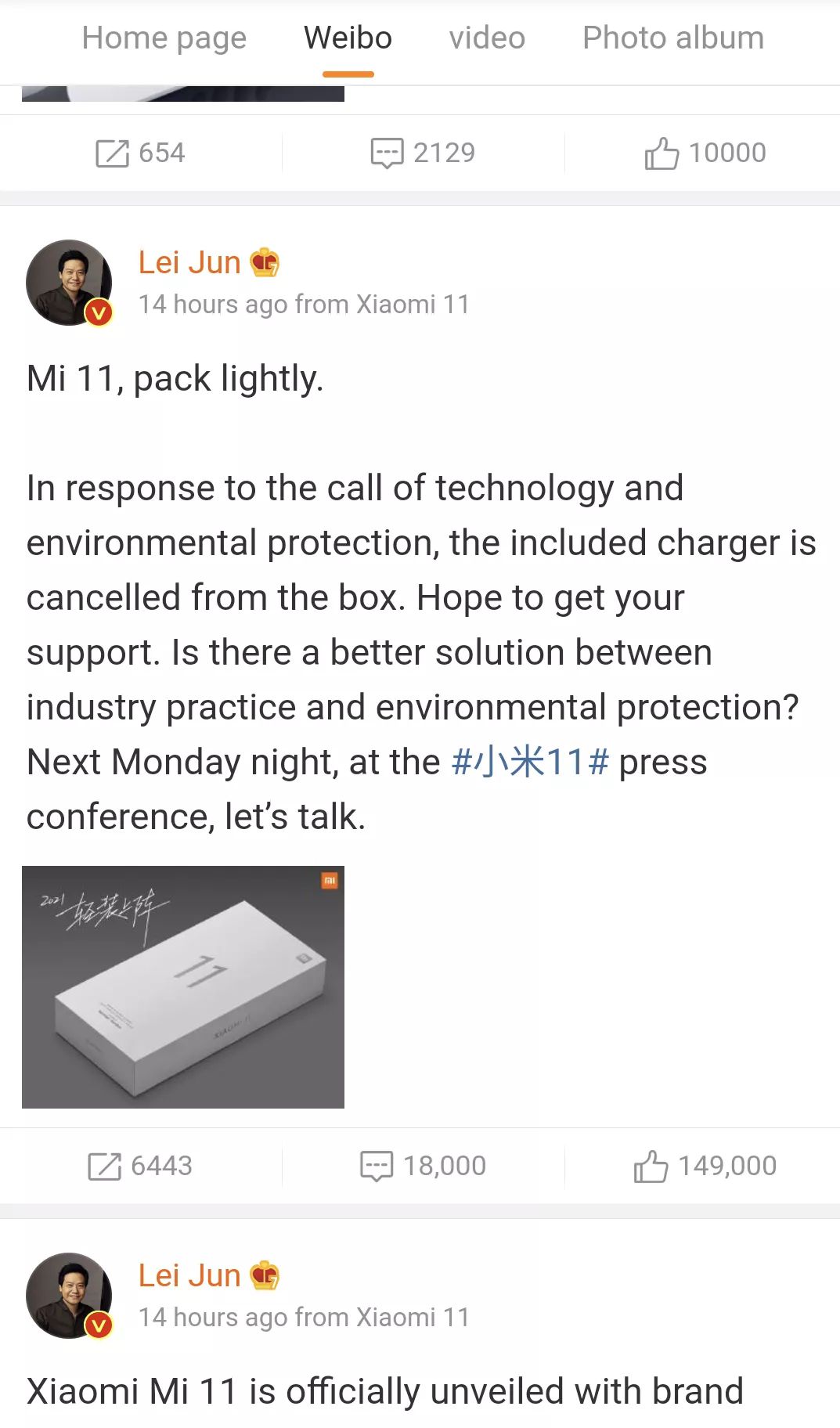
Xiaomi CEO Lei Jun said on Weibo the Mi 11 would come without a charger
Apple’s decision not to include chargers with the iPhone 12 was met with some derision, and competitors like Samsung reminded customers in an ad that charging bricks were “included with your Galaxy.” That Galaxy ad has apparently been deleted, however, as rumors continue to build that Samsung won’t include a charger with its upcoming Galaxy S21 phones.
Shortly after the iPhone 12 launch, Xiaomi tweeted that it “didn’t leave anything out of the box” for its Mi 10T Pro, adding a short video clip that shows a Mi 10T box with a charger inside. Perhaps the takeaway here is that companies should keep the marketing team in the loop about future product decisions?
Don't worry, we didn't leave anything out of the box with the #Mi10TPro. pic.twitter.com/ToqIjfVEQX
— Xiaomi (@Xiaomi) October 14, 2020
There is, in fact, a strong environmental case for not including superfluous chargers with new phones, especially if the chargers are identical to the dozens of others most people already have. But it seems like as phone makers continue raising the price tags on their new devices, they’re somehow finding ways to give customers less — no headphone jacks, no charging bricks— than they did in the past.
Is the next step to just do away with the box and hand over new phones to customers in bubble wrap, or maybe in paper bags? I guess we’ll find out.
Source: The Verge









