 NEWS
NEWS
Apple Working on Technology to Finally Allow iOS Devices to Support Multiple Users
 12/23/2020
 2550
2550
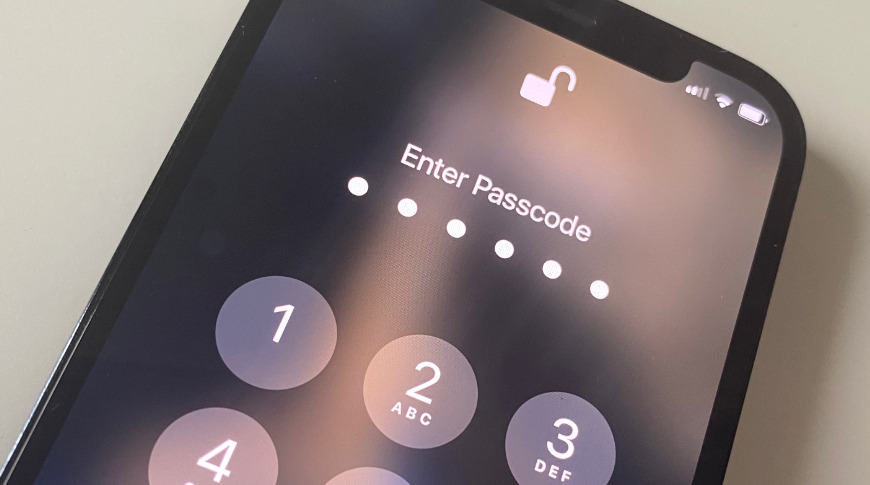
Apple is researching a development of its Secure Enclave technology to securely allow multiple users to share one iPhone or iPad without revealing private info to the other users.
"Provision of domains in secure enclave to support multiple users," is a patent, newly granted to Apple, which is very specifically about securely allowing more than one user to use a device. That could mean Macs as much as it could iOS. Apple even refers to "both single user mobile computing devices and multi-user laptop and desktop computing devices."
Given that the Mac already has multi-user support, though, this patent's more likely aim is to bring that functionality to iOS devices. And above all else, to do so securely.
"A computing device can employ several passcodes and associated encryption keys, where multiple passcodes or encryptions keys may be associated with each different user account on the system," says the patent.
"Before a user can obtain access to data stored on the computing device, the user may be required successfully authenticate via the login screen," it continues. "However, it may still be possible to gain access to data stored on the computing system without knowledge of a username/password or passcode if the data is stored in an unencrypted manner."
"A malicious attacker may be able to extract data directly from the memory," continues the patent. "If the attacker has physical access to the computing system, the attacker can remove one or more storage devices from the system and access those devices via a different system."
So as well as being concerned with recognizing more than one user through "several passcodes and associated encryption keys," Apple wants those keys to "secure data within the computing system."
If Apple does apply this to iOS devices, then naturally every user needs to have their personal information, from logins to Apple Pay details, secured. Yet every user will also need access to certain shared features of the device, such as its web browser, or there's no point them having use of the iPhone at all.
"[Consequently, to] enable multi-user access to the data processing system, group keys can be created, such that via membership within a group on the system (e.g., administrators, users, etc.) can enable different levels of access to the system," says the patent.
Much of the patent's detail centers on "the use of a peripheral processor or processing system that is separate from the system processors." This peripheral processor "is a system on a chip (SoC) integrated circuit that enables various secure peripheral and input/output (I/O) operations."
Apple doesn't want to tie itself down to saying specifically the T2 chip, but it does say this system "can include a secure enclave processor (SEP)."
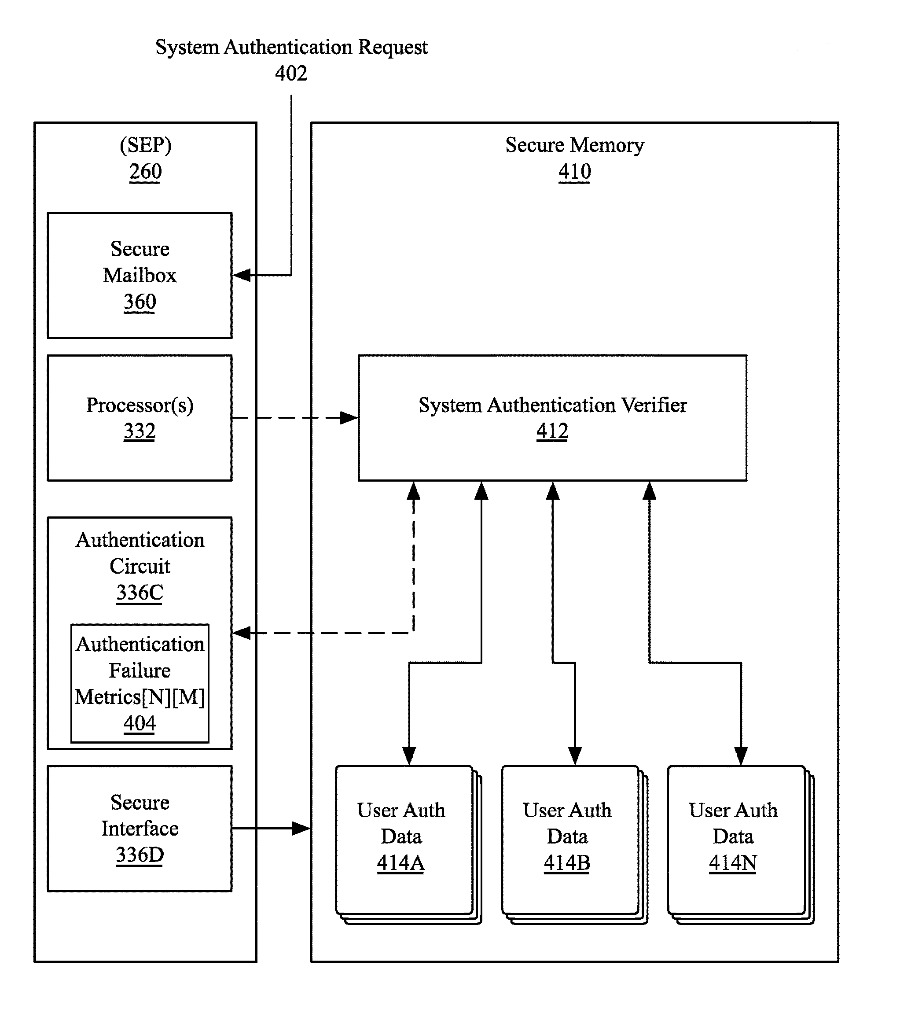
Detail from the patent showing one configuration of authentication before a user can access data on the device
What it possibly belabors is how that SEP, or similar, limits access to only what the specific user is authorized to use. The SEP can be "the primary arbiter of all data access on the system," meaning that everything must route through this future version of the T2 chip.
As part of this, the patent details methods of how one authorized user can set what another user may see. It discusses how the regular system, or a rogue user, "cannot gain access to resources within the SEP."
Aside from the potential for multiple users to share a device, most of this security is hidden behind the familiar passcode or, possibly, Face ID. What a user might see, though, includes what happens when they enter the wrong passcode.
We're already familiar with the idea that after so many failed login attempts, you get locked out. Apple's patent suggests that before you get to that stage, the system could be deliberately slowed down.
"Passcode throttling can be enabled some single-user mobile computing devices, such as smartphone or tablet computing devices," it says, "to limit the rate in which an unauthorized user can attempt to enter incorrect passcodes."
"As an additional technique, the rate of passcode entry can be throttled after a pre-determined number of incorrect authentication attempts," it continues. "Throttling the rate of incorrect attempts provides various benefits, including limiting the likelihood in which an accidental lockout occurs and frustrating the ability to of a malicious attacker to perform a brute-force passcode attack."
This patent is credited to three inventors, Pierre Olivier Martel, Arthur Mesh, and Wade Benson. Among their many related previous patents is one concerning access of multiple users to data containers on a single device.
The new patent is far from Apple's first research into multiple users on an iOS device. As long ago as 2013, it was applying for a comprehensive patent regarding several users of the same Touch ID-enabled device.
Source: Appleinsider









