 NEWS
NEWS
Apple Just Temporarily Closed all 53 Stores in California and Over a Dozen in London
 12/21/2020
 2713
2713
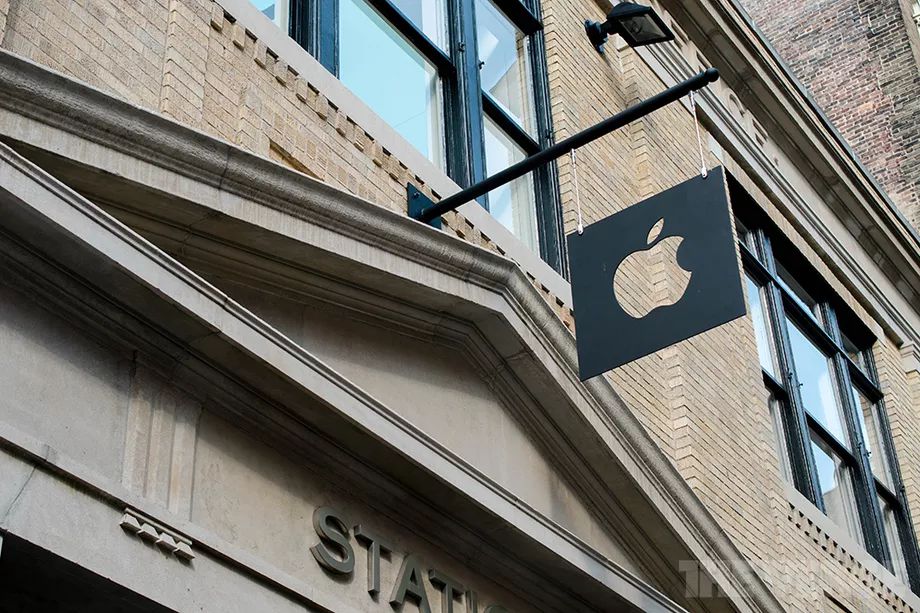
9to5Mac’s Michael Steeber noticed a interesting coincidence today: the company has temporarily closed every single retail store in California, many more across the US, both stores in Mexico, both stores in Brazil, and is about to close 16 additional stores across the UK. As Steeber points out, that’s nearly 100 stores if we include ones it closed in Germany and the Netherlands last week, leaving nearly a fifth of the company’s locations now closed worldwide.
I checked Apple’s complete list of stores to confirm, and sure enough: every California store, all four in Tennessee, all three in Utah, all four in Minnesota, two in Oklahoma, and the stores in Portland, Oregon; Anchorage, Alaska; Omaha, Nebraska; and Albuquerque, New Mexico are all closed this upcoming week — as well as the 16 additional stores in the UK, Mexico and Brazil starting tomorrow, December 20th.
It’s not hard to guess why the stores are reclosing, particularly in California where COVID-19 saw its four deadliest days yet in a row last week as part of an ongoing surge, and in London where Prime Minister Boris Johnson has just put the city in emergency lockdown starting midnight. Apple confirmed the gist of it in a statement: “Due to current Covid-19 conditions in some of the communities we serve, we are temporarily closing stores in these areas,” the company told Bloomberg.
Yesterday, California activated its emergency alert system in the SF Bay Area for the first time since the pandemic began, sending a message directly to every phone to help people understand that a stay-at-home order is now in effect.
:format(webp):no_upscale()/cdn.vox-cdn.com/uploads/chorus_asset/file/22185032/ca_bay_area_covid_alert.jpg "Apple Just Temporarily Closed all 53 Stores in California and Over a Dozen in London")
Source: The Verge









