 NEWS
NEWS
Apple Reportedly Working on a 32-core Processor for High-end Macs
 12/08/2020
 2277
2277
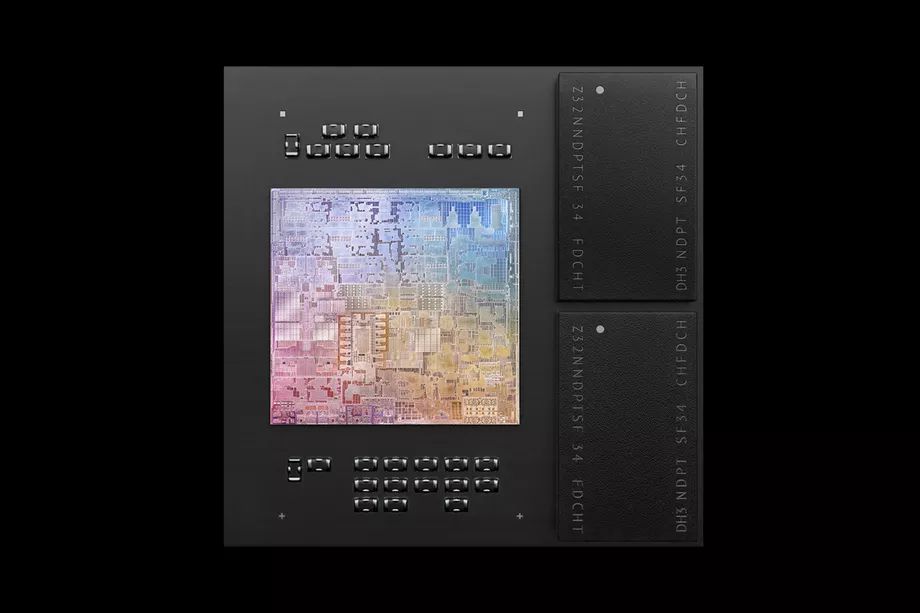
Apple is working on a new ARM-based processor with as many as 32 high-performance CPU cores that could appear in a Mac in late 2021, according to a new report from Bloomberg. The processor could also appear in a new “half-sized Mac Pro” in 2022. Alongside it, the company is also reportedly developing CPU designs with up to 16 high-performance cores and four power-efficient cores which are destined for new versions of the MacBook Pro and iMac. The new processors could arrive as early as spring 2021. Future Apple Silicon designs could also feature GPUs with up to 128 dedicated cores.
News of the upcoming processors comes as Apple has just released its first Macs powered by its own chips. The new MacBook Air, MacBook Pro, and Mac mini each used the company’s M1 chip, which features a CPU with four high-performance cores and four high-efficiency cores. However, the company’s more powerful machines like the Mac Pro continue to use Intel chips. Apple has said it intends to transition its whole Mac lineup onto its own chips over the course of two years.
As well as the increased CPU core count, Bloomberg reports that Apple is also working on chips with more GPU cores. While the current M1 chip comes with either seven or eight GPU cores, Apple is currently testing models with 16 and 32-cores, and is working on chips with as many as 128 for late 2021 or 2022.
:format(webp):no_upscale()/cdn.vox-cdn.com/uploads/chorus_asset/file/22150244/chip_gpu__bg7771yvjbpu_medium_2x.jpg "Apple Reportedly Working on a 32-core Processor for High-end Macs")
Although Apple is working on a processor design with 16 high-performance CPU cores, Bloomberg notes that it might choose to release it with only eight or 12 cores enabled, depending on how mass production goes.
Prior to Apple’s announcement of its switch to ARM-based processors, Bloomberg reported that it was working on a processor with a CPU featuring eight high-performance cores and four energy-efficient cores. A processor with this exact combination of cores is yet to be officially announced.
Considering Apple’s ambitious plans to move its entire Mac lineup onto its own silicon in the next two years, it makes sense that it has more powerful chips in development. Its first ARM-based Macs have impressed thanks to their combination of power-efficiency and performance, but matching the capabilities of its more powerful Intel-based machines like the Mac Pro is likely to be a far bigger challenge.
Source: The Verge









