 NEWS
NEWS
Apple Drops to Fourth in Global Smartphone Race During Rough Q3
 12/01/2020
 2328
2328
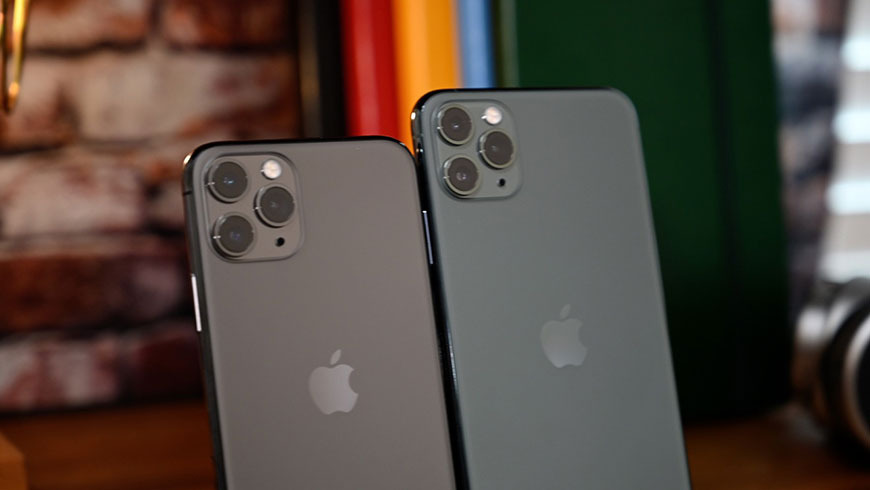
Apple's share of the global smartphone market contracted in the third quarter of 2020 as part of a wider slowdown blamed on coronavirus worries, dropping the iPhone maker into fourth place.
According to new estimates from research firm Gartner, Apple shipped 40.6 million iPhones during the quarter ending in September to capture an 11.1% marketshare. Year-over-year growth dipped 0.6%, pushing the company from third place to fourth.
First place Samsung was one of two firms to record growth in the third quarter with sales topping 80.8 million units, up 2.2% from the same time last year. The performance was good enough to take 22% of the market and nearly double Apple's iPhone shipments.
Despite a massive 21.3% year-over-year contraction, Huawei held onto the second spot with 51.8 million smartphone sales and a 14.1% marketshare.
Xiaomi was the quarter's biggest mover, jumping 34.9% to unseat Apple for the first time. The Chinese upstart sold 44.4 million handsets to take a 12.1% share of the market.
Oppo rounded out the top five with 29.9 million units sold and an 8.2% marketshare, down 2.3% from the year ago period.
Overall, global smartphone sales declined 5.7% year-over-year as consumer spending stalled due to the ongoing coronavirus pandemic. The situation is improving, however, as economies slowly churn back to life following government-mandated lockdowns.
"Consumers are limiting their discretionary spend even as some lockdown conditions have started to improve," said Anshul Gupta, senior research director at Gartner. "Global smartphone sales experienced moderate growth from the second quarter of 2020 to the third quarter. This was due to pent-up demand from previous quarters."
It should be noted that market research firms like IDC have questionable track records when it comes to estimating Apple unit sales. Apple executives, including CEO Tim Cook, have in the past rebutted quarterly forecasts, implying they are largely inaccurate.
Apple was particularly hard hit during the third quarter. The tech giant typically debuts new iPhone models at the end of September, a refresh cycle that buoys sales figures moving into the lucrative holiday quarter. This year, however, development and production ramp of iPhone 12 series devices was delayed as the virus forced Chinese partner suppliers to slow or suspend operations.
The iPhone maker ultimately launched its current-generation handset lineup in mid-October.
Source: Appleinsider









