 NEWS
NEWS
Apple Raises UK App Prices
 01/18/2017
 3238
3238
The iPhone 7 and MacBook Pro events saw an unexpected update to the Apple Store - UK pricing of many Apple products has increased. Apple has raised the prices of iPhones, iPads, Macs, MacBooks and apps in the UK since the Brexit vote. Here's everything you need to know about Apple prices in the UK.
Which Apple products have gone up in price in the UK since the Brexit vote?
iPhones, iPads, Macs, MacBooks and now apps have all gone up in price in the UK since the Brexit. It should be emphasised that Apple hasn't specifically stated that the outcome of the referendum is the reason for the UK price rises, but it certainly looks connected.
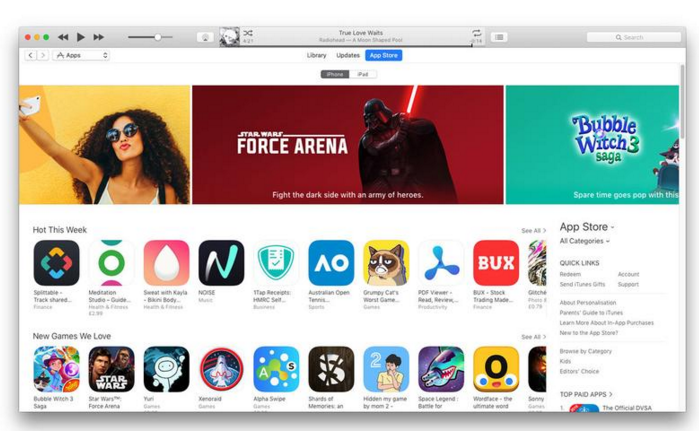
As with every Apple event, the online Apple Store closed its doors for a few hours whilst the company took the wraps off the iPhone 7, iPhone 7 Plus and Apple Watch Series 2 in September, and then again in October for the MacBook Pro 2016. What we hadn't expected, though, was for those doors to reopen to price hikes in the UK, even on products that were not new.
We suspect it's quite possible that the changes in the UK economy following our vote to leave the European Union is a factor in the changes. The Guardian also ran Apple's official statement:
"Apple suggests product prices internationally on the basis of several factors, including currency exchange rates, local import laws, business practices, taxes, and the cost of doing business. These factors vary from region to region and over time, such that international prices are not always comparable to US suggested retail prices."
Source: macworld









