NEWS

Apple Enlists Influencers to Promote iPhone 12 Mini on TikTok

11/26/2020

2623

Apple Enlists Influencers to Promote iPhone 12 Mini on TikTok


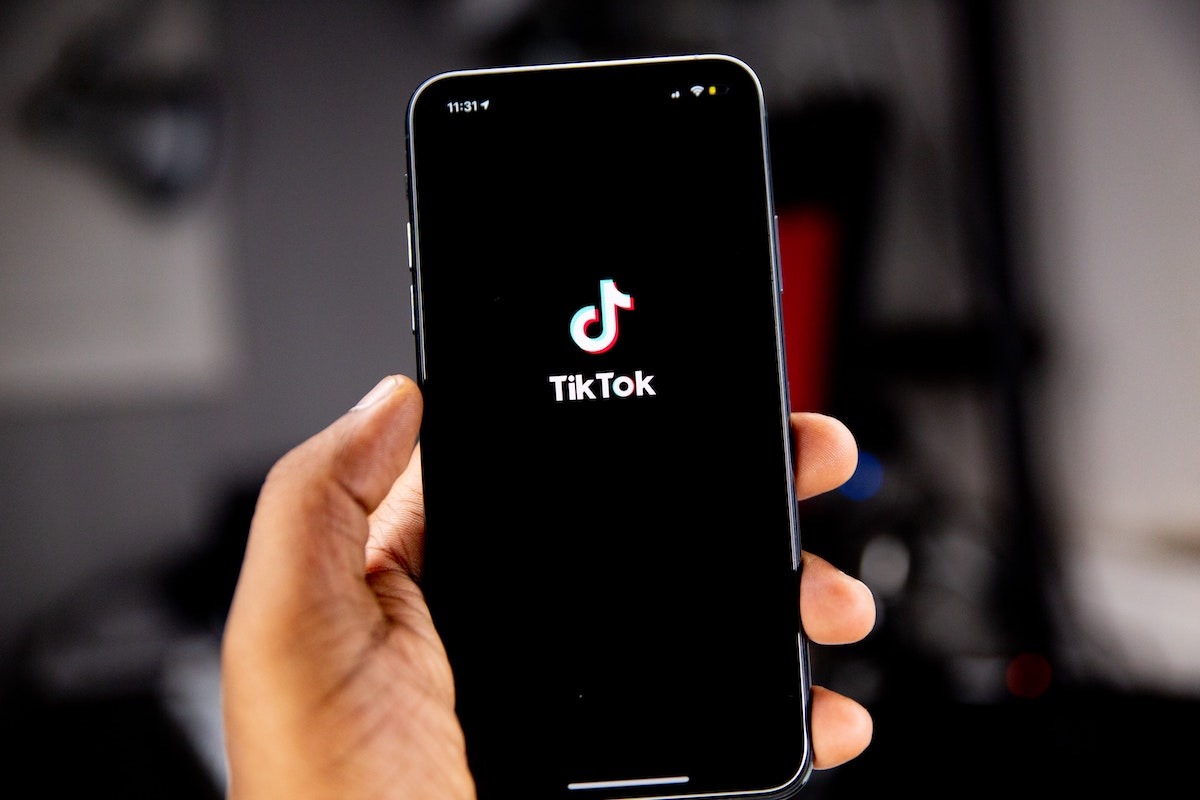
Apple is now using its previously dormant TikTok account and recruiting popular influencers on the platform to promote the iPhone 12 mini.


The new marketing campaign comes about seven months after Apple first established its verified account in April. Until now, the TikTok account has remained unused.


In November, Apple published four video clips featuring TikTok influencers Jessica Wang, Kevin B Parry, Zach King, and Julian Bass.


Each clip features the influencers making various items shrink to a more compact size, including jackets and cupcakes. They all end with the iPhone 12 being shrunk down to an iPhone 12 mini. The TikTok videos also challenge viewers to "make it mini," with a new hashtag for the proposed trend.


The campaign seems to have boosted Apple's profile on the platform, since the company now has around 378,000 followers and 350,000 thousand likes as of writing.


TikTok has been the subject of scrutiny from the outgoing Trump Administration, which tried to ban the platform earlier in the year.


In November, the Commerce Department placed a stay on the ban pending legal developments. With a new administration arriving in The White House in January, it's unclear what will happen to the ban order, though it's probable that it'll be nixed.


Source: Appleinsider

Windows
Mac OS
iOS
Linux
3uTools
Win 64-bit For this device
V9.0 2025-11-11
Download
Win 32-bit For this device
V9.0 2025-11-11
Download
3uTools
Intel Chip How to Identify Chip Type
V9.0 2025-12-02
Download
Apple Chip
V9.0 2025-12-02
Download
How to Identify Chip Type
1.  Click the Apple icon in the top-left corner of the screen and select About This Mac.
2.  Check the Processor or Chip field to determine if it is "Intel" or "Apple".
Please use the 3uTools PC client to install the iOS client:
1、 Install either the Windows or Mac version of 3uTools on your computer
2、 Open the PC client and connect your device to the computer via USB cable
3、 After the connection is successful, wait for the computer to automatically install the mobile app for the device, or locate “Install Mobile App” on the computer and manually click to install.
3uTools
deb file
V3.01 2025-11-20
Download
rpm file
V3.01 2025-11-20
Download
Windows
Windows
iOS
iOS
Android
Android
TV
TV
3uAirPlayer
Win 64-bit For this device
V6.0.2 2025-11-19
Download
Win 32-bit For this device
V6.0.2 2025-11-19
Download
iOS Device Mirroring (No App Required)
1、 Install 3uAirPlayer on the Windows PC
2、 Open Control Center and select Screen Mirroring
3、 From the list, choose your PC to start mirroring
4、 Or connect your iOS device to the PC via USB to begin mirroring
Scan to get "3uAirPlayer" App
3uAirPlayer TV V1.0.18
2025-11-28
TV System Requirements: Android 7.0 or later
Download the TV installation package, copy it to a USB drive, insert it into your TV or set-top box, then select the file from the home screen to install.