 NEWS
NEWS
Apple Temporarily Shutters Palo Alto Store For Repairs
 01/18/2017
 2853
2853
Apple's store in Palo Alto, Calif. has so far been closed all of this week, likely coping with the aftermath of a major burglary last month in which a vehicle rammed through the glass facade.
Apple makes little mention of the closure on the store's official webpage, and hasn't said when the shop will reopen. Indeed trying to call results in a recorded message says that the shop is undergoing "renovations," with the suggestion that people who need to buy something in person go to another store, such as the Stanford Shopping Center outlet.
The burglary took place before dawn on Dec. 4, and saw a group of 8 to 10 people smash a rented Kia Soul through the facade. The suspects then grabbed a number of Macs and iPhones, at least some of which were later found in another car parked half a block away in an alley.
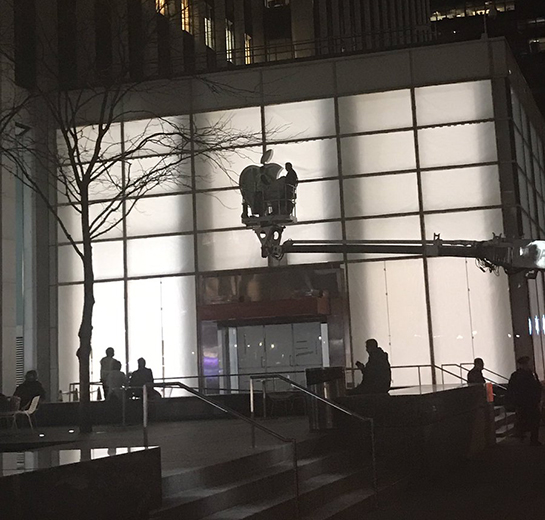
The shop actually reopened almost immediately, but with boarded-up windows. Apple uses unusually large glass doors/windows at many of its outlets, which in this case may have taken extra time to manufacture and ship. Perhaps more importantly, delays may be attributable to the company wanting to keep sales active through the holiday season.
Because of its glass facades and high-cost electronics, Apple has had to cope with a number of smash-and-grab burglaries. In some cases the company has set up deterrents like bollards, but in the Palo Alto attack, the thieves simply drove around them and veered in from the sidewalk.
Apple's most famous store —the Fifth Avenue "cube" in New York City —is due to close for renovations on Jan. 20. The company will temporarily relocate to the nearby General Motors building, occupying space that was once home to FAO Schwarz.
Source: appleinsider









