 NEWS
NEWS
Apple Invites Select Developers to Apple Silicon Mac labs Ahead of Launch
 10/29/2020
 2495
2495
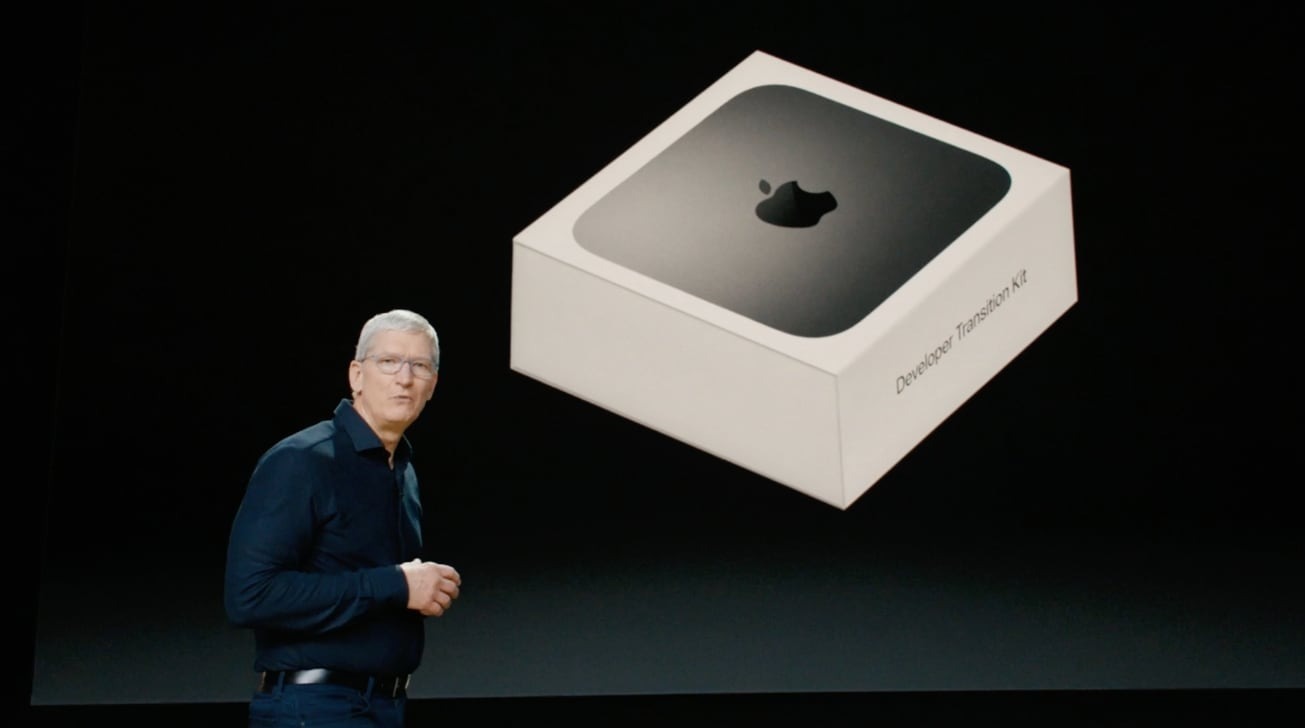
Apple this week invited developers taking part in the Universal App Quick Start Program to a round of one-on-one labs, with the initiative designed to prepare apps for upcoming Apple silicon Macs.
The lab series offers developers one-on-one code-level guidance from an Apple engineer who, according to the company, will help optimize iPhone, iPad and Mac apps for Apple silicon.
Participants of the Quick Start Program are receiving invitations to take part in the sessions via email. Developers can request a 30-minute appointment until Nov. 1 at 5 p.m. Pacific. One-on-one labs are to be held on Nov. 4 and Nov. 5.
Established earlier this year, the Universal App Quick Start Program allows developers to get a head start on programming software for Apple silicon Macs before the first devices launch. Those accepted into the program were able to purchase a Developer Transition Kit, which amounted to a Mac mini with specialized hardware powered by Apple's A12Z system-on-chip.
The testbed is thought to closely mimic the performance of initial Apple silicon Mac models, the first of which could debut in November. Apple previously said it planned on releasing an ARM-based Mac before the end of 2020, ahead of a complete shift away from Intel-based processors in about two years.
Recent rumors suggest Apple will unveil an Apple silicon Mac at a special event in November.
It remains unclear as to which Mac model will be first to get the Apple silicon treatment, but rumors in June pointed to a 12-inch MacBook with an "A14X" processor. Analyst Ming-Chi Kuo in July predicted a 13.3-inch MacBook Pro and revamped MacBook Air will be first to sport Apple's custom chips in the fourth quarter of 2020. Those are expected to be followed by 14- and 16-inch MacBook Pro models and an all-new form factor device in the second or third quarter of 2021, Kuo said.
Source: Appleinsider









