 NEWS
NEWS
Apple Will Ship Orders Straight From Its Stores For Some Customers
 10/12/2020
 2318
2318
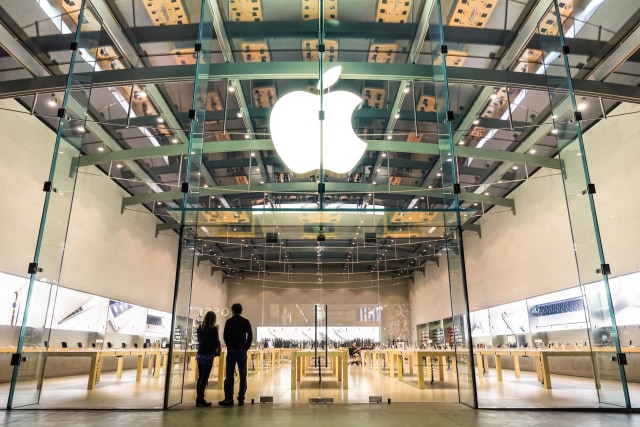
Your Apple device might arrive more quickly than usual if you live near an Apple Store in the US and Canada. The tech giant has started shipping orders directly from its retail outlets, according to Bloomberg, instead of shipping them from a distribution center or straight from China like it usually does.
You unfortunately won’t be able to choose whether to have your order shipped from a warehouse or from a store — apparently, the decision relies solely on Apple’s operations team. You could be getting your order from a retail outlet if you live within 100 miles from an Apple Store, though, because the program will only apply to people with a shipping address near one.
Apple will ship purchases from one of its brick-and-mortar outlets through United Parcel Service Inc. in Canada and through FedEx in the US, and they could arrive as soon as the next day. In addition to faster delivery, Apple apparently told its staff that the practice will reduce costs and potentially increase profit margins.
Bloomberg says Apple started testing the program after its stores started re-opening following COVID-19 shutdowns. It has since expanded the program’s availability, though it hasn’t rolled out to all its locations in the US and Canada yet. As the publication notes, the practice can keep stores operational even if they still aren’t open due to the pandemic.
Apple has been experimenting with the format of its outlets in the wake of COVID-19 and also recently started trialing “Apple Express” in California. With the Express format, staff will serve customers one at a time and hand their devices over quickly if they pre-purchase online. The company is reportedly thinking of turning some retail locations into online support or call centers, as well, so that they don’t have to shut down again due to the pandemic.
Source: Engadget









