 NEWS
NEWS
Here's Everything Apple Announced at Its 'Time Flies' Event
 09/16/2020
 2649
2649
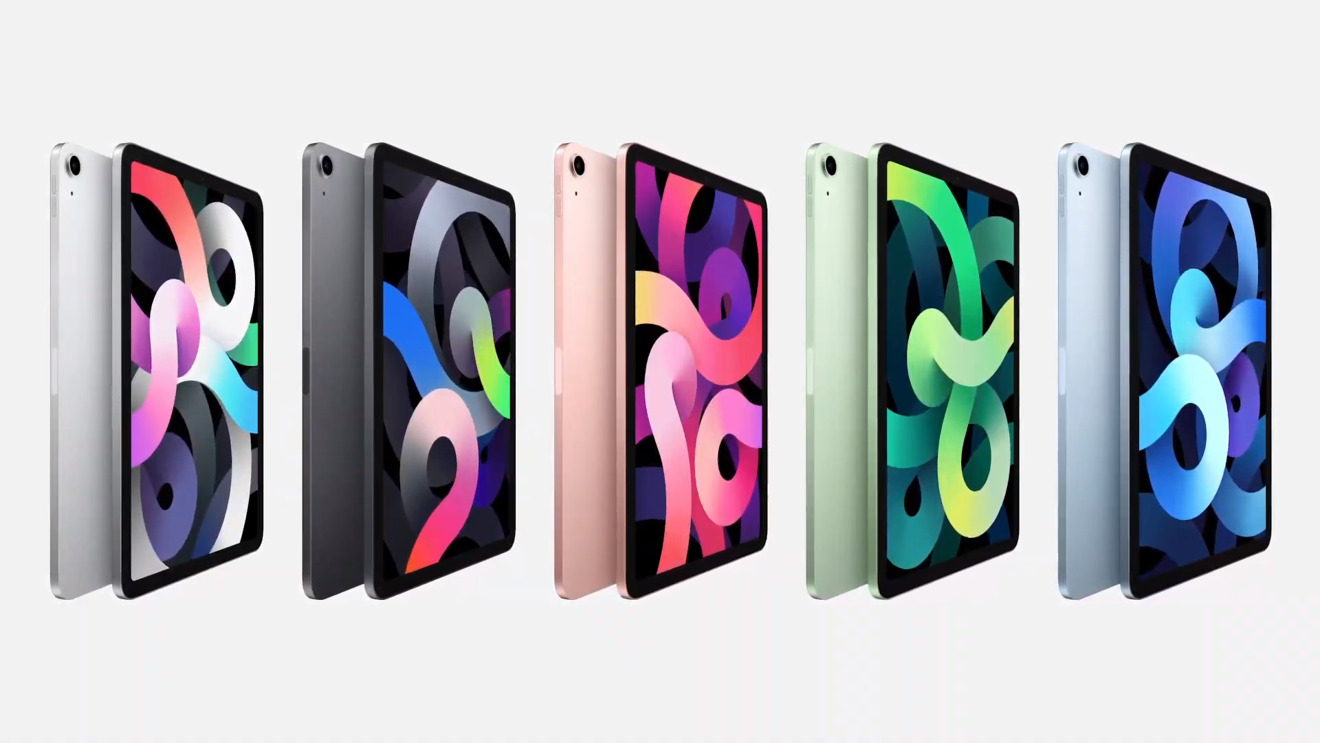
Apple has used its "Time Flies" event to launch the fourth-generation iPad Air, an update to the tablet that adds a larger 10.9-inch display and updates the physical design to bring it in line with the iPad Pro range.
Appearing during the presentation as part of a series of product launches, the new iPad Air refreshes the tablet a year and a half after the iPad Air 3's introduction in March 2019. Just as that model brought with it a few design changes borrowed from the iPad Pro line that departed from the value-oriented iPad range, the 2020 update brings with it more changes.
iPad Air 4 key features
10.9-inch Liquid Retina display
Touch ID in top button
A14 Bionic SoC
Front 7MP camera with Smart HDR
Rear 12MP camera with 4K60 video
10 Hour battery life
USB-C
Wi-Fi 6
60% faster LTE
Ships October from $599
The primary update to the model is its display, as while last year's version went from the signature 9.7-inch iPad screen size to a 10.5-inch version, Apple has gone one stage further. For the fourth-generation model, Apple has elected to use a 10.9-inch laminated screen, at a resolution of 2,360 by 1,650, which also includes P3 Wide Color and TrueTone support.
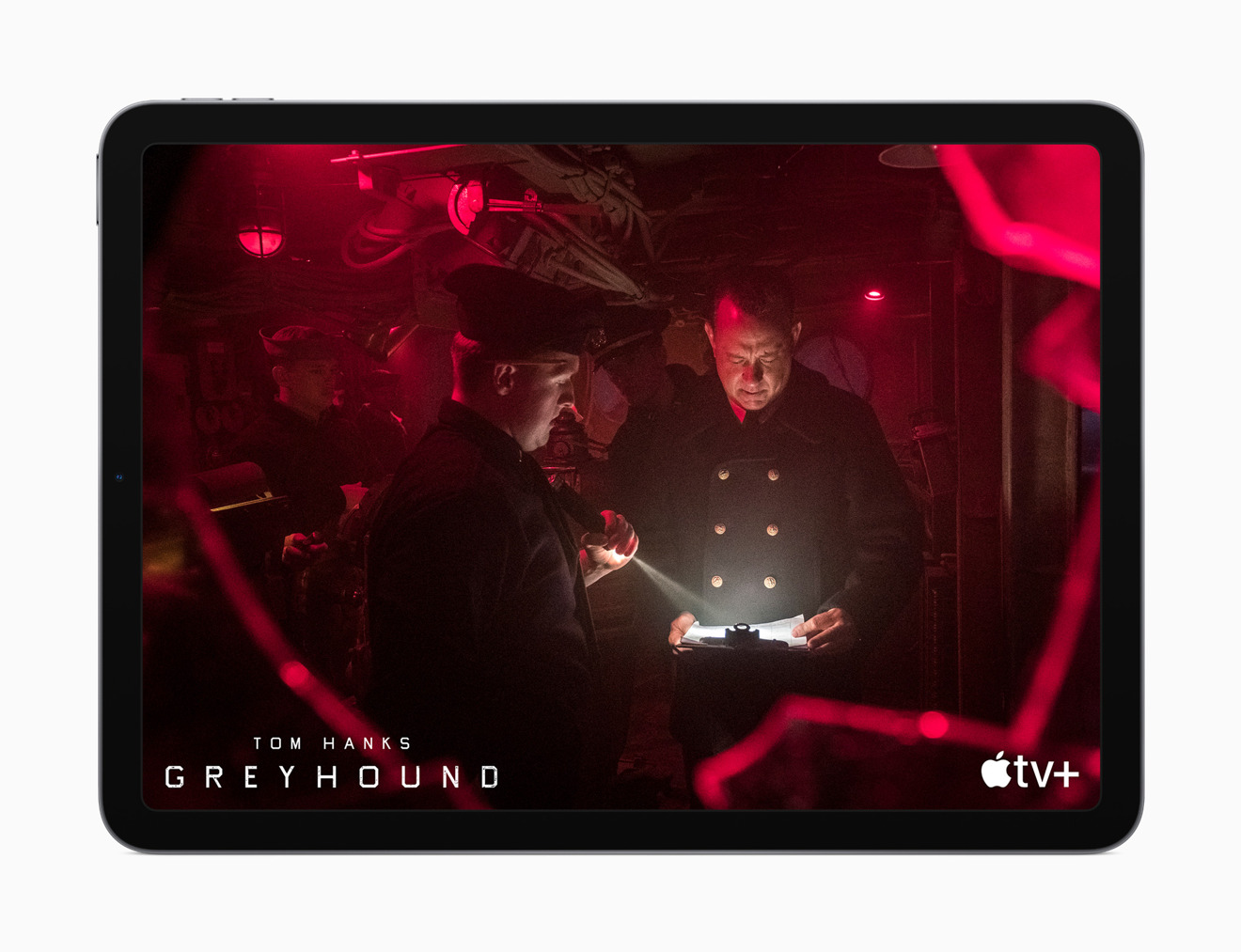
Apple removed the Home button from the iPad Air, shifting Touch ID to the top button.
The change in screen has led to a major change for Apple that was often brought up in rumors, in that there is no longer a home button on the front of the device. Rather than going down the route of using Face ID, like the iPad Pro line does, Apple simply moved Touch ID to function from the top buitton instead, so users can be authenticated at the same time as turning the iPad Air on.
To match the new display, the physical appearance of the iPad Air has been given an overhaul that brings it in line with the iPad Pro range. Rather than a curved back, the iPad Air now has flat sides with more defined edges, making it look similar to the 11-inch iPad Pro.
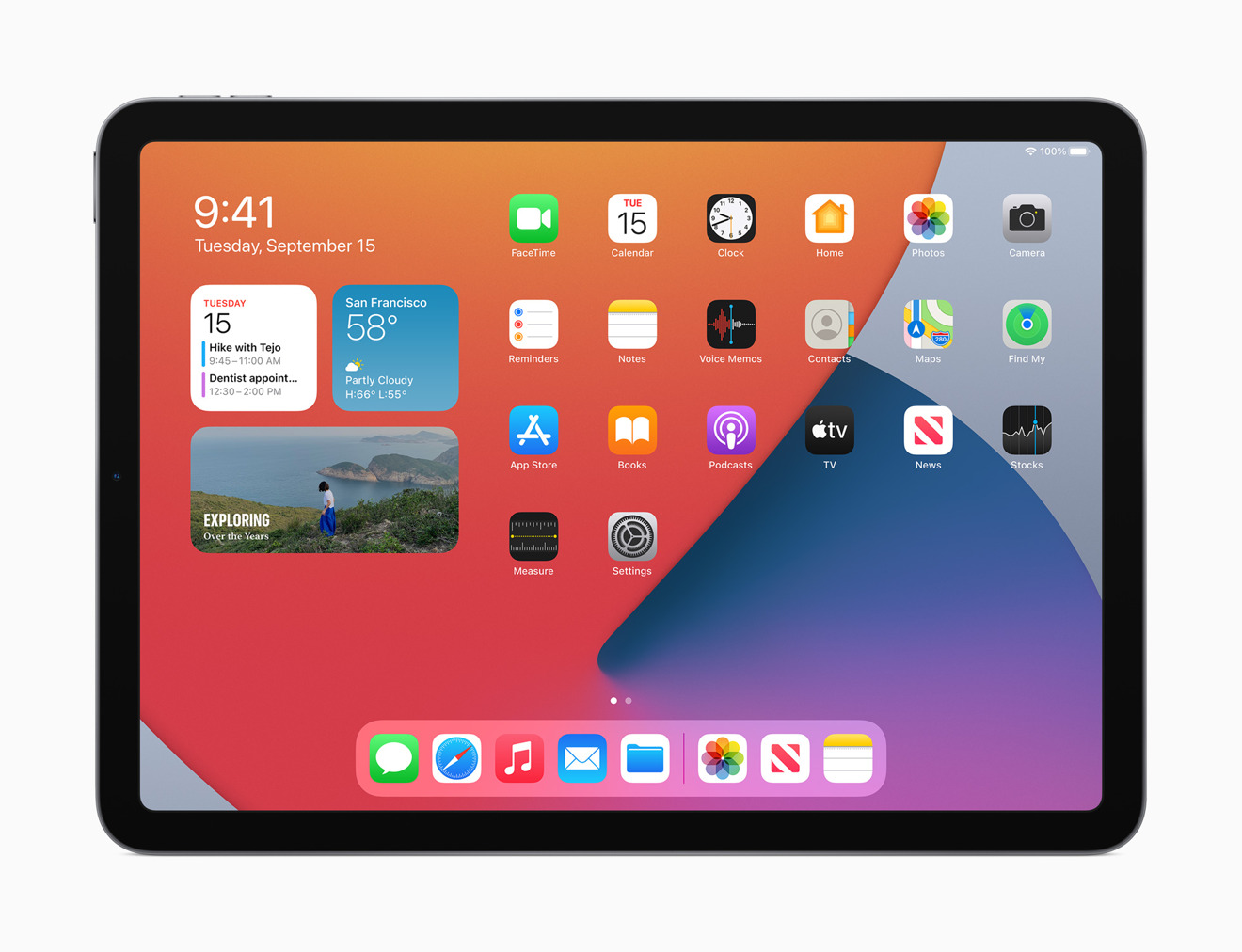
The iPad Air with the iPadOS home screen
Powering the iPad Air is the A14 Bionic chip. The chip improves on the processing performance of its predecessor, the A13, as well as the A12 used in the previous version of the iPad Air.
On the front is a 7-megapixel camera with Smart HDR, improved low-light performance, and 1080p video capture at 60fps. Around the back is an improved 12-megapixel camera, with 4K 60fps support, 240fps slo-mo, and improved video stabilization.
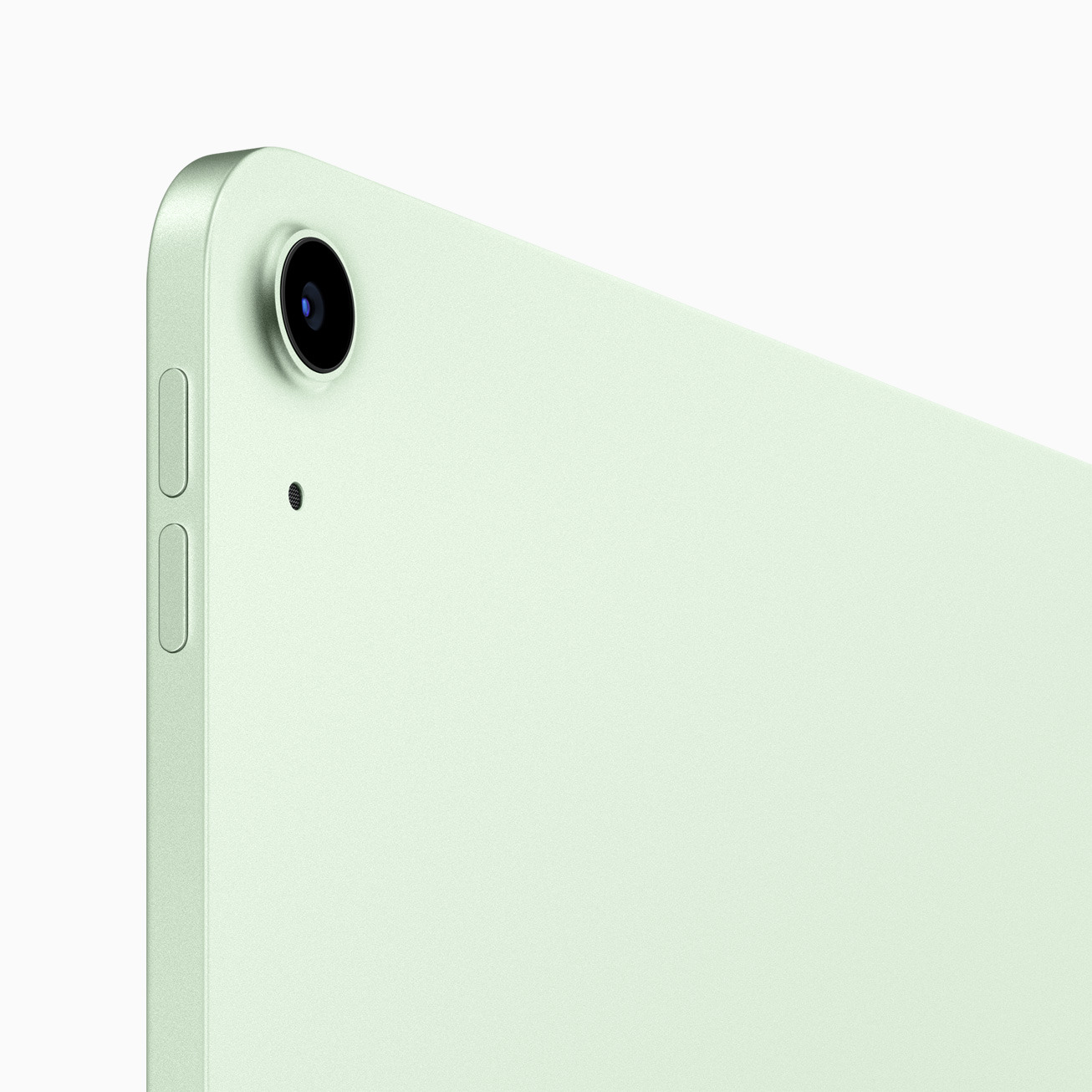
The rear camera on the iPad Air has been upgraded to a 12-megapixel sensor
Battery life for the model is comparable to earlier iterations, with Apple continuing to rate it as good for around 10 hours of usage.
As part of the device changes, Apple has departed from using Lightning to power and connect the iPad Air to accessories, in favor of a USB-C connection. This long-rumored change borrows the idea from the iPad Pro directly, and could help users employ the iPad Air more as a workstation than ever before.
Source: Appleinsider









