NEWS

New iPad Air Moves Touch ID to Power Button, Has USB-C Says Leaker

08/28/2020

2230

New iPad Air Moves Touch ID to Power Button, Has USB-C Says Leaker


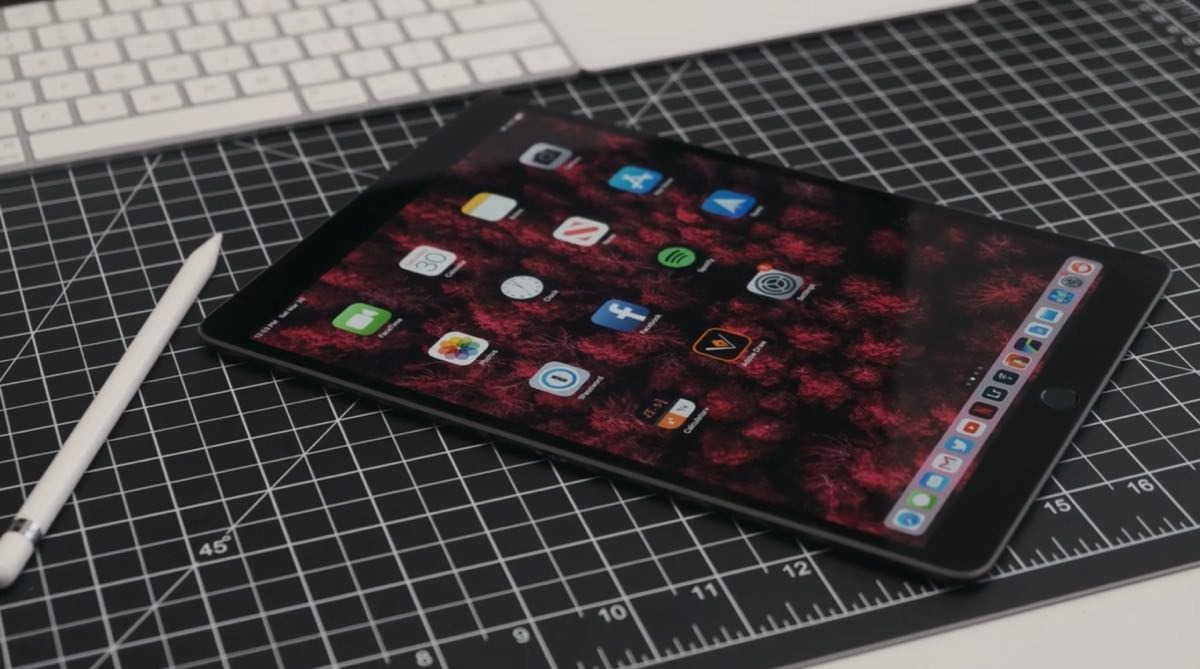
A leaker has posted what are purported to be images of an as-yet unreleased iPad Air manual, which show a larger display, and Touch ID relegated to to the sleep/wake power button.


Backing up previous reports that the forthcoming iPad Air will have an 11-inch display and use USB-C, a new leak claims to have images from Apple's documentation. The four shots show pages from what appears to be a Spanish-language iPad Air Manual.


The illustrations in the manual suggest that the display will be close to edge-to-edge. They show with graphics how this iPad Air will not have a Home button and instead will need the same swiping gestures as a Face ID device.


However, the Spanish captions also directly refer to "Touch ID with the top button to unlock the iPad Air." Leaker DuanRui also confirms that in the Twitter thread that follows the post.


DuanRui does not have a particularly long or strong track record in leaking Apple information. However, a recent DuanRui posting claiming that Apple's "iPhone 12" could come with a braided Lightning cable appear to have been backed up by the better-known leaker @L0vetodream.


The existence of forthcoming iPads has most recently been confirmed by Apple's listing model numbers on the EEC database.


Source: Appleinsider

Windows
Mac OS
iOS
Linux
3uTools
Win 64-bit For this device
V9.0 2025-11-11
Download
Win 32-bit For this device
V9.0 2025-11-11
Download
3uTools
Intel Chip How to Identify Chip Type
V9.0 2025-12-02
Download
Apple Chip
V9.0 2025-12-02
Download
How to Identify Chip Type
1.  Click the Apple icon in the top-left corner of the screen and select About This Mac.
2.  Check the Processor or Chip field to determine if it is "Intel" or "Apple".
Please use the 3uTools PC client to install the iOS client:
1、 Install either the Windows or Mac version of 3uTools on your computer
2、 Open the PC client and connect your device to the computer via USB cable
3、 After the connection is successful, wait for the computer to automatically install the mobile app for the device, or locate “Install Mobile App” on the computer and manually click to install.
3uTools
deb file
V3.01 2025-11-20
Download
rpm file
V3.01 2025-11-20
Download
Windows
Windows
iOS
iOS
Android
Android
TV
TV
3uAirPlayer
Win 64-bit For this device
V6.0.2 2025-11-19
Download
Win 32-bit For this device
V6.0.2 2025-11-19
Download
iOS Device Mirroring (No App Required)
1、 Install 3uAirPlayer on the Windows PC
2、 Open Control Center and select Screen Mirroring
3、 From the list, choose your PC to start mirroring
4、 Or connect your iOS device to the PC via USB to begin mirroring
Scan to get "3uAirPlayer" App
3uAirPlayer TV V1.0.18
2025-11-28
TV System Requirements: Android 7.0 or later
Download the TV installation package, copy it to a USB drive, insert it into your TV or set-top box, then select the file from the home screen to install.