 NEWS
NEWS
Supply Chain Preparing For New Mini LED iPad Pro in Early 2021
 07/03/2020
 2282
2282
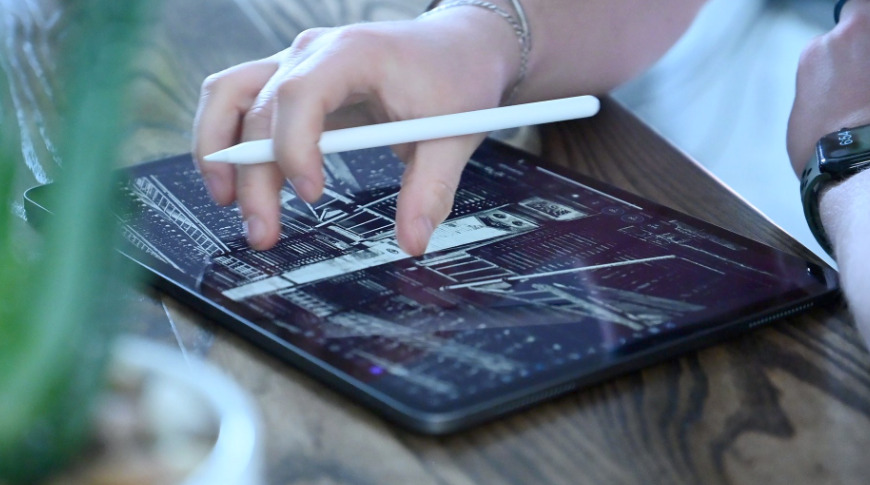
Previously reported negotiations with component manufacturers are said to have now resulted in suppliers receiving orders for mini LED screens for forthcoming iPad Pro, and MacBook Pro models.
Following reports about component suppliers under consideration in 2019, Apple appears to have now confirmed manufacturers for the mini LED screens. Zhen Ding Technology and Flexium Interconnect are said to be joining existing supplier Young Poong Electronics, for the launch of a new iPad Pro in 2021.
"Taiwan's flexible PCB makers Zhen Ding Technology and Flexium Interconnect reportedly have entered the supply chain of Apple's upcoming mini LED-backlit iPad Pro and MacBook series," says Digitimes, based on supply chain information, "and will compete with their South Korean peer Young Poong Electronics."
The publication, which has a poor track record with reporting on Apple products but a much stronger one on supply chain details, says the iPad Pro is coming early in 2021.
This information fits with a previous report by analyst Ming-Chi Kuo that Apple's Mini LED devices look set to be delayed to the first quarter of 2021. Prior to this, Kuo had expected Apple to release six devices with Mini LED screens, ranging from the iPad mini, to the iMac Pro, all by the end of 2020.
While reportedly new to providing Apple with Mini LED screens, both Zhen Ding Technologies and Flexium Interconnect have previously worked with Apple. The former is reportedly involved in producing the main logic board for the iPhone SE, while the latter has been mentioned in conjunction with the "Apple Watch Series 6."
Source: Appleinsider









