 NEWS
NEWS
Apple Stops Updates for Thousands of Games in China’s App Store
 07/02/2020
 2520
2520
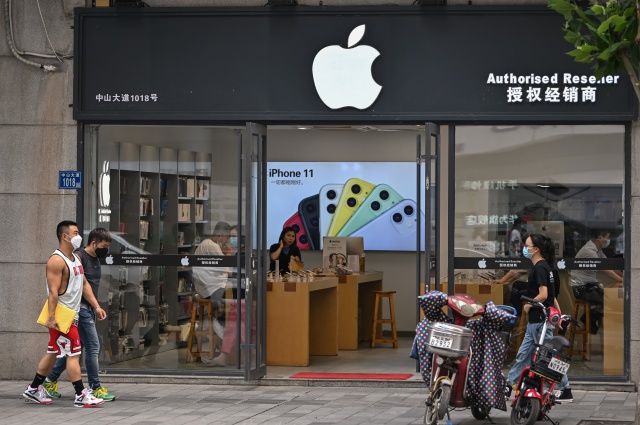
Apple has suspended updates for thousands of games on its App Store in China because they lack a license from the Chinese government, The Financial Times reported. The company has faced mounting pressure from the Chinese government in recent weeks to comply with local regulations, including that all games show proof of a government granted license.
Apple’s biggest App Store market is China, according to The Financial Times, and most of the $16.4 billion App Store revenue in the country comes from games. Internet Content Provider licenses have been required for all paid-for apps, or those with in-app purchases, in China since 2016. Licenses are granted after a government review, and can be difficult to obtain.
Android app stores have largely observed the license rule since 2016. Apple, however, took a looser approach, allowing developers to publish their games while they waited for authorization, which could take months. Estimates show there are roughly 60,000 affected games in the China App Store, but China’s regulators have only issued around 43,000 licenses since 2010, according to the FT.
It’s unclear how Apple was able to skirt this rule for so long, or why it’s cracking down on the rule now, but the company has taken steps recently to prepare developers. In February, Apple “reminded” iOS developers in China that they needed to obtain licenses prior to publishing. In June they began warning developers that they would need to obtain licenses for their games by June 30, or else be banned and removed from the Apple app store. Now that the calendar has flipped to July, Apple is making good on its promise.
Source: Engadget









