 NEWS
NEWS
Refresh of iPad Pro With Mini LED, 5G Expected in The First Half of 2021
 06/04/2020
 2438
2438
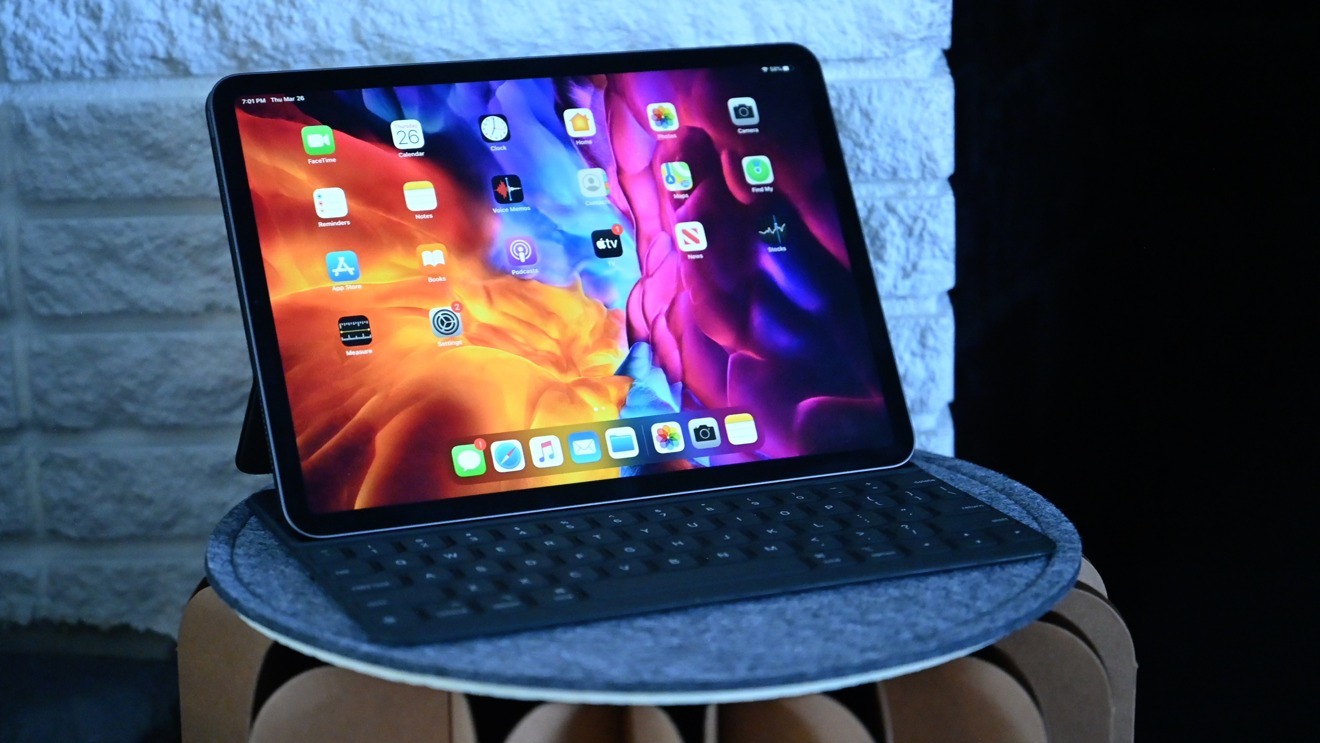
A radical refresh to the iPad Pro with 5G and mini LED may not arrive until 2021, if a new rumor is accurate.
A pair of leakers have discussed another iPad Pro refresh on Twitter. Not only does one leaker identify iPad Pro prototypes by Apple codenames — specifically J517 for a a refresh of the 11-inch iPad Pro, and J522 for the new 12.9-inch iPad Pro — but the other discusses 5G connectivity and screens.
The tweets, by the Fudge and L0vetodream accounts, claims that iPad Pro models with A14X processors, mini LED screens, and 5G connectivity will arrive "next year" in the first half of the year.
This is in line with a report from April, suggesting that the iPad Pro refresh may not arrive until 2021.
The iPad Pro refresh is said to be Apple's first tablet to have 5G connectivity, arriving around the same time as the 2020 iPhone range which is also believed to be adopting the communications technology. It is likely an iPad Pro refresh to include 5G would have helped Apple promote adoption of 5G connections within its customer base, as well as enabling it to use more 5G modems and benefit from economies of scale.
The model has also been previously rumored to be equipped with a Mini LED display, with reports in February and March pointing not only to the screen technology's usage, but also an arrival in late 2020. Reports at the time pointed to an expansion of production for mini LED components ahead of Apple issuing its orders, though it was unclear if the coronavirus impacted production in that field.
Apple has refreshed the iPad Pro lineup in March, with a small specification bump and the gaining of rear LiDAR being relatively minor improvements to the product range.
Source: Appleinsider









