 NEWS
NEWS
Apple to Start Reopening U.S. Stores Next Week
 05/09/2020
 2721
2721
Apple will begin reopening its retail stores in the United States next week, reports CNBC, starting with locations in Idaho, South Carolina, Alabama, and Alaska.
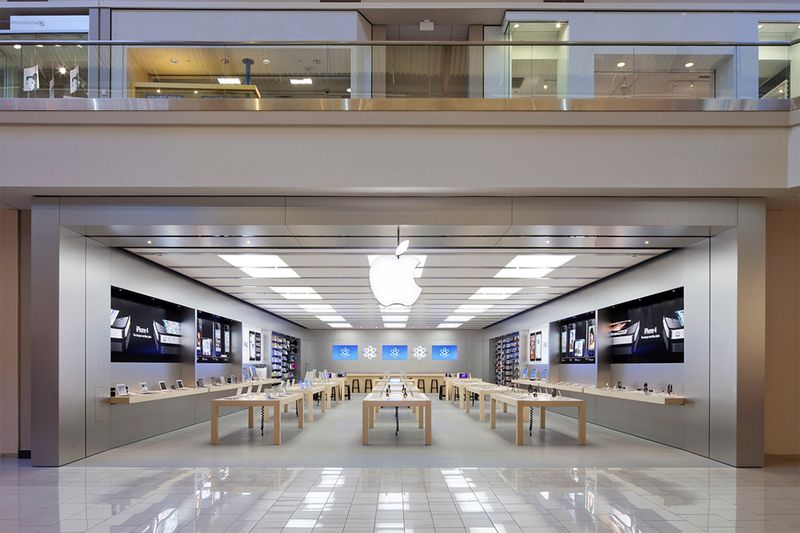
Apple plans to limit the number of customers in the store at a time, and temperature checks will be performed at the door. Apple also has a number of other measures in place to keep customers and employees safe, as we outlined this morning.
"We're excited to begin reopening stores in the US next week, starting with some stores in Idaho, South Carolina, Alabama and Alaska. Our team is constantly monitoring local heath data and government guidance, and as soon as we can safely open our stores, we will."
"Our new social distance protocol allows for a limited number of visitors in the store at one time so there may be a delay for walk-in customers. We recommend, where possible, customers buy online for contactless delivery or in-store pick up."
Reopened Apple Stores will operate on reduced hours and will primarily focus on repairs, with Apple encouraging customers to purchase online where possible.
Most stores are not listing hours at this time with the exception of Apple Boise Towne Square, which reopens Monday at 11:00 a.m.
During last week's earnings call, Apple CEO Tim Cook said that Apple planned to start reopening some stores in the United States in May. Store reopenings are done on a city by city, county by county basis, with Apple taking into account local data and guidelines.
Apple has already reopened stores in South Korea, Austria, and Australia, with plans to also reopen stores in Germany next week.
Source: Macrumors









