 NEWS
NEWS
Apple Invests $10 Million in a COVID-19 Sample Collection Kit Manufacturer
 05/08/2020
 2195
2195
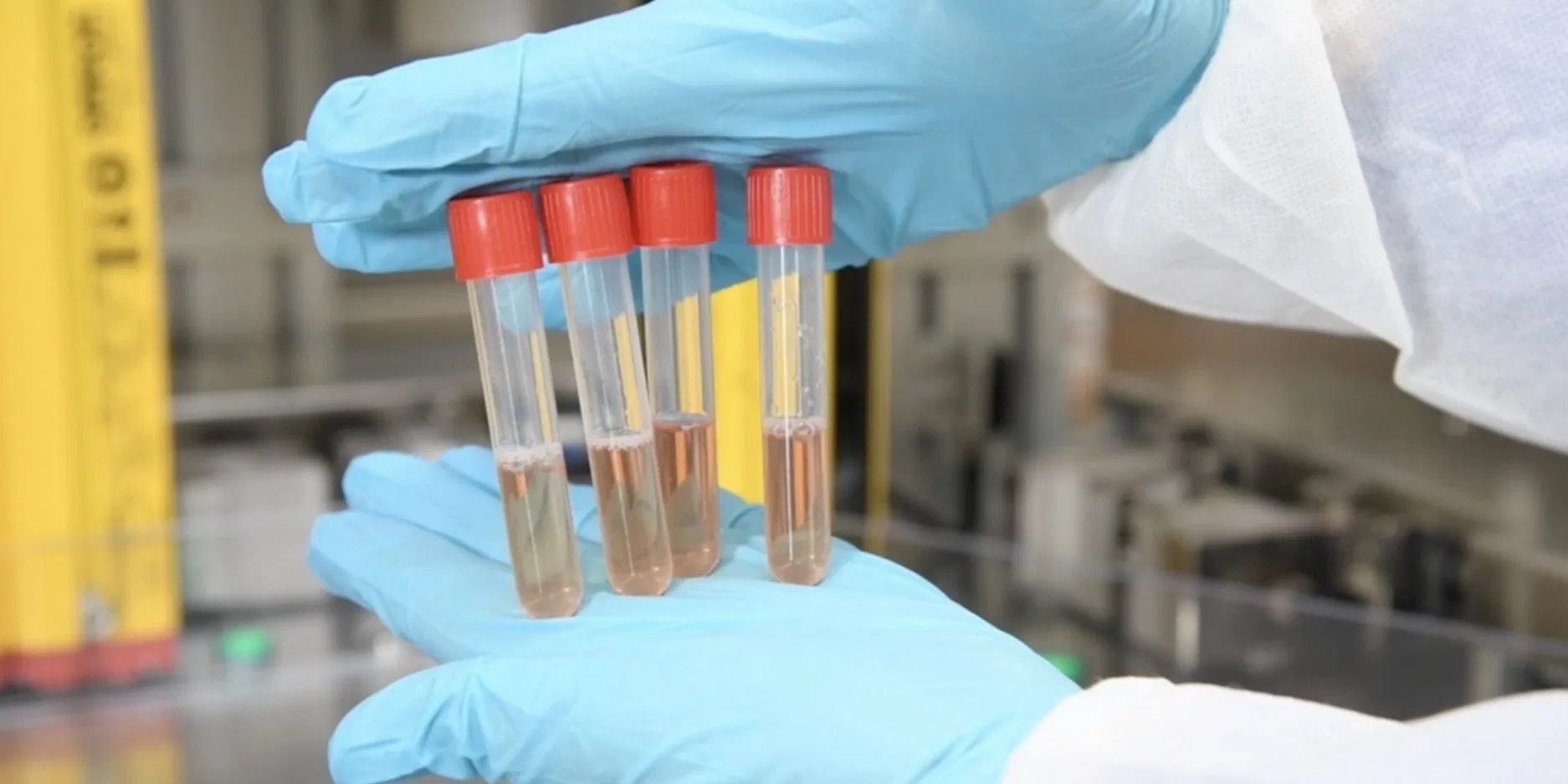
Apple announced today that it has invested $10 million to COPAN Diagnostics, as part of its Advanced Manufacturing Fund for US businesses. COPAN Diagonistics is a manufacturer of collection kits for coronavirus samples. The investment will help the company grow production levels to more than one million kits per week.
In the past, Apple has used the Advanced Manufacturing Fund to invest in companies directly related to its supply chain, like Corning glass, or Finisar — the VCSEL laser manufacturer whose components form part of the Face ID TrueDepth camera system.
The investment is just one of the things Apple is doing to help fight coronavirus pandemic. The $10 million investment in COPAN joins tens of millions of dollars in other donations to causes like the American Food Fund. Apple has also donated 20 million N95 masks and is designing and shipping face shields at a rate of about one million per week.
The company has also released a COVID-19 questionnaire app and website to help the public evaluate the next steps for their symptoms, in accordance with CDC guidelines. On the last quarterly earnings call, Tim Cook said the tool had been used more than 3 million times. Most significantly, Apple and Google have partnered on an exposure notification API which uses the short-range Bluetooth features of smartphones to support regional contact tracing.
The API can notify individuals that they have been in proximity to someone who has reported positive for COVID-19, whilst preserving anonymity and privacy. The API is currently operational in the iOS 13.5 developer beta, and will be released later in May. The use of the API will be tightly controlled by Apple, who will only be approving its use for apps provided by government institutions. Down the road, Apple and Google have promised to integrate some of the exposure notification features directly into their respective operating systems, removing the need to download an additional app.
COPAN Diagnostics currently produces a few thousand kits per week. Apple says it is helping to design the equipment that COPAN Diagnostics will use to scale up its operations to more than one million units per week by early July.
Apple COO Jeff Williams said Apple is thrilled to partner with COPAN to help support the global response to COVID-19: “We feel a deep sense of responsibility to do everything we can to help medical workers, patients, and communities support the global response to COVID-19,” said Jeff Williams, Apple’s chief operating officer. “COPAN is one of the world’s most innovative manufacturers of sample collection kits for COVID-19 testing, and we’re thrilled to partner with them so they can expand as we work to address this critical issue for our nation. I couldn’t be prouder of our teams for bringing all of their energy, passion, and innovative spirit to supporting the country’s COVID-19 response.”
Raw materials and equipment for COPAN’s manufacturing will be sourced from companies across the United States, including Pennsylvania and Wisconsin.
The Advanced Manufacturing Fund was established in 2017 as a way for Apple to show commitment to domestic manufacturing and promote US job creation. Apple has since announced it will invest a total of $5 billion in US manufacturing businesses. Of that $5 billion pledge, about $1 billion has already been paid out by Apple. That includes a $390 million purchase commitment to Finisar and approximately $450 million investment in Corning.
Source: 9to5mac









