 NEWS
NEWS
Apple is Reopening its Retail Store in South Korea on April 18
 04/17/2020
 3038
3038
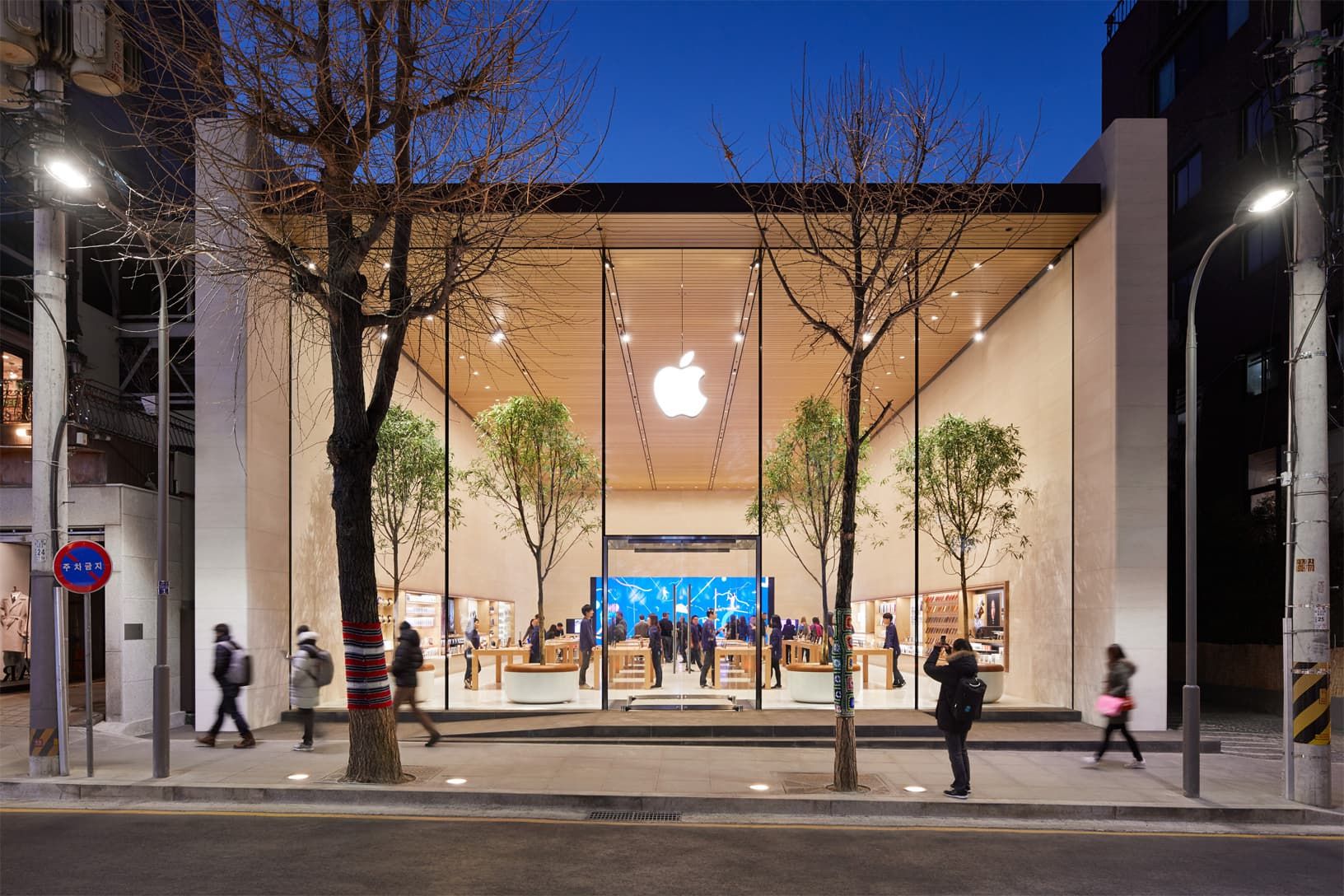
In March, Apple confirmed that it would be keeping its retail stores outside of China closed “indefinitely”, or until it was deemed viable to reopen them, due to the coronavirus pandemic.
Bloomberg is reporting today that Apple is starting to think about reopening its physical retail stores outside of China now, and the first one will happen very soon. The report indicates that the sole retail store in South Korea, located in the Gangnam district in Seoul, will reopen on Saturday, April 18. The store’s doors will open at 12:00 PM local time, and the store will be focusing on support rather than sales.
The store will close at 8:00 PM local time.
Here’s a statement from Apple on the reopening: Apple said in a statement that “South Korea has shown great progress during the spread of COVID-19,” prompting the company to reopen its Seoul store on April 18. The location will operate on an adjusted schedule to begin with “to ensure customers and employees continue to stay healthy.” Apple also said it will be focusing on support, rather than sales, to begin with.
“A focus for the store will be service and support at the Genius Bar,” Apple said in a statement Thursday. “For customers who want to make a purchase, we have several options including ordering online for delivery or pick up in store.”
This appears to line up with Apple’s own expectations as far as potential store reopenings are concerned. Before April arrived, Apple’s retail chief Deidre O’Brien said that the company would be considering opening its retail stores again sometime in the first half of April. However, the company would be investigating regions across the globe to determine if that would be safe or not and go from there.
We previously reported that, as of April 3, all Apple Stores in the United States will remain closed until at least May. As noted in this report today, the reopening of the Apple Store in South Korea is probably the start of a rolling wave that will continue to expand across the globe. Still, Apple will make determinations based on the local conditions, so some Apple Stores might not reopen anytime soon.
Source: iDB









