 NEWS
NEWS
Broadcom Chip Flaw Left Select iPhones Vulnerable to Network Eavesdropping
 02/27/2020
 2552
2552
A flaw in Wi-Fi chips made by Cypress Semiconductor and Broadcom left “billions of devices” open to an eavesdropping vulnerability, ArsTechnica reports today. The flaw was announced by researchers at the RSA security conference today, and has already been patched by most manufacturers.
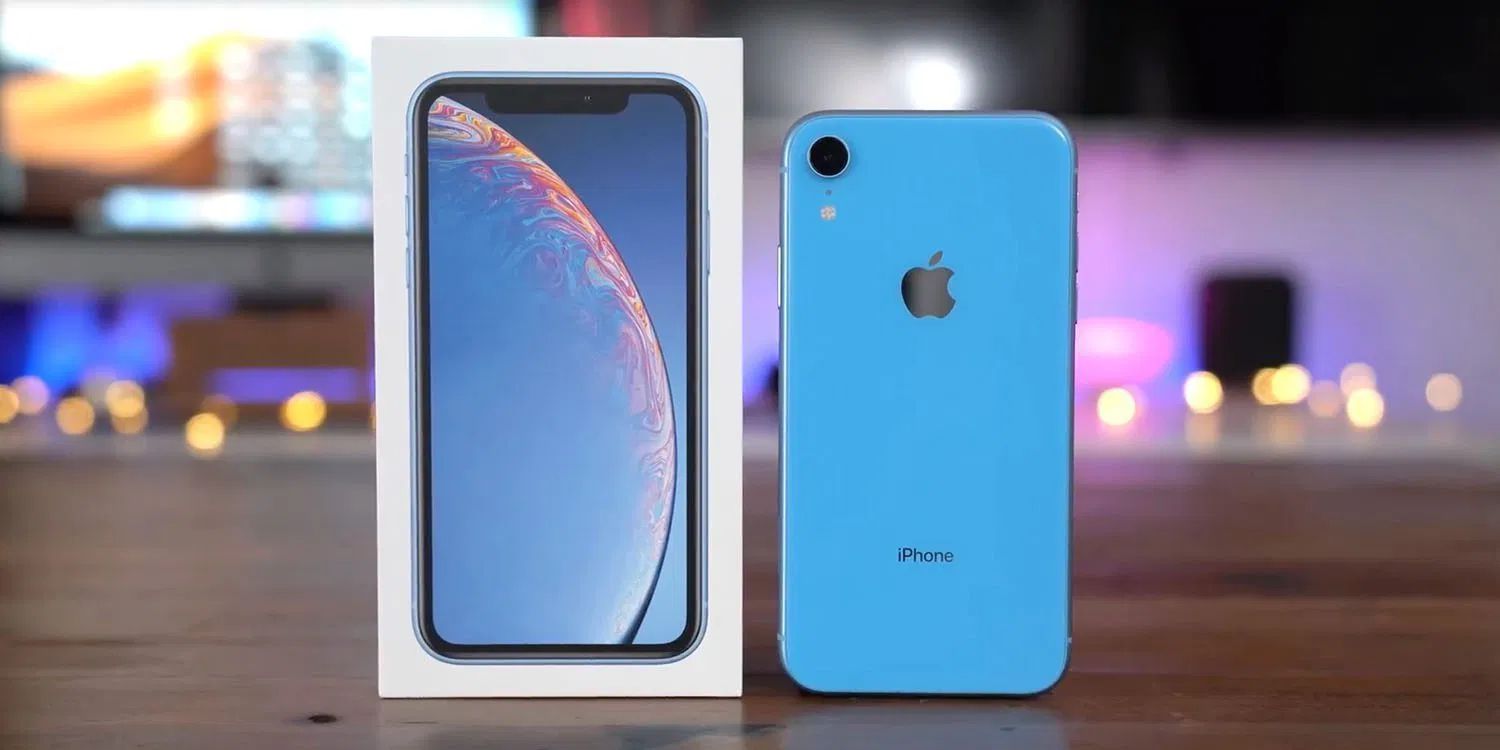
The vulnerability primarily affects FullMAC WLAN chips from Cyperess and Broadcom. These chips are used in billions of devices, Eset researchers say, including iPhones, iPads, and Macs. The flaw would have allowed nearby attackers to “decrypt sensitive data sent over the air,” according to the researchers.
Researchers from Eset explained: ESET researchers discovered a previously unknown vulnerability in Wi-Fi chips and named it KrØØk. This serious flaw, assigned CVE-2019-15126, causes vulnerable devices to use an all-zero encryption key to encrypt part of the user’s communication. In a successful attack, this allows an adversary to decrypt some wireless network packets transmitted by a vulnerable device.
An Apple spokesperson confirmed to ArsTechnica that it fixed these vulnerabilities last October in updates for macOS here and iOS and iPadOS here. The affected Apple devices including:
iPad mini 2
iPhone 6, 6S, 8, and XR
MacBook Air 2018
Other devices from Google, Amazon, and Samsung were also affected, as were wireless routers from Asus and Huawei. Here’s how Apple explained the fix included in macOS 10.15.1:
Impact: An attacker in Wi-Fi range may be able to view a small amount of network traffic
Description: A logic issue existed in the handling of state transitions. This was addressed with improved state management.
ArsTechnica has more details on the technicalities of the vulnerability, so be sure to check out their coverage. For Apple users, however, there seems to be no reason to worry, so long as you’re running the latest versions of iOS, iPadOS, and macOS on your devices.
Source: 9to5mac










